Troubleshooting
9
9-6 ineo+ 220/280/360 (Version 3)
9.1
Answer
Check for the following.
- Check that no torn paper remains in the part indicated by the number in the touch panel screen. If the
paper could not be removed, contact your service representative.
- Open, then close the door indicated by the number in the touch panel screen. The message may not
remain displayed after this operation is performed.
NOTICE
If the jam warning remains displayed after the indicated items have been checked, contact your service
representative.
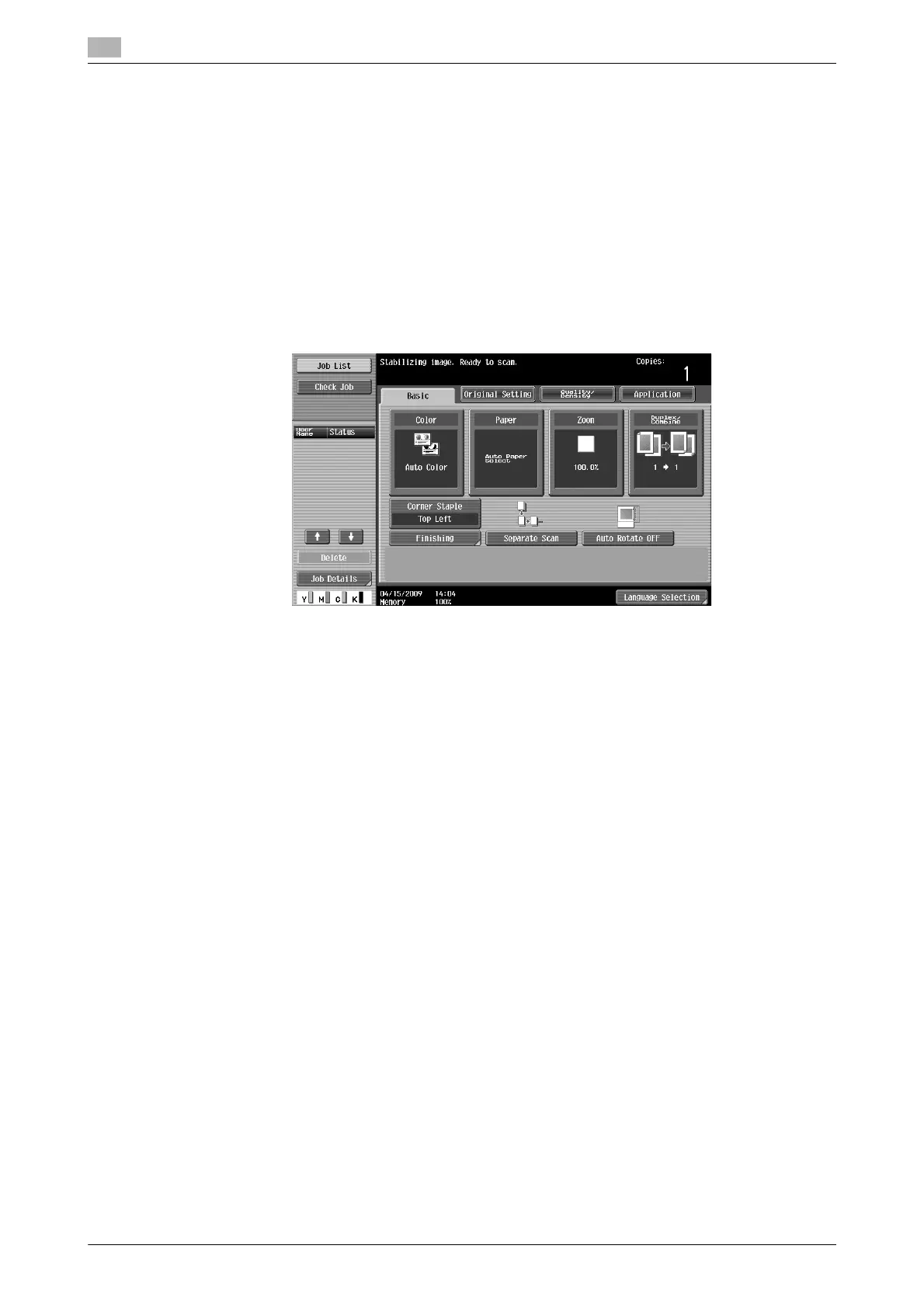
What is image stabilization?
In order for this machine to maintain stable color reproduction, it has a function for automatically adjusting
the print quality. Adjusting the print quality is called "image stabilization"
Answer
Image stabilization is performed after a large number of copies have been printed or when there are changes
to the temperature or humidity within the machine.
When image stabilization is finished, wait until printing automatically continues.
NOTICE
If the image stabilization operation does not end after waiting for some time, contact your service
representative.









 To Next Page