ineo+ 220/280/360 (Version 3) 3-3
3.1 Specifying basic settings for quick copying
3
3 Useful copy operations
3.1 Specifying basic settings for quick copying
The screen can be customized, for example, with the Quick Copy screen, so that copy functions are more
conveniently available.
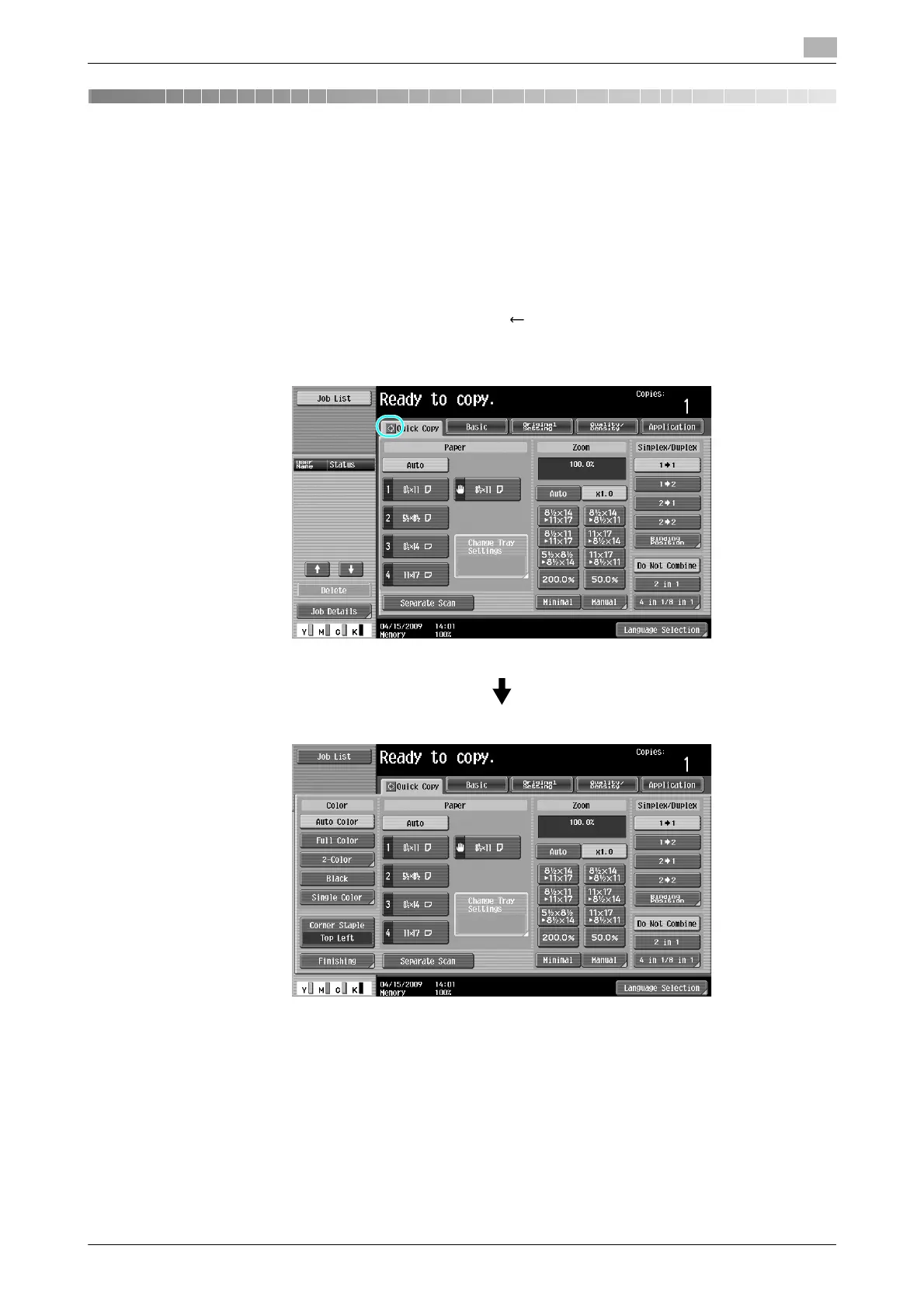
Quick Copy screen
Basic copy settings are available in one screen. Press [ ] in the screen to display additional settings, such
as other Color settings.









 To Next Page