ineo+ 220/280/360 (Version 3) 4-19
4.10 Configuring an easy-to-use printer driver
4
4.10 Configuring an easy-to-use printer driver
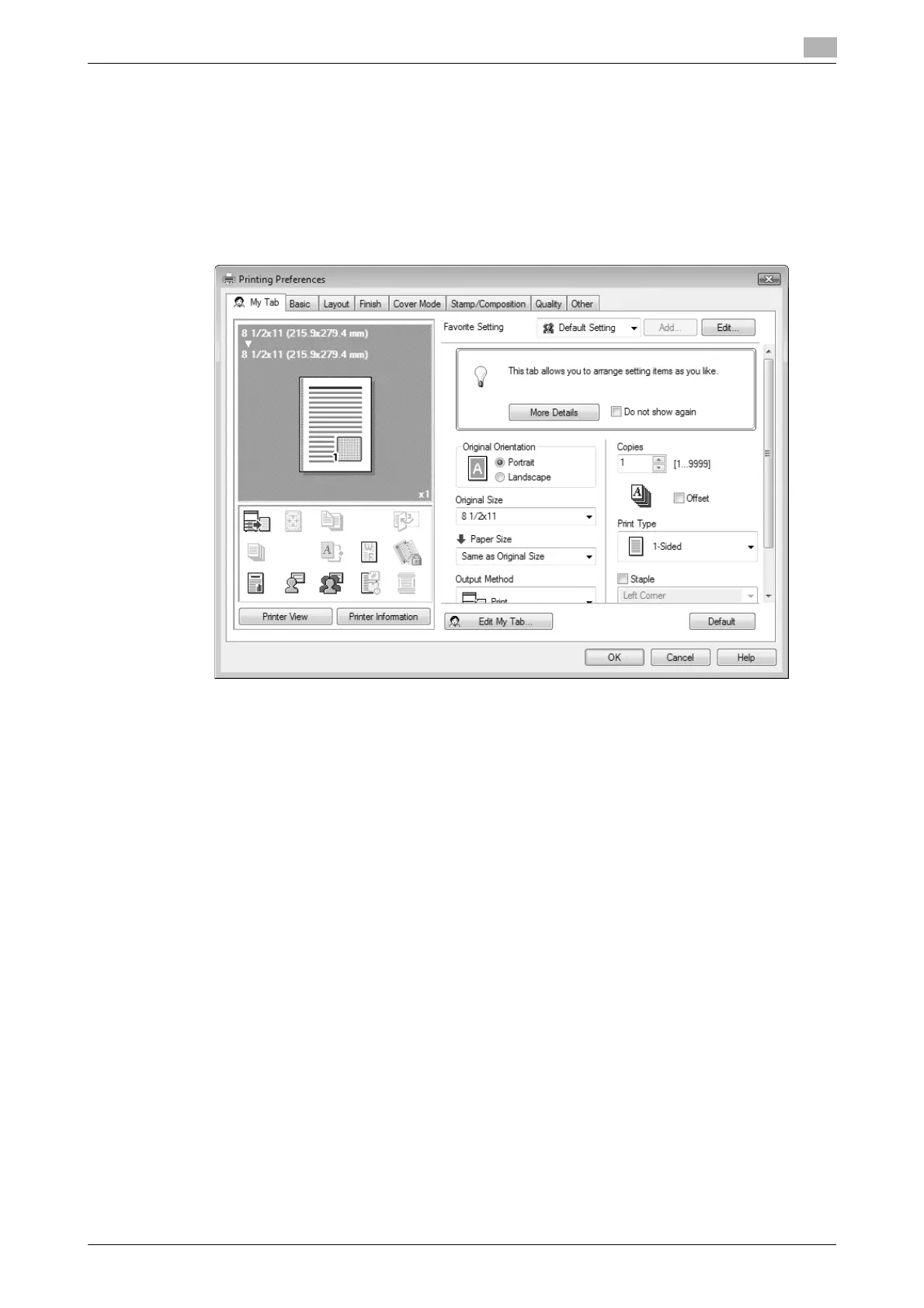
My Tab
You can configure "My Tab" that allows you to register the frequently used printer driver setting functions
collectively in one tab, and to customize the contents to be displayed in the tab. Using My Tab, you can
change the settings of the frequently used functions on one screen.
Windows PCL/PS/XPS drivers: My Tab
d Reference
For details, refer to chapter 9 of the [User’s Guide Print Operations].









 To Next Page