Basic box operation (using saved documents)
2
2-32 ineo+ 220/280/360 (Version 3)
2.7
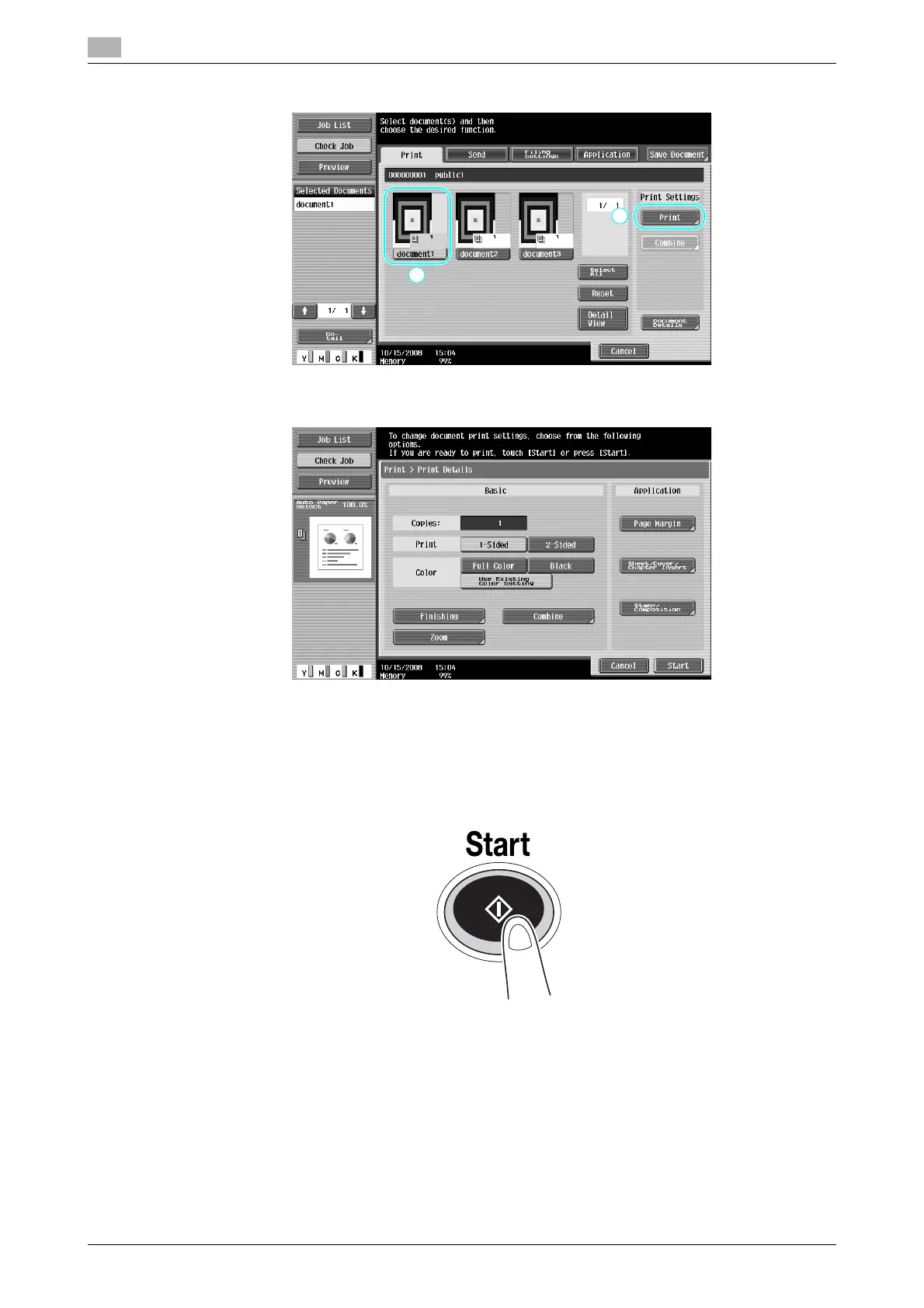
2 Select the document to be printed, and then press [Print].
% From the Print screen, Finishing settings and settings such as the number of copies can be
specified.
% If multiple data items are selected, [Combine] is enabled, and you can print multiple saved data
items at one time. Up to 10 data can be printed at the same time. For details, refer to chapter 7, of
the [User’s Guide Box Operations].
% Press [Preview] to check the preview image.
3 Press the [Start] key.
% The operation can also be started by pressing [Start].









 To Next Page