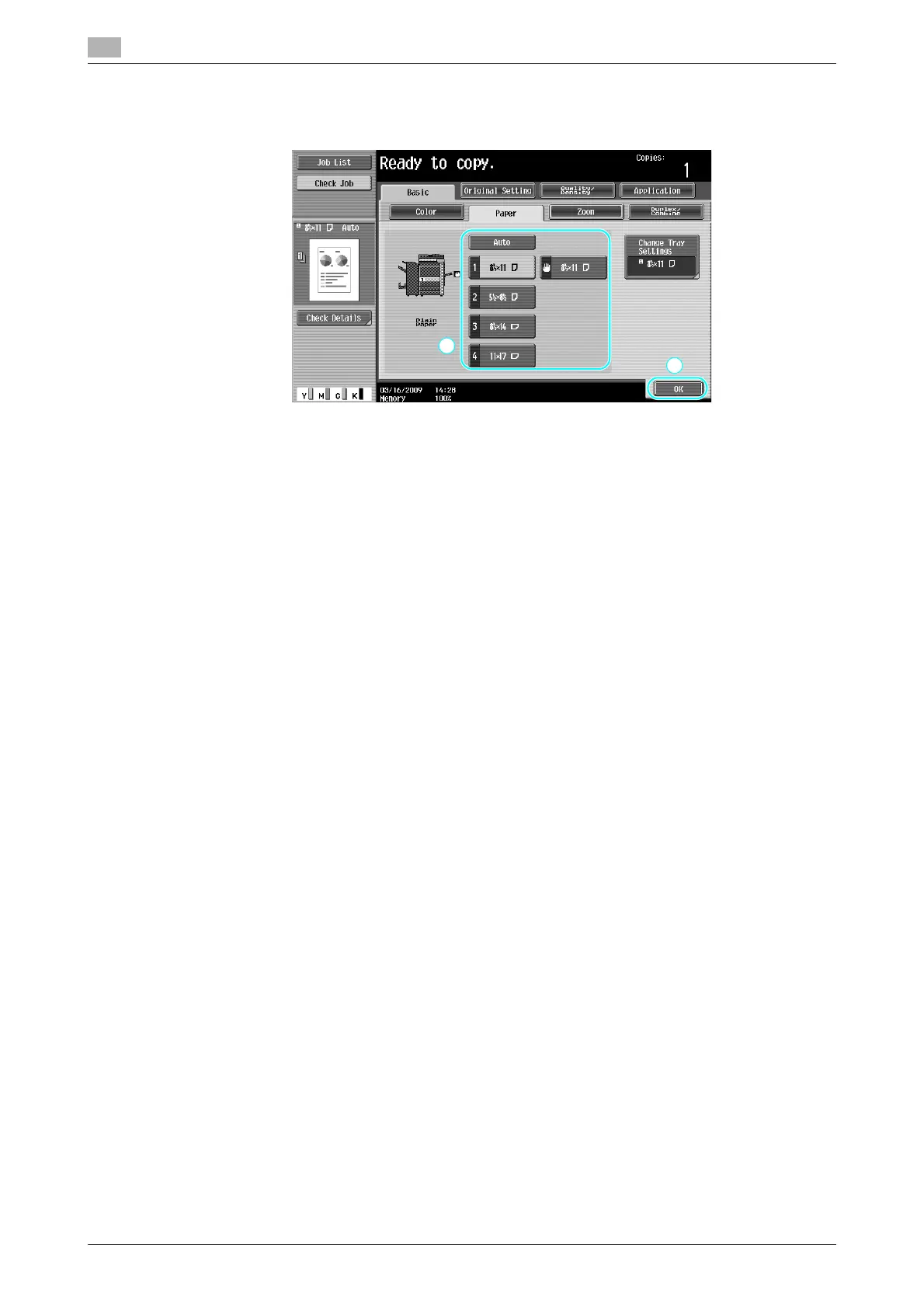
Printing copies enlarged/reduced on paper with a different size
3
3-16 ineo+ 220/280/360 (Version 3)
3.6
Reference
- If the [Auto] Zoom setting is selected, the [Auto] Paper setting cannot be selected. Select the paper tray
loaded with the desired paper size.
Reference
- When copying onto paper larger than the document, load the document with the same orientation as
the paper.
d Reference
For details, refer to chapter 5 of the [User’s Guide Copy Operations].









 To Next Page