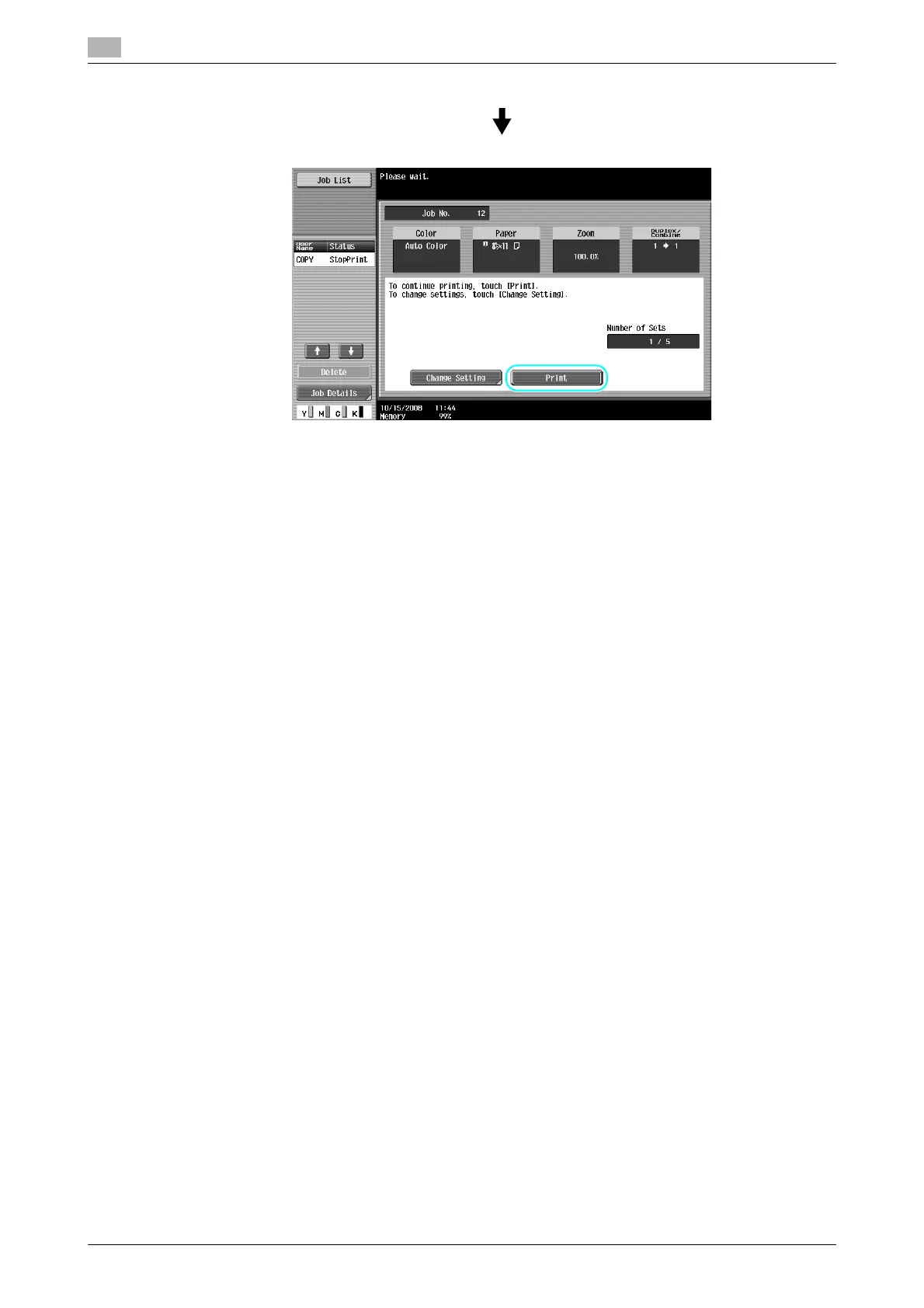
Checking the copies
3
3-34 ineo+ 220/280/360 (Version 3)
3.12
Reference
- A document can be printed for confirmation purposes when you specify multiple copies.
- To change the selected settings after checking the proof copy, press [Change Setting], and then
change the settings.
- If the original was loaded into the ADF, printing of the proof copy begins without the sereen appearing
confirming that scanning of the original is finished.









 To Next Page