Reducing printing costs
5
5-24 ineo+ 220/280/360 (Version 3)
5.10
Reference
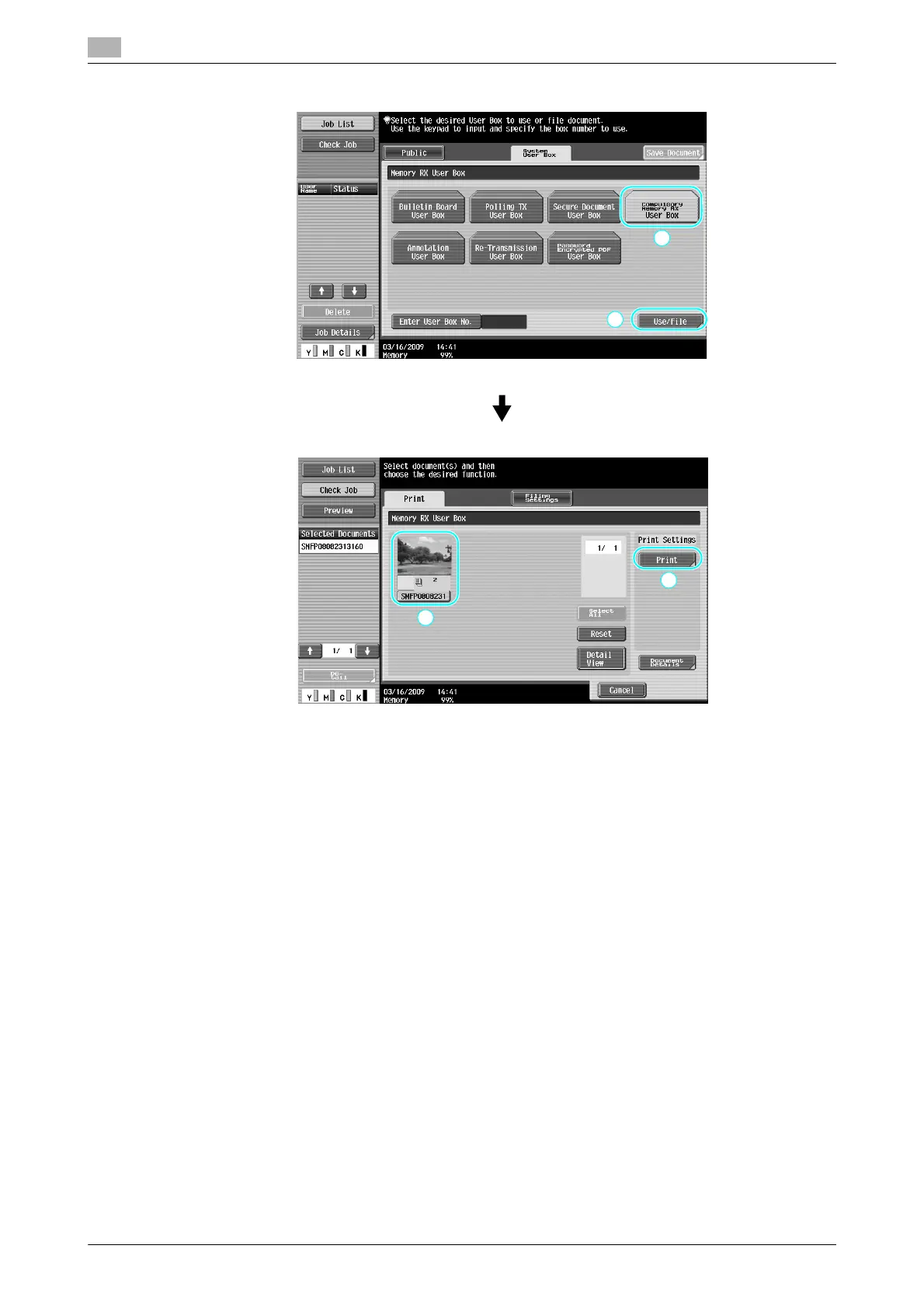
- A password can be specified for the Compulsory Memory RX User Box
- Settings for the Compulsory Memory RX User Box are specified in Administrator mode. The
administrator password is required to specify the settings.
d Reference
For details, refer to chapter 7 of the [User’s Guide Network Scan/Fax/Network Fax Operations].









 To Next Page