ineo+ 220/280/360 (Version 3) 6-15
6.4 Transmitting with the page number or time added
6
Reference
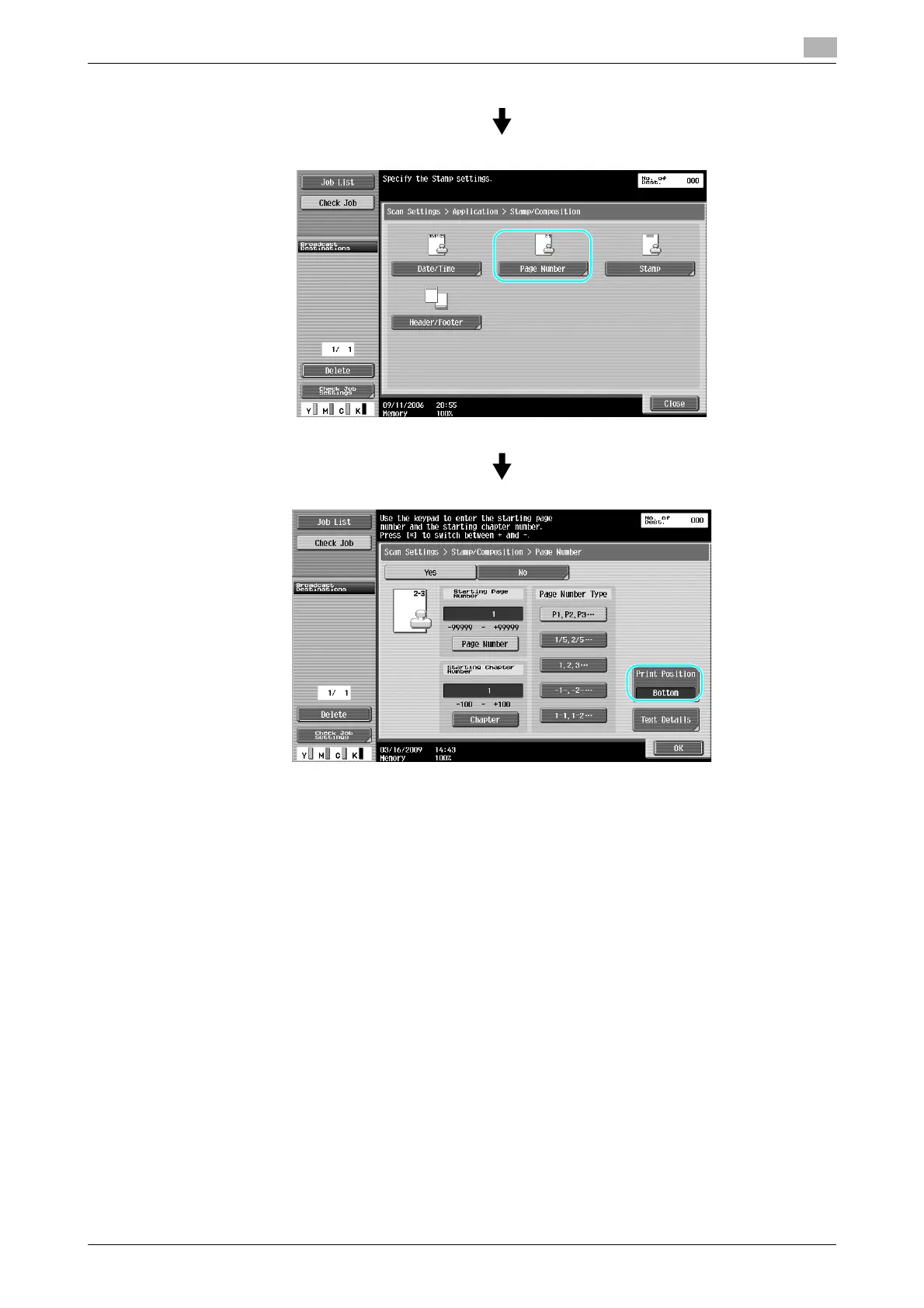
- If [Text Details] is pressed, you can specify the text color, text size, or text type.
- Page numbers can also be added with header/footer settings. The header/footer settings are specified
in Administrator mode.
d Reference
For details, refer to chapter 5 of the [User’s Guide Network Scan/Fax/Network Fax Operations].









 To Next Page