ineo+ 224/284/364/454/554 5-13
5
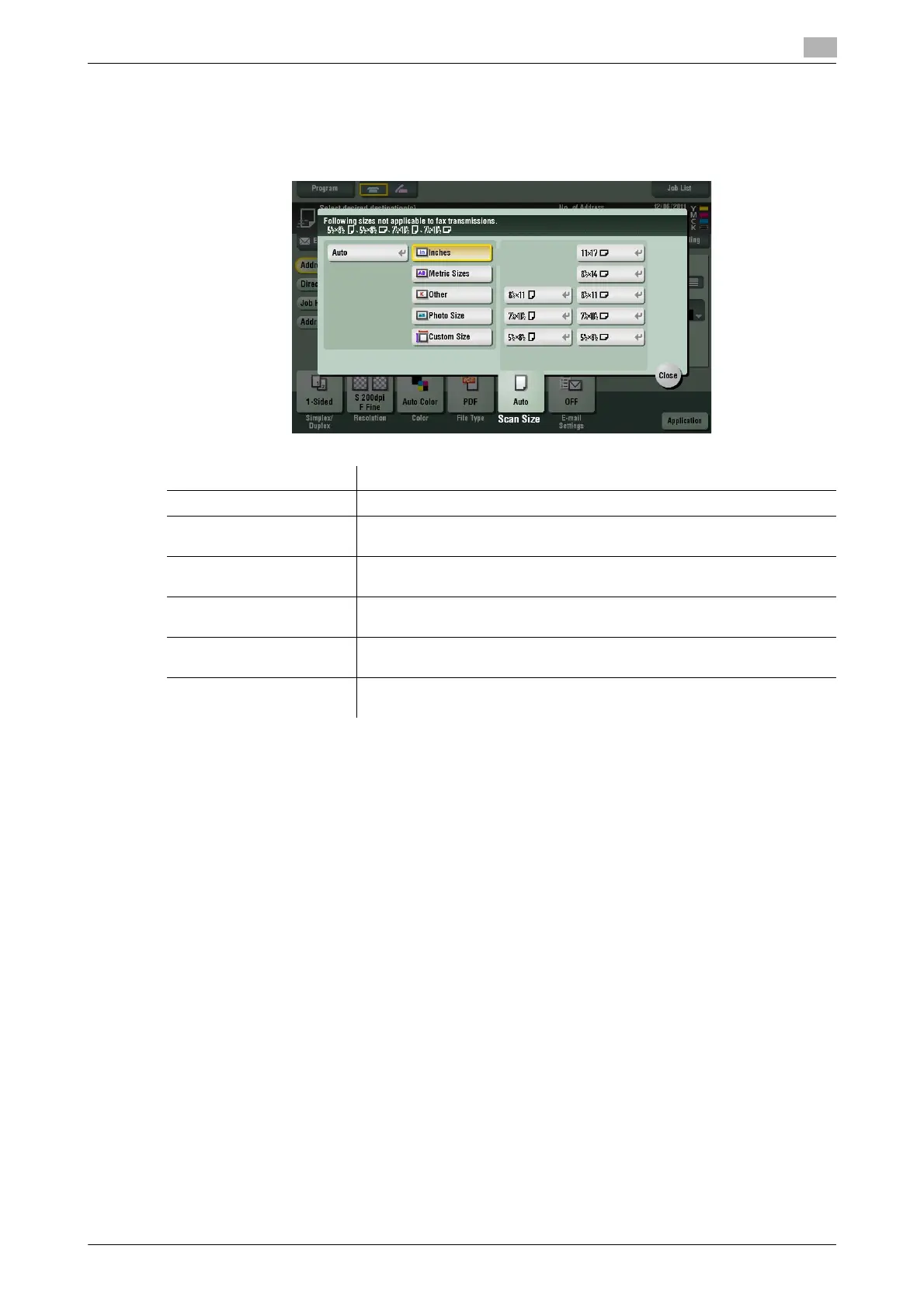
[Scan Size]
To display: [Scan/Fax] - [Scan Size]
Select the size of the original to be scanned.
Settings Description
[Auto] Scan by automatically selecting the size according to the original size.
[Inches] Select this option to scan an inch-size original. Tap [Inches], and select a
standard inch size.
[Metric Sizes] Select this option to scan a metric-size original. Tap [Metric Sizes], and se-
lect the standard metric size respectively.
[Other] Select this option to scan a postcard or an original other than a inch- or
metric-size original. Tap [Other], and select each standard size.
[Photo Size] Select this option to scan photos or originals in photo size. Tap [Photo
Size], and select a standard size.
[Custom Size] Select this option to scan originals in custom size. Enter vertical and hori-
zontal values.



 To Next Page