ineo+ 224/284/364/454/554 5-11
5
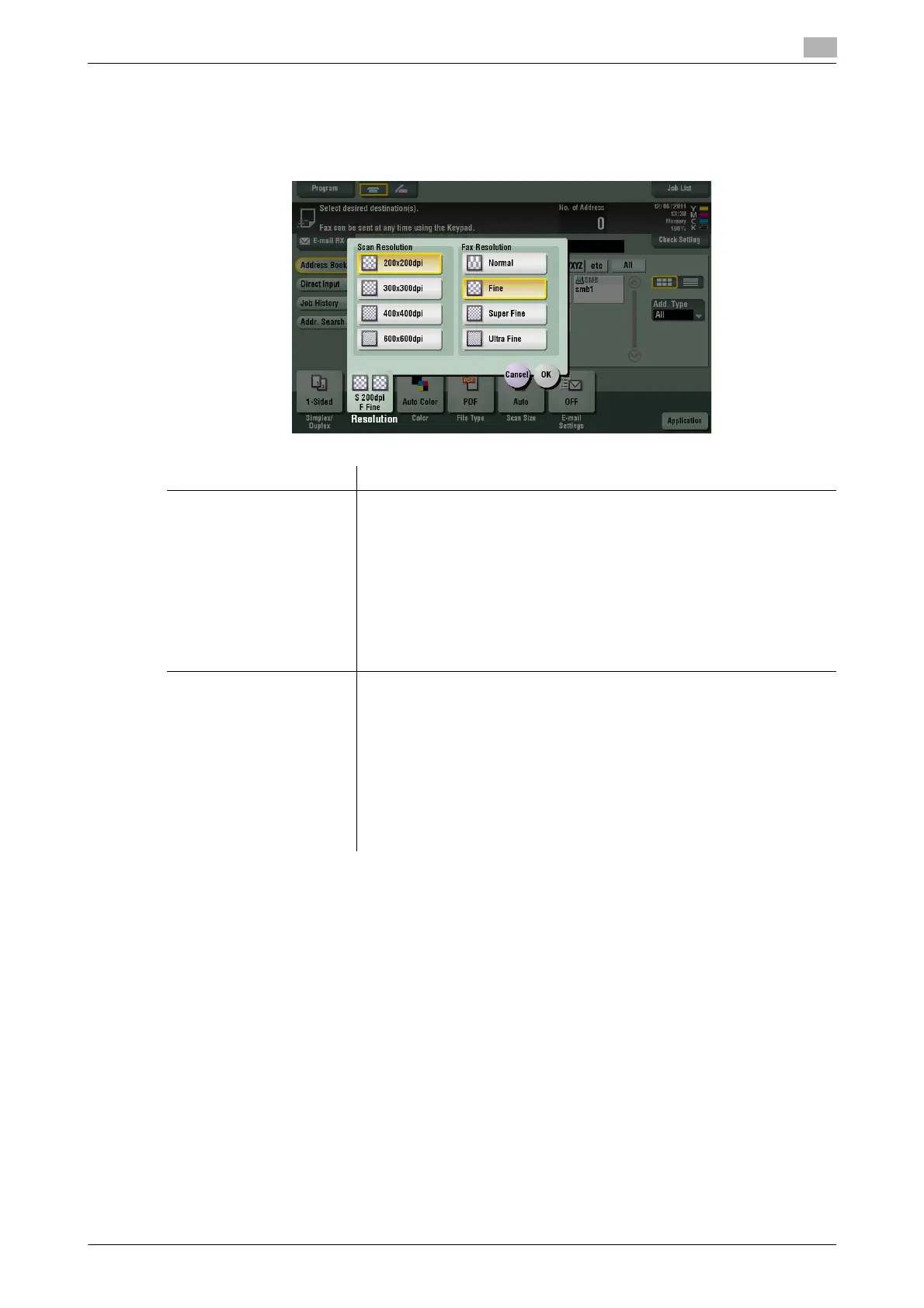
[Resolution]
To display: [Scan/Fax] - [Resolution]
Select the resolution of the original for scanning.
Tips
- The finer the scan resolution is, the larger the data volume becomes, resulting in longer transmission
time. When you are using E-mail TX or Internet Fax, check that the data capacity is not restricted.
Settings Description
[Scan Resolution] Select the resolution of the original for scan transmission.
To use E-mail TX, SMB Send, FTP TX, WebDAV Send, or Save in User Box,
the following resolution is selected to scan the original.
• [200 e 200 dpi]: Select this option to scan a standard original.
• [300 e 300 dpi]: Select this option to scan a standard original with the
higher resolution.
• [400 e 400 dpi]: Select this option to scan an original containing small
characters and drawings.
• [600 e 600 dpi]: Select this option to convert an original to a file of the
maximum size. This option is available when scanning an original such
as a full-color photo, which requires a fine level of image quality.
[Fax Resolution] Select the resolution of the original for sending a fax.
To use Fax TX, Internet Fax, or IP Address Fax, the following resolution is
selected to scan the original.
• [Normal]: Select this option to scan originals that do not require a fine
level of image quality, or when you want to send a large number of orig-
inals quickly.
• [Fine]: Select this option to scan a standard original.
• [Super Fine]: Select this option to scan originals containing small char-
acters or drawings.
• [Ultra Fine]: Select this option to scan originals that require a fine level
of image quality.



 To Next Page