ineo+ 224/284/364/454/554 1-17
1.3 Specifying a destination
1
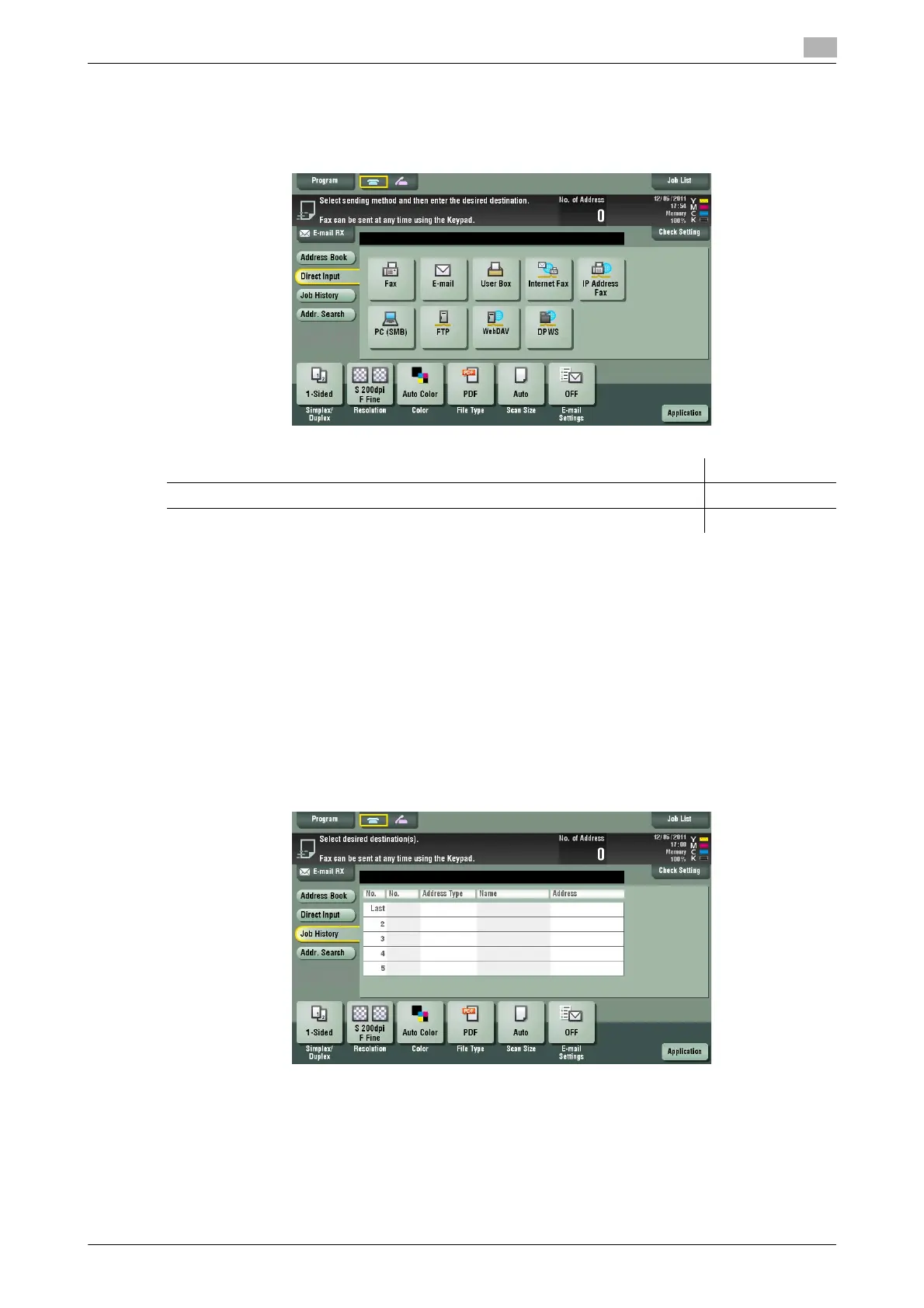
Direct input
In[Direct Input], press the corresponding key of the destination type to which you want to save or send, then
enter the destination information.
d Reference
You can register the destination that you have entered directly into the address book. For details, refer to
page 4-8.
Related setting (for the administrator)
- You can specify whether to allow the user to directly enter destinations (default: [Allow All]). For details,
refer to page 7-35.
Selecting from the history
In [Job History], select a destination from the history of scan transmission destinations or saved destinations.
The history shows the latest five fax destinations. When necessary, multiple destinations can be selected
from the history.
Tips
- If a registered destination or a User Box is edited or if the Main Power Switch is turned off or on, infor-
mation of the history is deleted.
Purpose Reference
To send Internet fax page 5-5
To send IP Address fax page 5-6



 To Next Page