ineo+ 224/284/364/454/554 1-21
1.4 Option settings for fax transmission
1
1.4.2 Settings to scan various types of originals (Application settings)
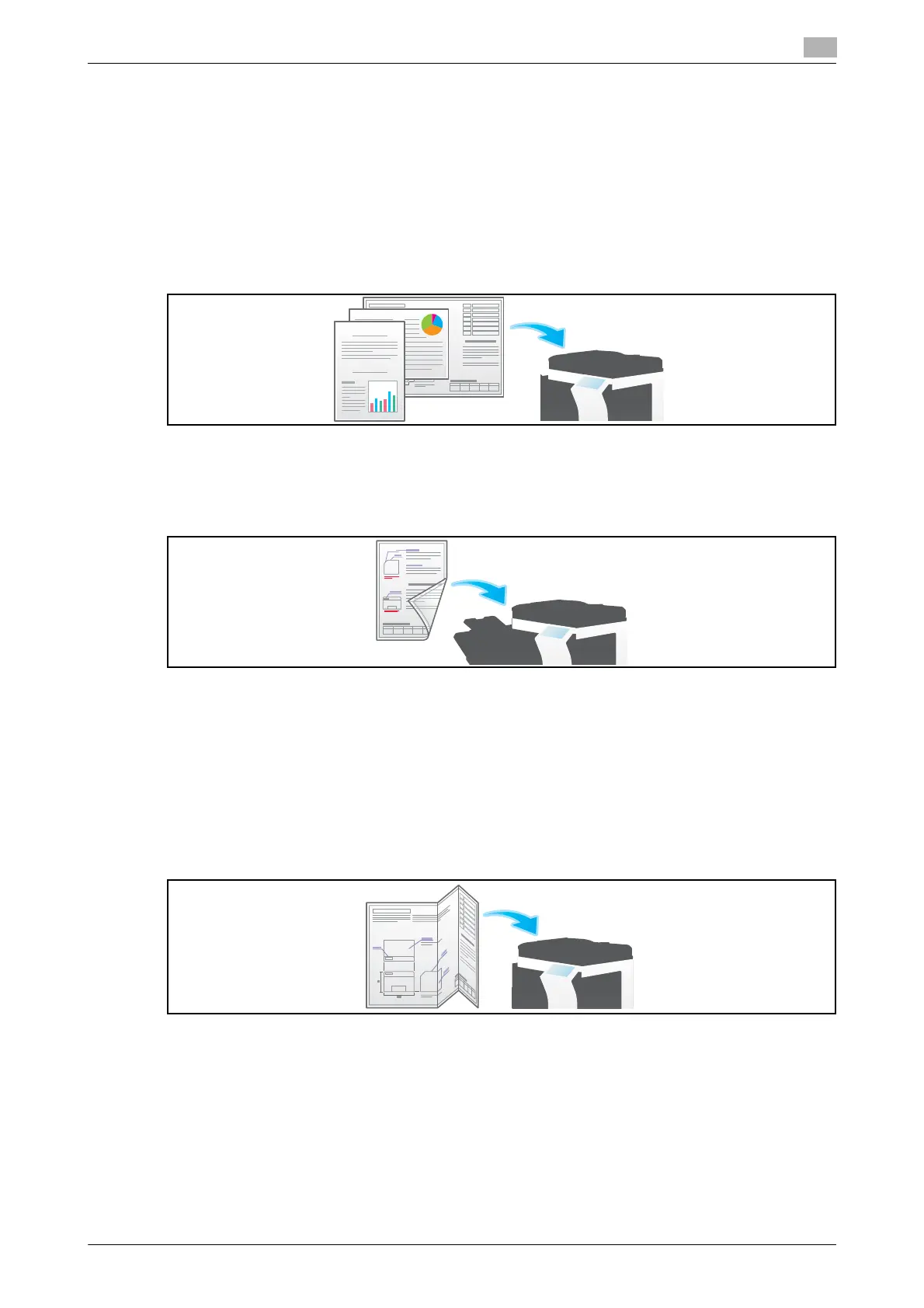
Scanning originals of varying sizes in a batch ([Mixed Original])
Even for an original with pages of different sizes, by using ADF, you can scan data while detecting the size
for each page.
For details, refer to page 5-16.
NOTICE
Load all of the original pages into the ADF so that the tops of the pages are at the back and left side of the
machine.
Scanning a thinner original than plain paper ([Thin Paper Original])
Reduce the original feed speed of the ADF to prevent thin paper from getting caught.
For details, refer to page 5-16.
Scan originals with folds ([Z-Folded Original])
Even the original sizes of folded originals can be detected accurately.
If a folded original is loaded into ADF, the original size may not be able to be detected accurately. To scan a
folded original through the ADF, use [Z-Fold Original].
For details, refer to page 5-16.
NOTICE
Unfold folded originals before loading them into the ADF. If a folded original is not unfolded before scanning,
a paper jam may occur or the size may not be correctly detected.



 To Next Page