Option settings for fax transmission
1
1-28 ineo+ 224/284/364/454/554
1.4
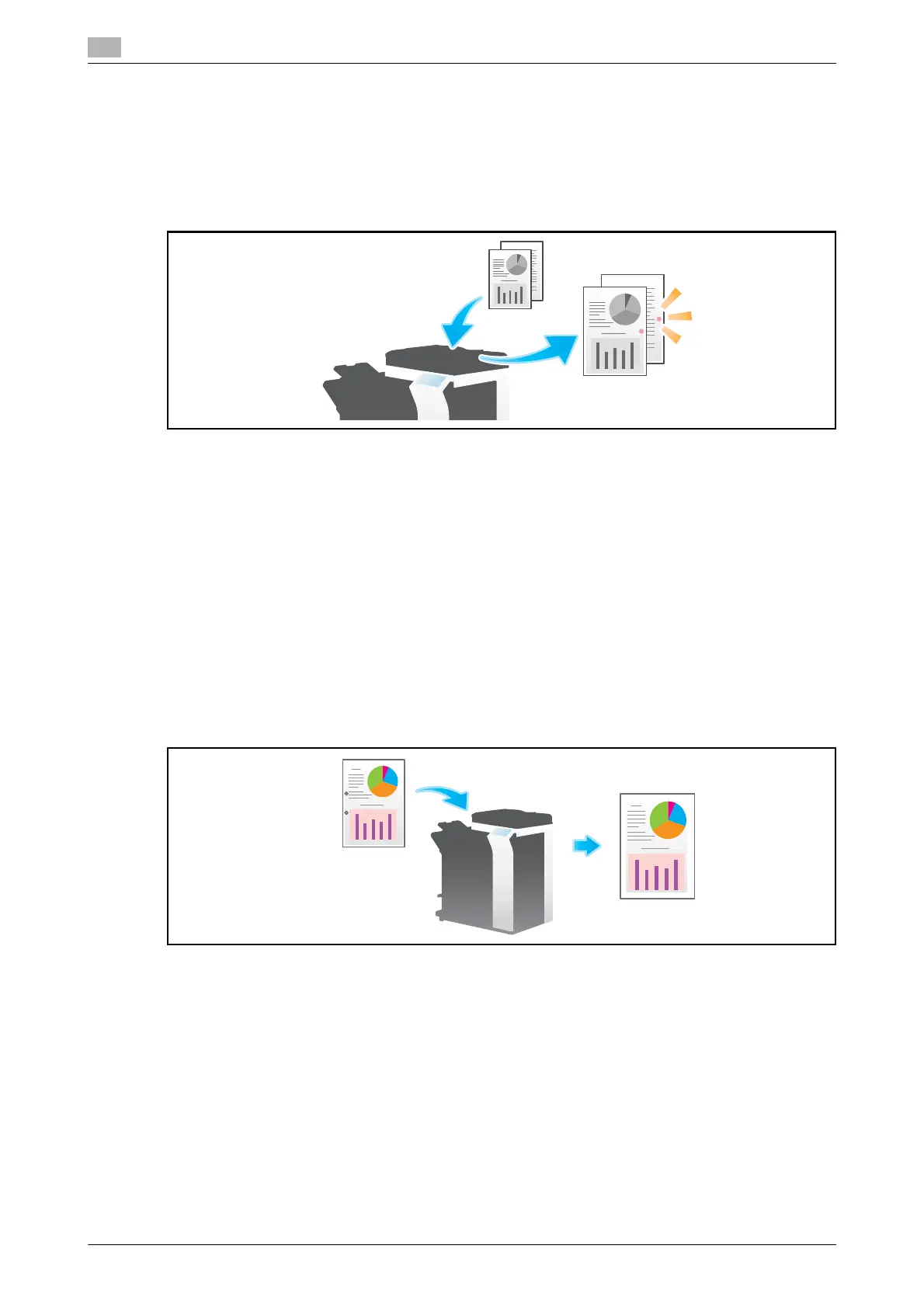
Printing TX Stamp on scanned originals ([TX Stamp])
When scanning originals using ADF, a TX Stamp is printed on a scanned original to certify that the original
has been scanned.
For details, refer to page 5-29.
NOTICE
This function is not available for originals that must be kept clean.
Tips
- The Stamp Unit is required to print TX Stamps.
- The ink used for stamping is consumables. If the ink becomes faint, contact your service representative.
1.4.5 Other option settings (Application settings)
Scanning after erasing text and shadows in the margins of an original
([Frame Erase])
Erases an area of an identical specified width along the four sides of an original. You can specify the width
to be erased for each side.
This is convenient when you want to erase the reception record of the header and footer of a fax, or shadow
of punch holes on the original.
For details, refer to page 5-29.



 To Next Page