Specifying a destination
1
1-18 ineo+ 224/284/364/454/554
1.3
Searching for an E-mail address from the LDAP server
When the LDAP server or Windows Server Active Directory is used, you can search for and select an E-mail
address from the server.
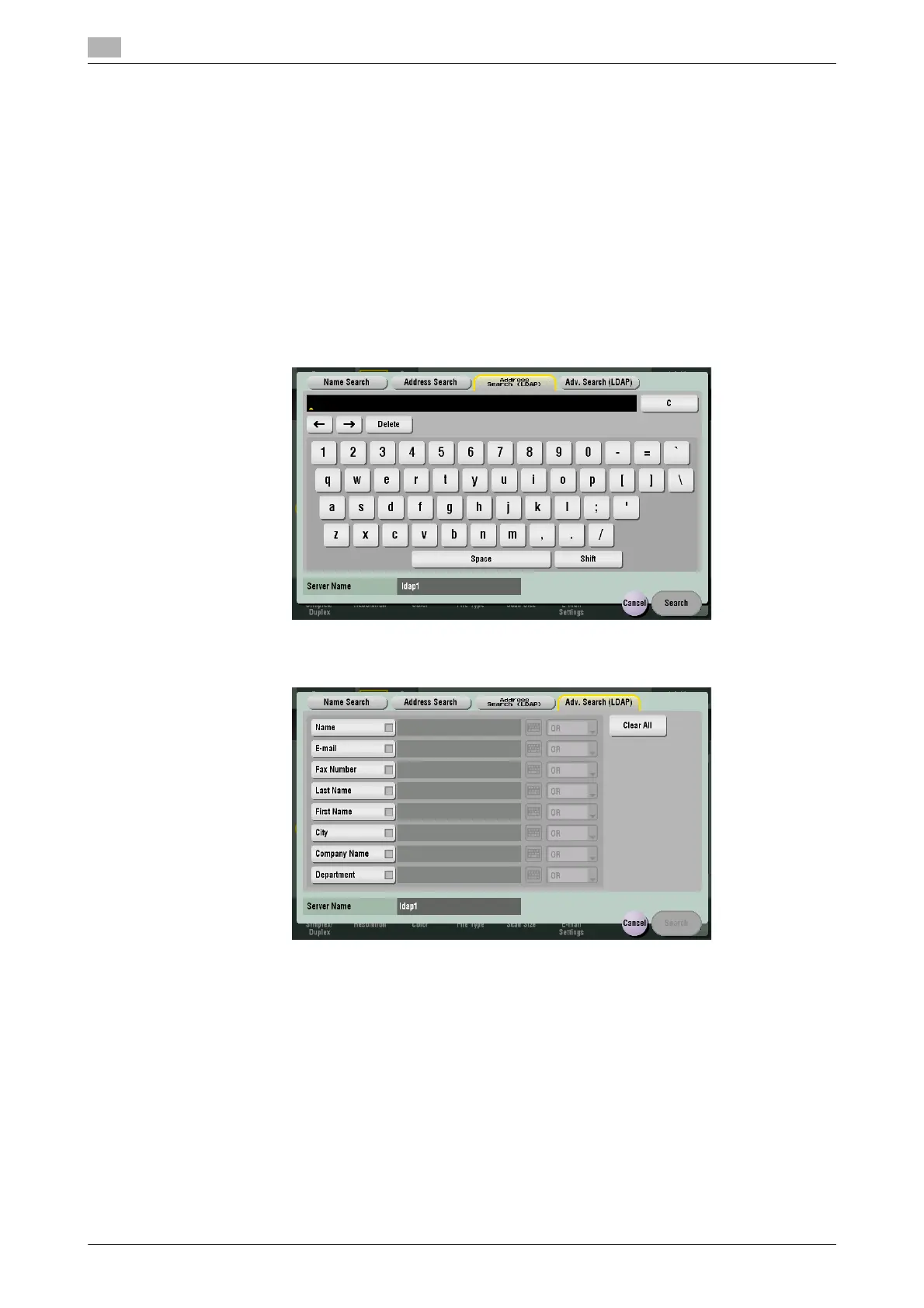
With [Address Search (LDAP)], search is performed using a single keyword, and with [Adv. Search (LDAP)],
combinations of keywords in different categories are used for search.
0 To use the LDAP server or Active Directory to specify the destination, you must register the server on
this machine. How to register is explained using Web Connection. For details, refer to [User's Guide:
Web Management Tool].
1 Tap [Addr. Search] - [Search] - [Address Search (LDAP)] or [Adv. Search (LDAP)].
2 Enter the keyword, then tap [Search].
% Using [Address Search (LDAP)]
% Using [Adv. Search (LDAP)]
3 Select the destination from the search result.



 To Next Page