ineo+ 224/284/364/454/554 5-31
5
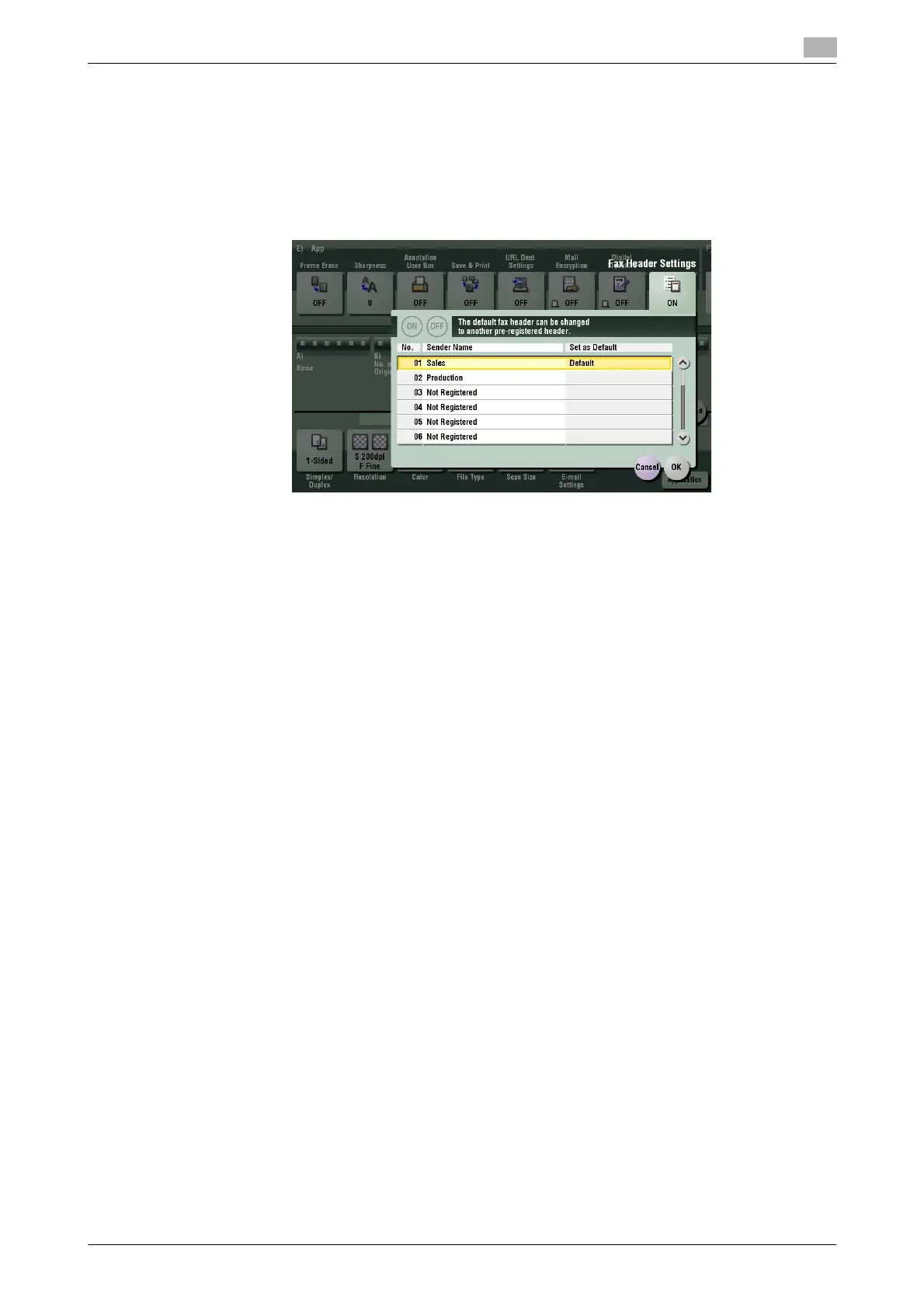
[Fax Header Settings]
To display: [Scan/Fax] - [Application] - [App] - [Fax Header Settings]
Normally, the default sender name is added. However, you can use different sender names depending as
necessary.
If you want to use a different sender name than the default name, select a sender name you want to change
to, then tap [OK].
Related setting (for the administrator)
- By registering multiple sender names, you can use different sender names depending on the destina-
tion. For details on the registration procedure, refer to page 7-22.



 To Next Page