ineo+ 224/284/364/454/554 1-5
1.2 How To Send A Fax
1
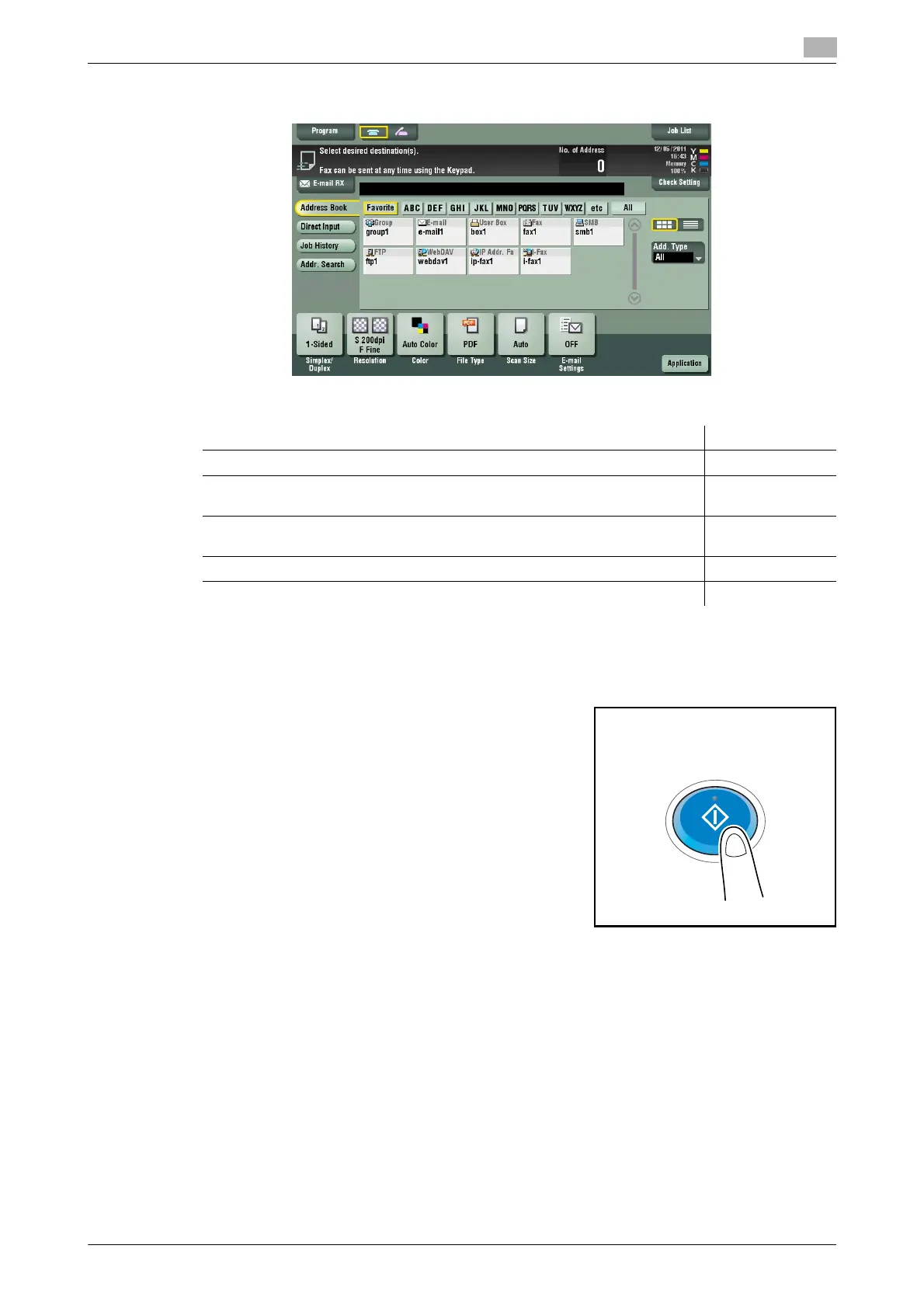
4 Configure the option settings for fax transmission as necessary.
% For details on configuring option settings, refer to the respective columns of the following table.
5 Press the Start key.
% Tap [Check Setting] before sending, and check the destination and settings as necessary.
% To redo operations for specifying destinations or option settings, press Reset.
Transmission begins.
% If you press the Stop key while scanning an original, the scanning stops, and a list of stopped jobs
appears. To cancel scanning of the original, delete the job from the list of inactive jobs.
Related setting
- You can change the default options for scan transmission to suit your environment. For details, refer to
page 6-14.
Purpose Reference
To configure basic options such as color and original size page 1-19
To configure options to scan various types of originals such as various sizes
and books
page 1-21
To adjust the image quality level of the original such as colored background
(newspaper, etc.) or light printing original
page 1-25
To print date/time and page number page 1-26
Other option settings page 1-28



 To Next Page