How To Send A Fax
1
1-8 ineo+ 224/284/364/454/554
1.2
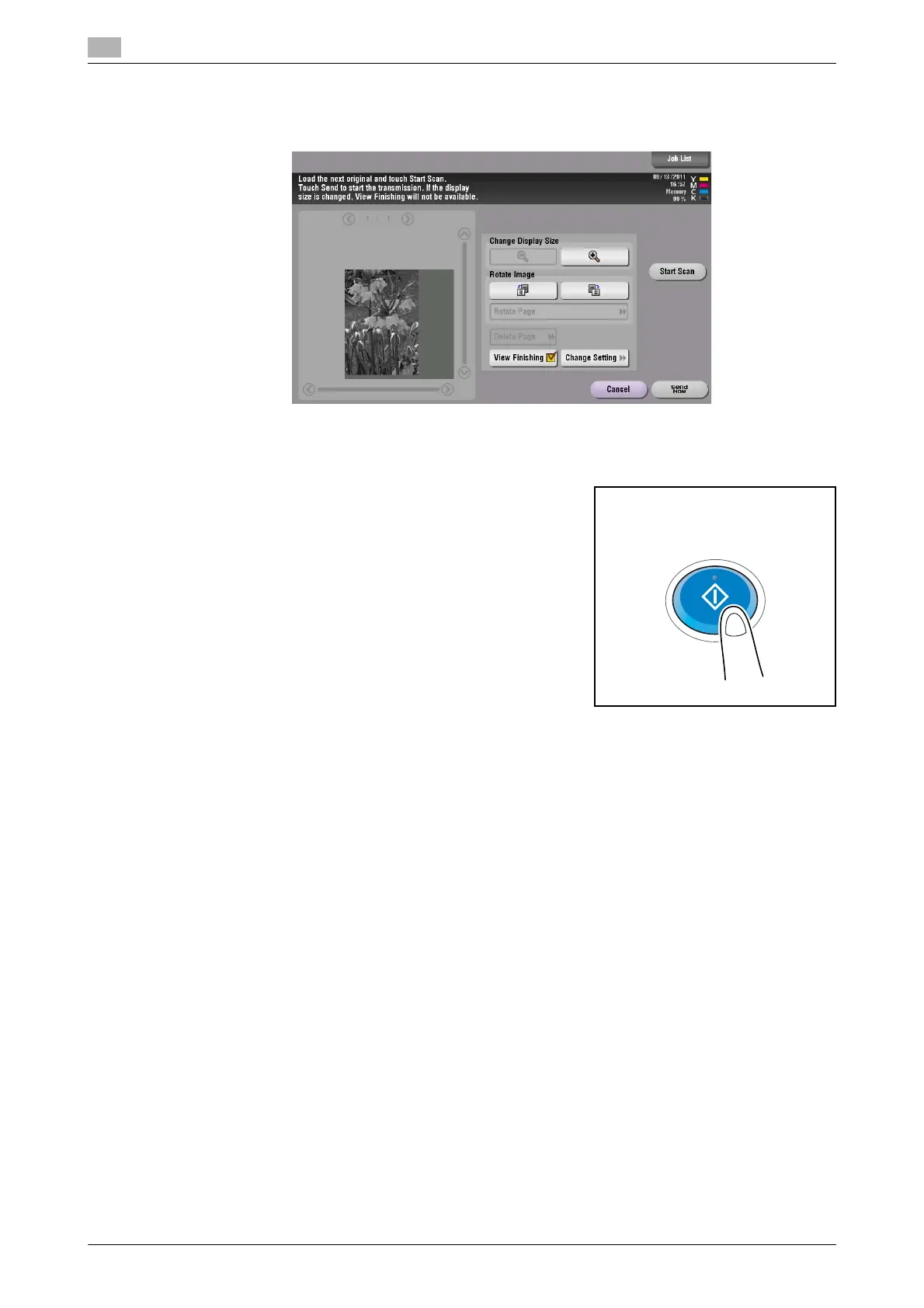
9 Check the preview display, and rotate the image or change settings as needed.
% To continue to scan originals, load the original, and tap [Start Scan].
10 After all originals are scanned, tap [Send Now] or press the Start key.
Transmission begins.
Related setting (for the administrator)
- Normally, preview images are displayed after all the original data has been scanned. When necessary,
you can use the real-time preview to display preview images on a page basis while scanning the origi-
nals (default:[OFF]). For details, refer to page 7-12.
- You can select whether to display the screen for selecting the original loading direction after pressing
the Preview key (default: [ON]). For details, refer to page 7-12.
- You can select conditions to display a preview image (default: [Preview Settings Screen]). For details,
refer to page 7-12.



 To Next Page