ineo+ 224/284/364/454/554 1-13
1.2 How To Send A Fax
1
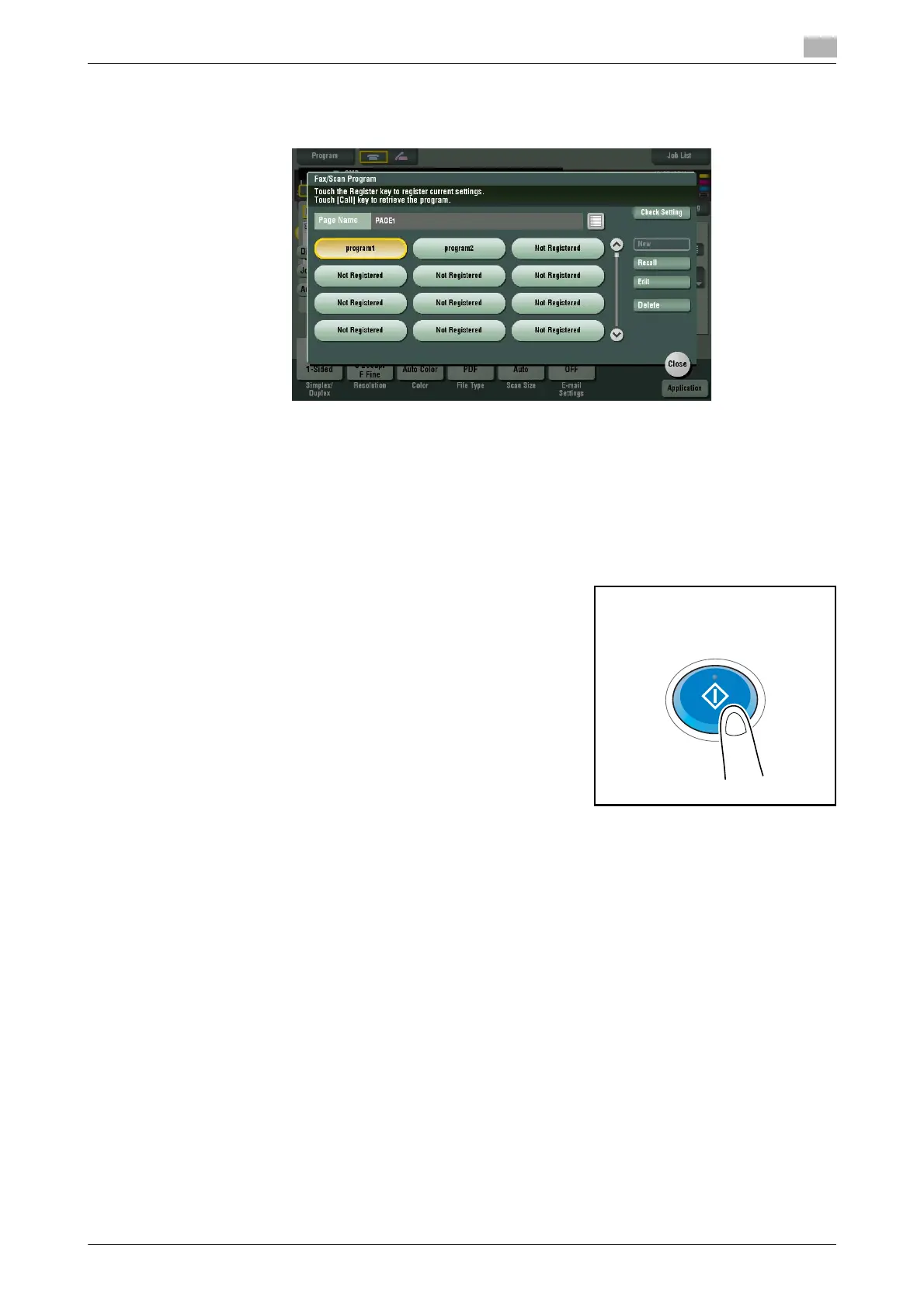
4 Select the program you want to recall, then tap [Recall].
The registered content of a program is applied.
% If necessary, you can change the page to be displayed on the main screen of the program (default:
[PAGE1]). For details, refer to page 6-11.
5 Specify the destination if no destination is registered for a program.
6 Press the Start key.
% Tap [Check Setting] before sending, and check the destination and settings as necessary.
% To redo operations for specifying destinations or option settings, press Reset.
Transmission begins.
% If you press the Stop key while scanning an original, the scanning stops, and a list of stopped jobs
appears. To cancel scanning of the original, delete the job from the list of inactive jobs.



 To Next Page