ineo+ 360i/300i/250i 5-3
5.1 Control Panel
5
5 About panels
5.1 Control Panel
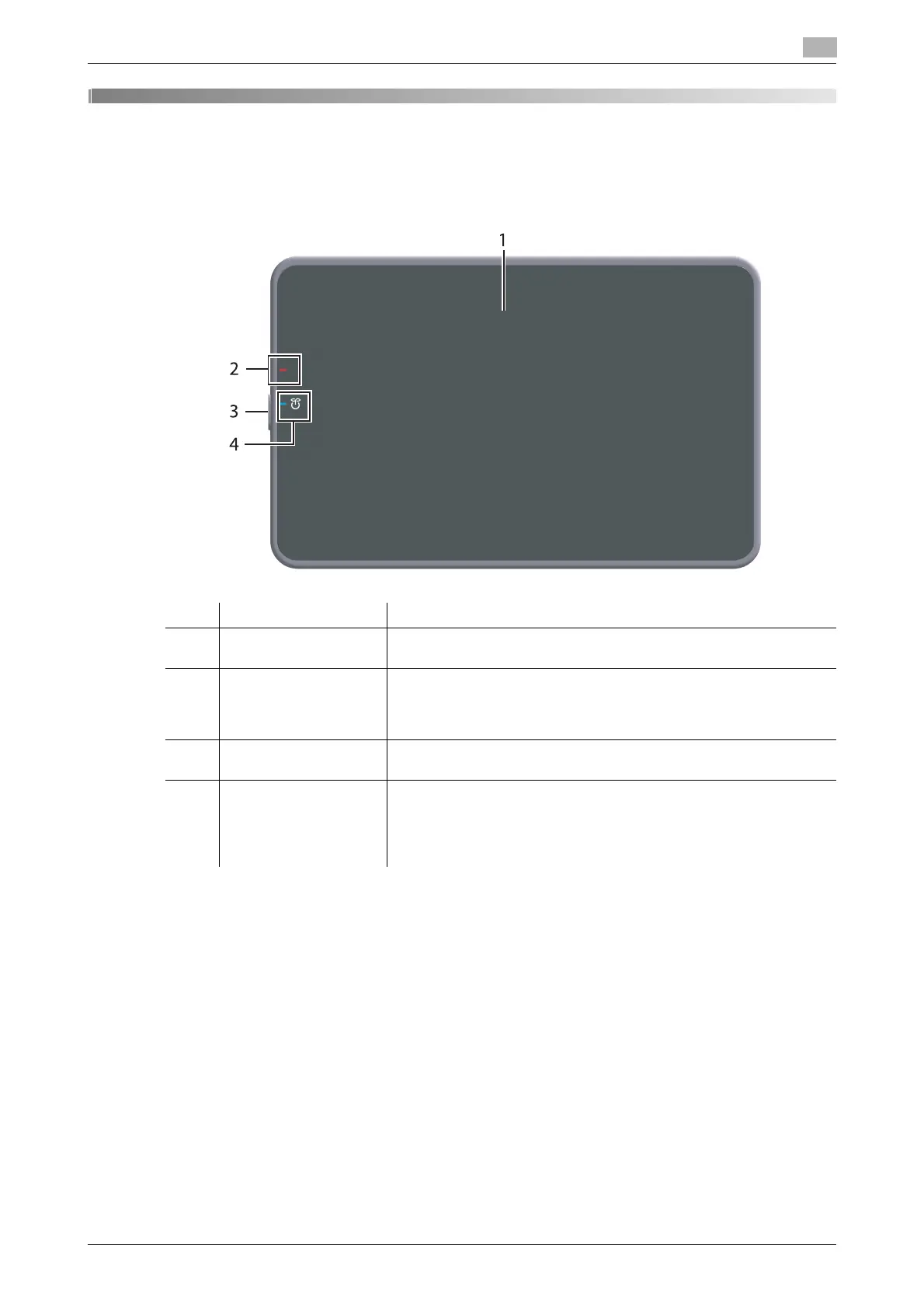
No. Name Description
1 Touch Panel Displays setting screens and messages.
Directly press this panel to carry out operations.
2 Warning Indicator Indicates the status of this machine by the lamp color, flashing, or a
lamp lighting up.
• Flash (orange): Warning
• Light-up (orange): The machine is stopped.
3 Power key Switches this machine to the Power Save mode. For details on how
to use the Power key, refer to HTML User's Guide.
4 Power Indicator Indicates the power supply state by the lamp color.
• Light-up (blue): Normal state
• Flash (blue): Low Power mode or Sleep mode
• Light-up (orange): Sub Power OFF
• Flash (orange): ErP Auto Power OFF











 To Next Page