ineo+ 360i/300i/250i 9-3
9.1 Main messages and remedies
9
9 Read this if you have a problem
9.1 Main messages and remedies
9.1.1 Checking a notification message on the Touch Panel
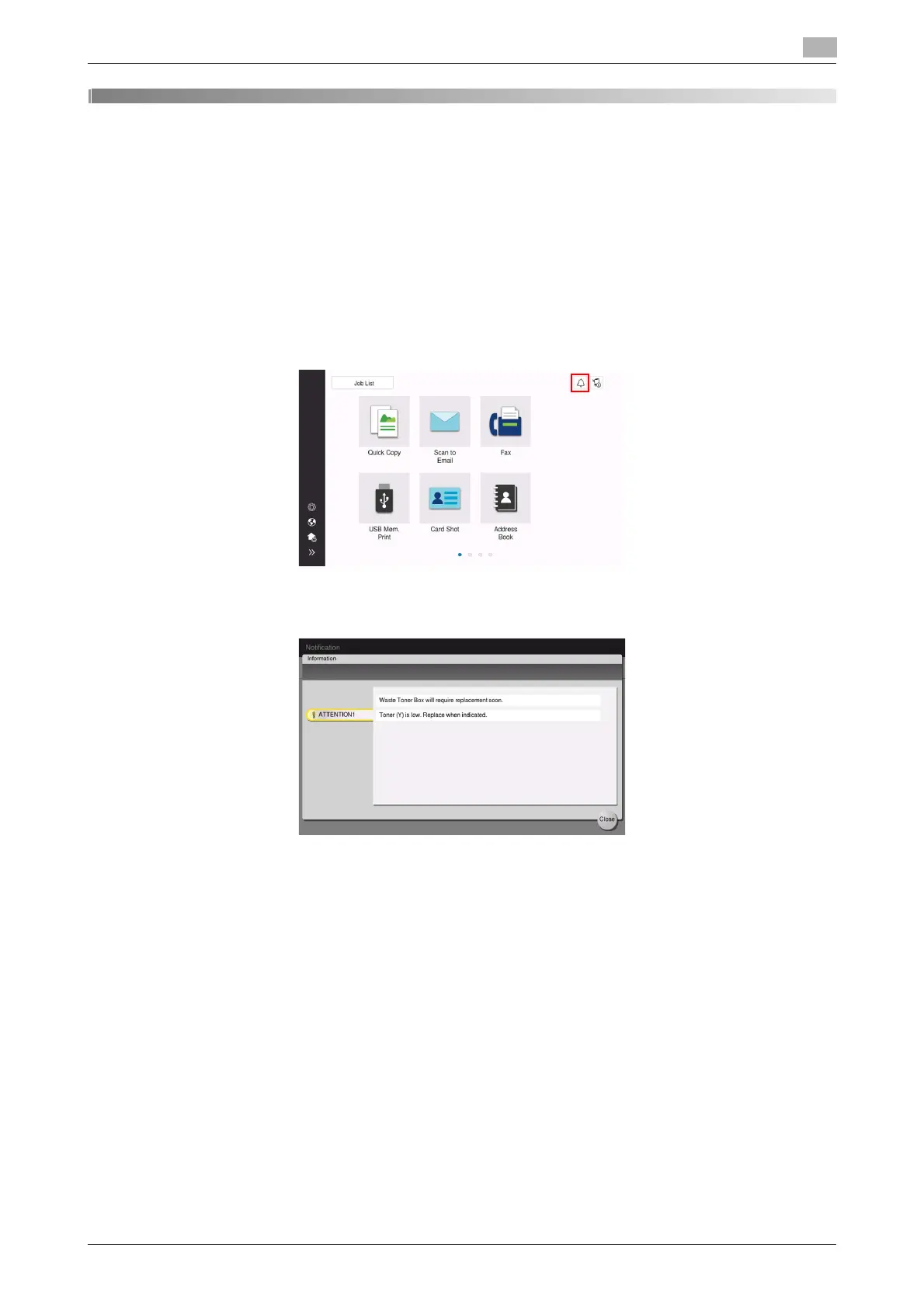
The notification icon is displayed on the home screen when there is a machine condition warning or notice
notification. You can tap the icon to check the notification contents.
1
Tap the notification icon on the home screen.
2
Tap [ATTENTION List], and check the notification list.











 To Next Page