ineo+ 360i/300i/250i 6-9
6.2 Loading paper
6
6.2.4 Loading postcards
Precautions when using postcards
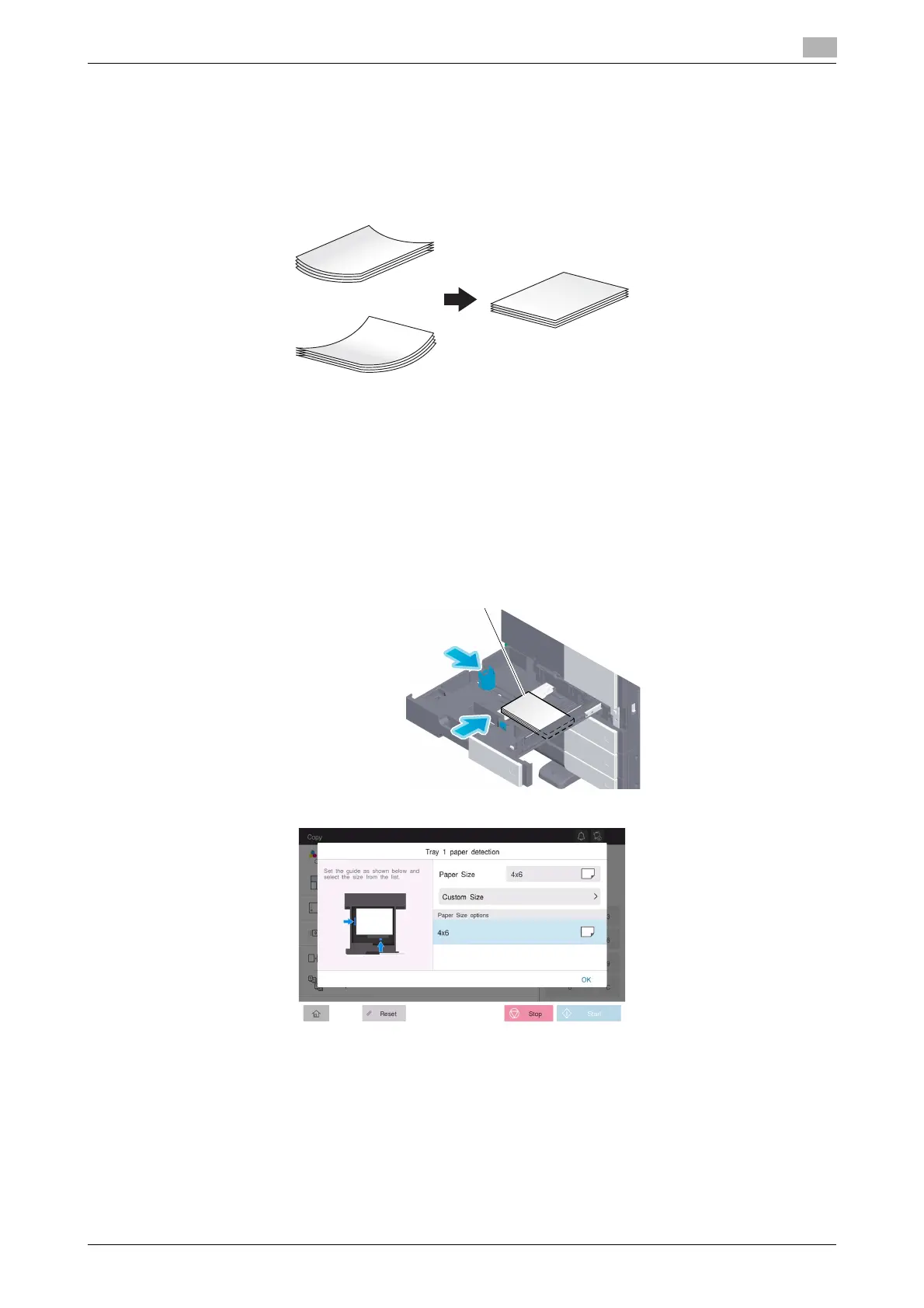
- When loading curled postcards, uncurl them.
- When using postcards other than 4 e 6 (A6 Card), confirm its size, and select [Paper Size] - [Custom
Size] to specify the size.
For Tray 1
Up to 200 postcards can be loaded into the tray.
- Load postcards with the print side facing up.
- For Tray 1, mount the Attachment on the Lateral Guide.
- Align the Lateral Guide with the postcard size.
- Select the desired postcard size from [Envelope/4 e 6] ([Envelope/A6 Card]) of [Paper Size].











 To Next Page