ineo+ 360i/300i/250i 6-11
6.2 Loading paper
6
6.2.5 Loading label sheets
A label sheet consists of the front-side paper (print side), sticking layer, and pasteboard. Peel off the paste-
board, then you can stick the label to other objects. Up to 20 label sheets can be loaded into the tray.
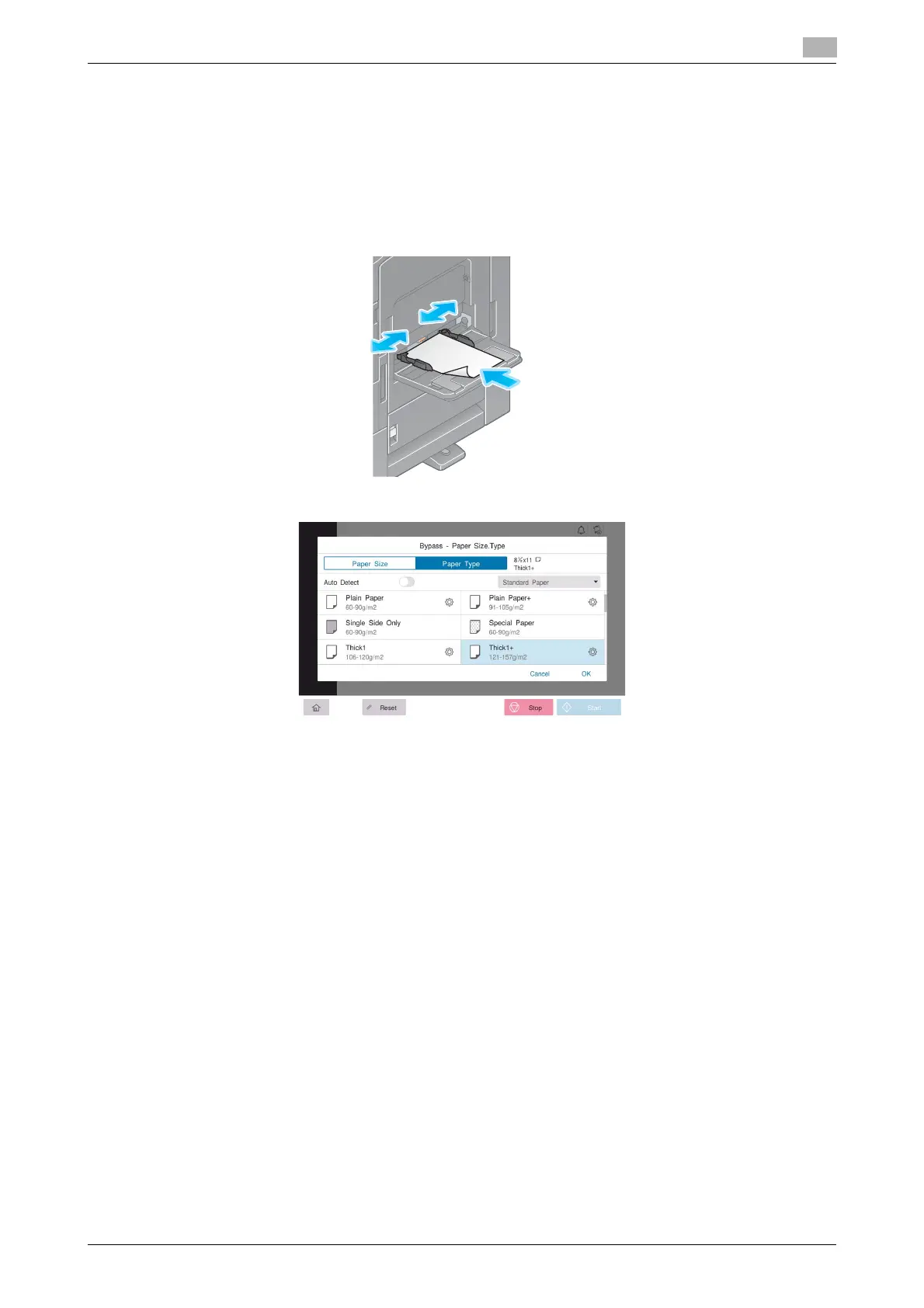
- With the print side facing down, load label sheets as shown in the figure.
- Align the Lateral Guide with the label sheet size.
- Select [Thick 1+] from [Paper Type]. (Not required when this machine is equipped with the Intelligent
media sensor.)











 To Next Page