6-6 ineo+ 360i/300i/250i
Loading paper
6
6.2
2
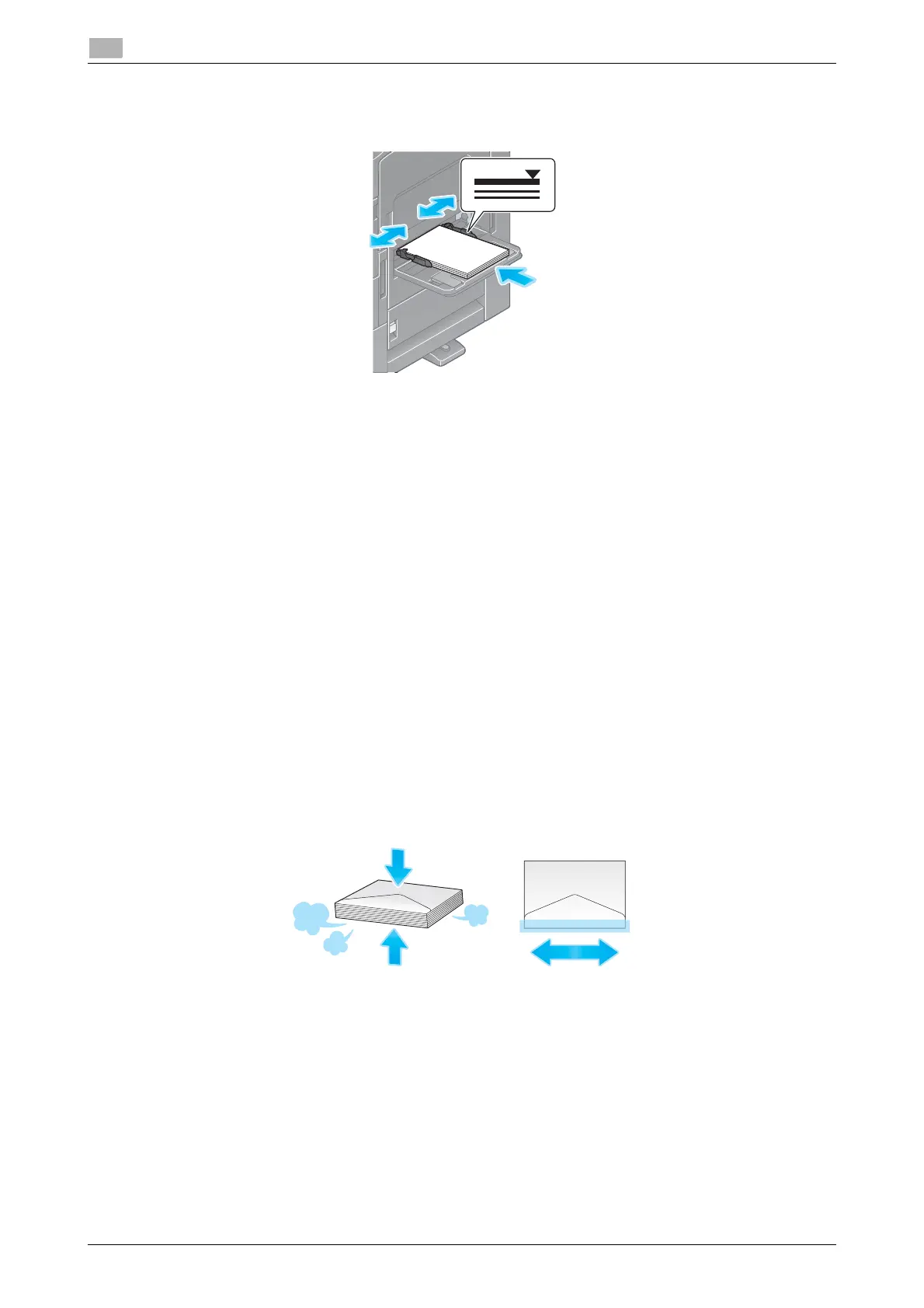
Load paper with the print side facing down, then align the Lateral Guide to the paper.
% Insert paper into the tray until their edges are pressed against the back.
NOTICE
Do not load an excessive number of sheets such that the top of the stack is higher than the
,
mark.
If paper is curled, flatten it before loading it.
3
Specify the paper type and paper size as needed.
% The paper type is automatically detected by the optional Intelligent media sensor.
% If you make settings so that the paper type is not automatically detected, you need to specify the
paper type.
% For details on how to specify the paper type and paper size, refer to the HTML User’s Guide.
6.2.3 Loading envelopes
Precautions when using envelopes
- Remove air from the envelope(s), and securely press along the flap fold line.
- Do not use envelopes that have glue or release paper on the flap or the part covered by the flap on the
body.
- The flap side of envelopes cannot be printed on.
- When loading envelopes with flaps opened, also select the standard size that matches them. You do
not have to measure the size of the envelope with the flap opened to set the size as a custom-sized
envelope.











 To Next Page