ineo+ 360i/300i/250i 9-7
9.3 When printing quality has deteriorated
9
9.3 When printing quality has deteriorated
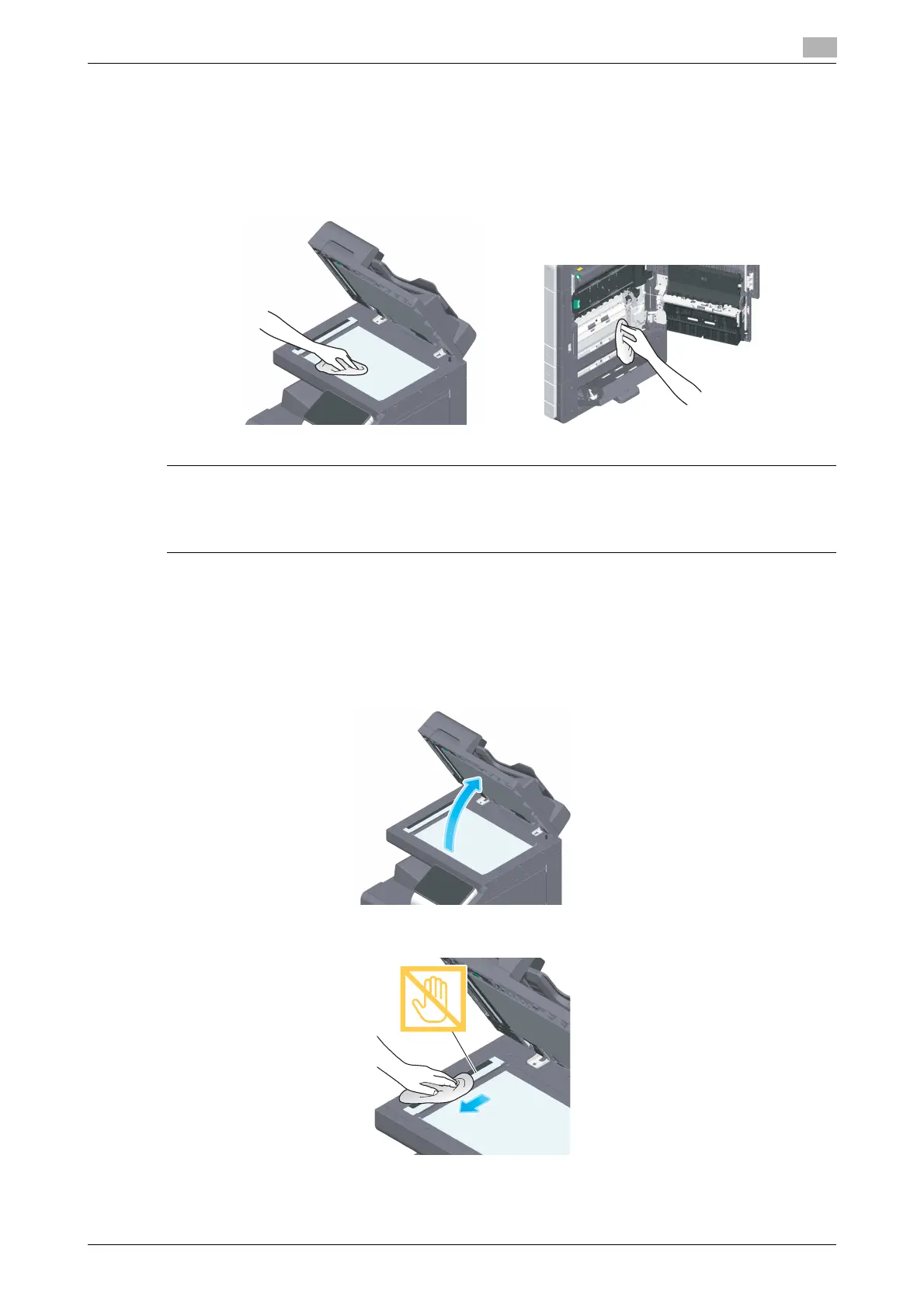
Cleaning the Original Glass and roller
Wipe the surface using a soft, dry cloth.
7CAUTION
- The inside of this product has areas subject to high temperature, which may cause burns. When check-
ing the inside of the unit for malfunctions such as a paper misfeed, do not touch the locations (around
the fusing unit, etc.) which are indicated by a "Caution HOT" caution label. A burn could result.
Cleaning the Slit Scan Glass
0 Perform this procedure when the Reverse Automatic Document Feeder DF-632 or Reverse Auto-
matic Document Feeder DF-714 is installed on the machine.
1
Open the ADF.
2
Wipe stains off the Slit Scan Glass using a dry, clean cloth.
NOTICE
Do not touch the Slit Scan Glass.











 To Next Page