ineo+ 360i/300i/250i 9-15
9.4 When a message appears to replace consumables or carry out cleaning
9
4
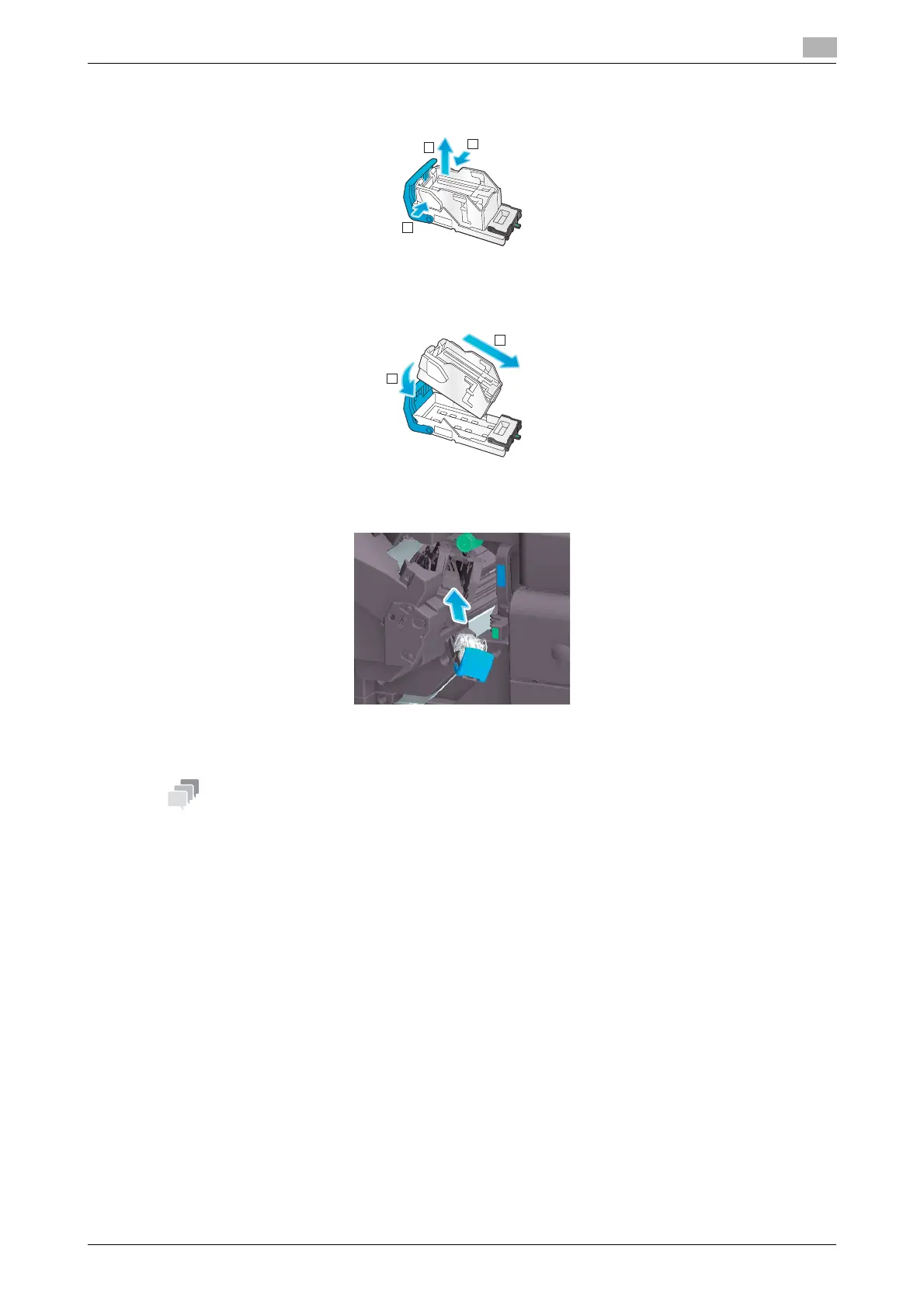
Remove any empty staple cases from the Staple Cartridge.
5
Attach a new staple case to the Staple Cartridge.
6
Attach the Staple Cartridge.
7
Close the Front Door of the Finisher.
- Do not remove staples that remain in the machine. Otherwise, the stapling function will activate but no
sheets will be stapled.
NOTICE
Be sure to replace the Staple Cartridge after the relevant message has appeared. If a Staple Cartridge is
removed before the relevant message appears, it may result in a failure.
1
1
2
1
2











 To Next Page