ineo+ 224/284/364/454/554 5-19
5
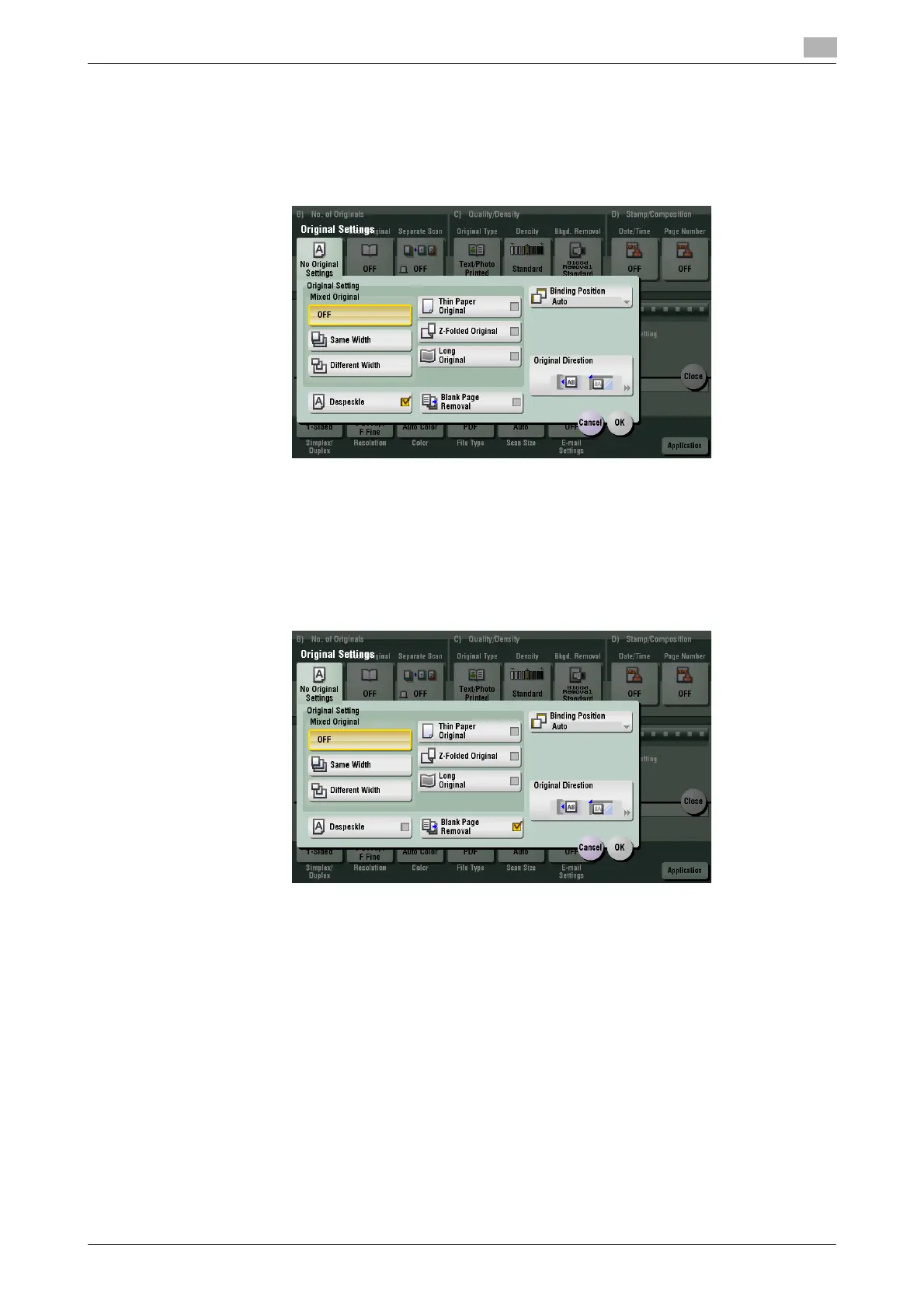
[Despeckle]
To display: [Scan/Fax] - [Application] - [No. of Originals] - [Original Settings] - [Despeckle]
Scan originals using the ADF while removing dust from the Slit Scan Glass.
It takes longer to finish scanning, compared to the normal operation.
[Blank Page Removal]
To display: [Scan/Fax] - [Application] - [No. of Originals] - [Original Settings] - [Blank Page Removal]
Blank pages contained in the original loaded into the ADF are skipped when the original is scanned.
Select this check box when scanning an original that contains blank pages. Any blank pages that are detect-
ed are not counted as original pages.
Related setting
- If blank pages are not detected correctly although [Blank Page Removal] is enabled to scan an original,
adjust the level to detect blank pages. For details, refer to page 6-10.



 To Next Page