ineo+ 224/284/364/454/554 7-25
7
[Duplex Print (RX)]
To display: [Utility] - [Administrator Settings] - [Fax Settings] - [TX/RX Settings] - [Duplex Print (RX)]
Select whether to print an original on both sides of sheets of paper when a fax having multiple pages is re-
ceived.
This option is not available if [Print Separate Fax Pages] is set to [ON].
[OFF] is specified by default.
[Letter/Ledger over A4/A3]
To display: [Utility] - [Administrator Settings] - [Fax Settings] - [TX/RX Settings] - [Letter/Ledger over A4/A3]
Select whether to preferentially print an original on inch-sized paper when a fax is received.
The default value depends on the country the machine is used in.
[Print Paper Selection]
To display: [Utility] - [Administrator Settings] - [Fax Settings] - [TX/RX Settings] - [Print Paper Selection]
Select the criterion of selecting paper for printing a fax.
[Print Paper Size]
To display: [Utility] - [Administrator Settings] - [Fax Settings] - [TX/RX Settings] - [Print Paper Size]
Select the paper size to print received faxes on.
The initial value varies depending on the setting for [Letter/Ledger over A4/A3].
Tips
- To enable the setting for [Print Paper Size], set [Tray Selection for RX Print] to [Auto].
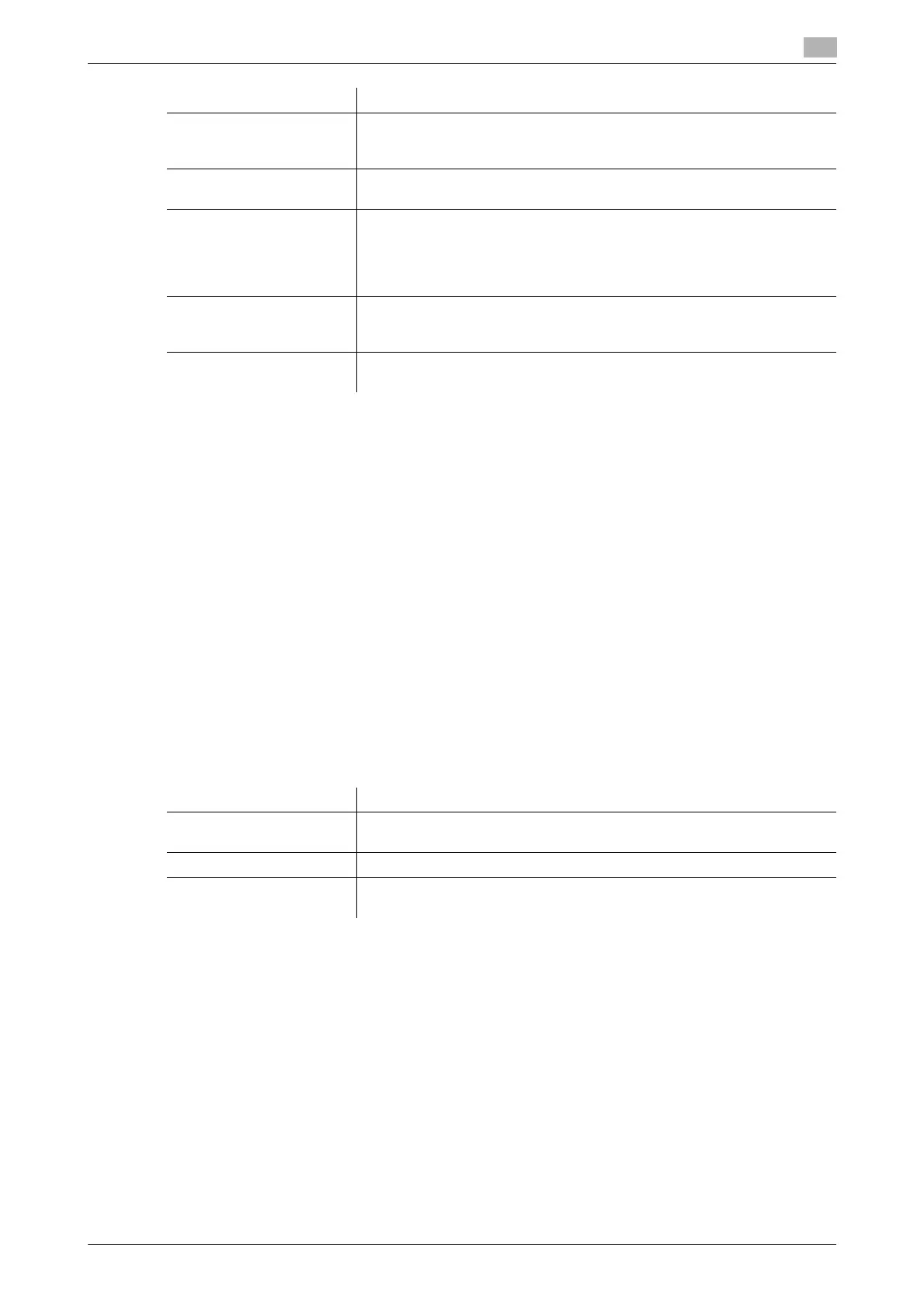
[File After Polling TX] Select whether to delete a file after it is sent in response to a polling request
if the Polling TX function is used to register files for polling.
For details, refer to [User's Guide: Fax Operations].
[No. of Sets (RX)] If necessary, change the number of copies to print a fax.
For details, refer to page 7-26.
[Individual Receiving Line
Setup]
Specify whether to receive faxes via respective lines separately in the two-
line mode.
In receiving faxes per line, you can use reception functions, such as TSI
Routing and Forward TX.
For details, refer to [User's Guide: Fax Operations].
[Individual Sender Line
Setup]
Specify whether to use different sender names for the respective lines in
the two-line mode.
For details, refer to [User's Guide: Fax Operations].
[RX Document Print Set-
tings]
Select whether to print a received network fax in color or black-and-white.
For details, refer to page 7-26.
Settings Description
Settings Description
[Auto Select] Print a fax on paper that is automatically selected to the fax received.
[Auto Select] is specified by default.
[Fixed Size] Print a fax on paper specified in [Print Paper Size].
[Priority Size] Prints a fax on paper specified in [Print Paper Size]. If the machine runs out
of specified paper, paper of the next closest size is used for printing.



 To Next Page