5
5-6 ineo+ 224/284/364/454/554
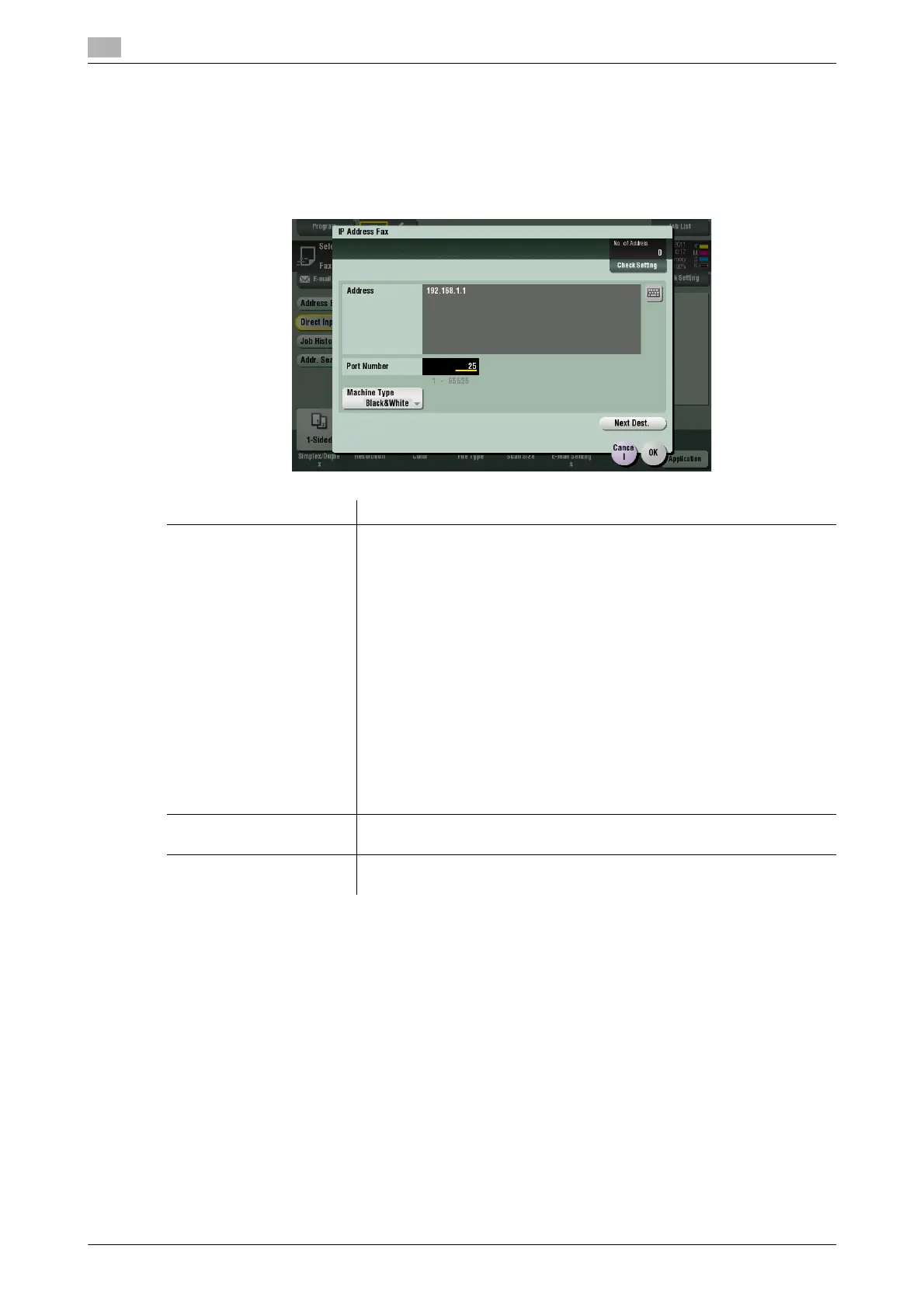
[IP Address Fax]
To display: [Scan/Fax] - [Direct Input] - [IP Address Fax]
Enter a destination IP address or E-mail address when scanned original data is sent by IP address fax. Also,
select whether the recipient machine supports color printing.
When specifying multiple destinations, tap [Next Dest.] to add a destination.
Settings Description
[Address] Enter a destination IP address or host name.
• Example of IP address (IPv4) entry: "192.168.1.1"
• Example of IP address (IPv6) entry: "fe80::220:6bff:fe10:2f16"
• Example of host name entry: "host.example.com" (Including a domain
name.)
You can also specify a destination by E-mail address. To specify a desti-
nation by E-mail address, enter the destination IP address or host name
following "ipaddrfax@".
To enter an IP address following the @ symbol, put the IP address in brack-
ets "[ ]".
• Example of IP address (IPv4) entry: "ipaddrfax@[192.168.1.1]"
To use an IP address (IPv6), enter "IPv6:" following the left bracket "[ ".
• Example of IP address (IPv6) entry: "ipaddr-
fax@[IPv6:fe80::220:6bff:fe10:2f16]"
To enter a host name following the @ symbol, brackets "[ ]" are unneces-
sary.
• Example of host name entry: "ipaddrfax@host.example.com"
[Port Number] If necessary, change the port number.
In normal circumstances, you can use the original port number.
[Machine Type ] Select either of [Color] or [Black&White] according to the recipient ma-
chine.



 To Next Page