Specifying a destination
1
1-16 ineo+ 224/284/364/454/554
1.3
Searching for destinations
If a large number of destinations is registered, search for a destination by registration name or destination (E-
mail address or computer name).
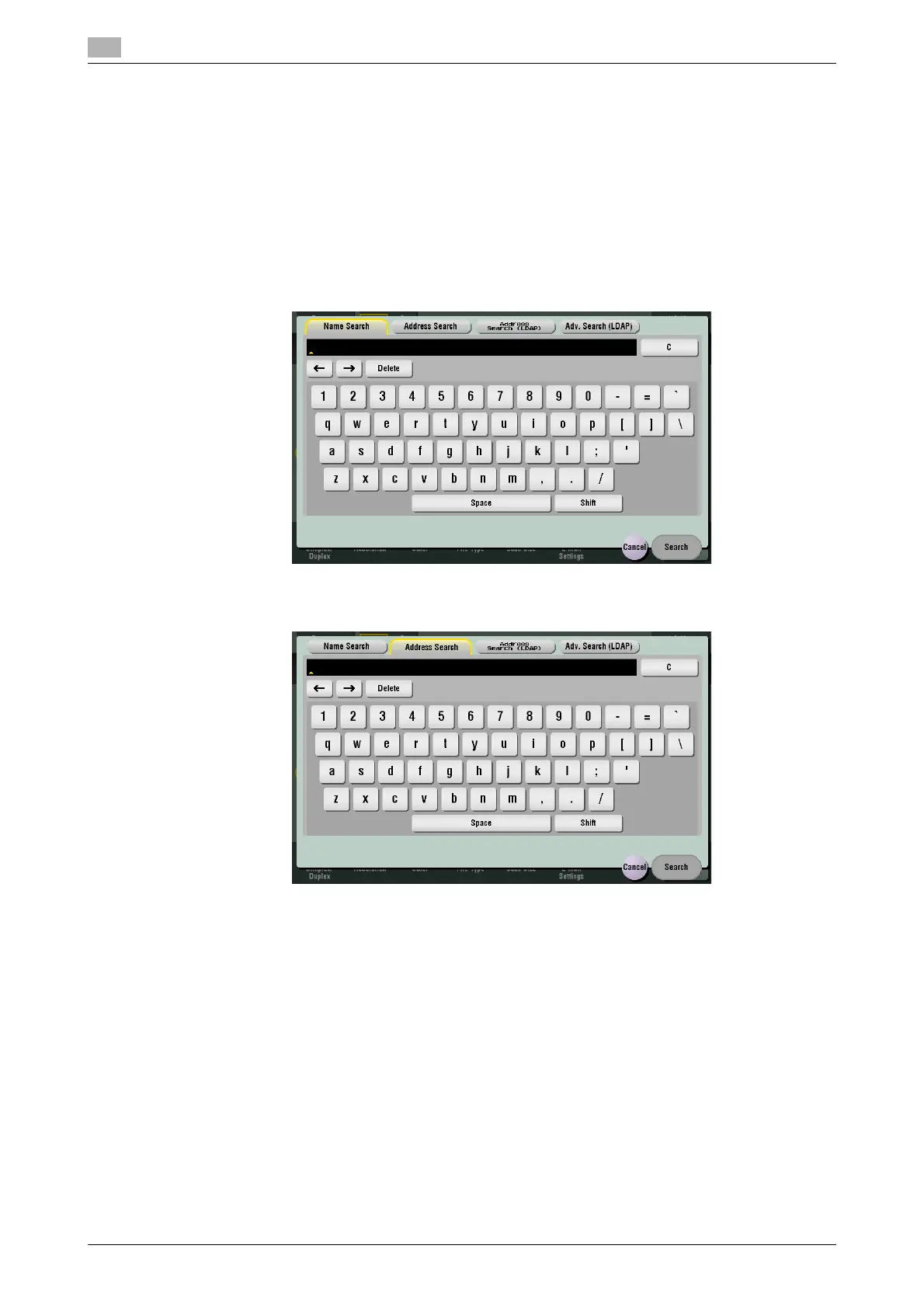
1 Tap [Addr. Search] - [Search] - [Name Search] or [Address Search].
% When searching for a destination by registration name, tap [Name Search].
% When you search for a destination by E-mail address or computer name, tap [Address Search].
2 Enter the text you want to search for, then tap [Search].
% Using [Name Search]
% Using [Address Search]
3 Select the destination from the search result.
Related setting
- You can select whether to differentiate between upper case and lower case characters when searching
for a destination (default: [Differentiate]). You can also specify whether to display the check box for
switching between case-sensitive and case-indifferent search modes on the search screen (default:
[OFF]). For details, refer to page 6-12.



 To Next Page