ineo+ 224/284/364/454/554 5-7
5
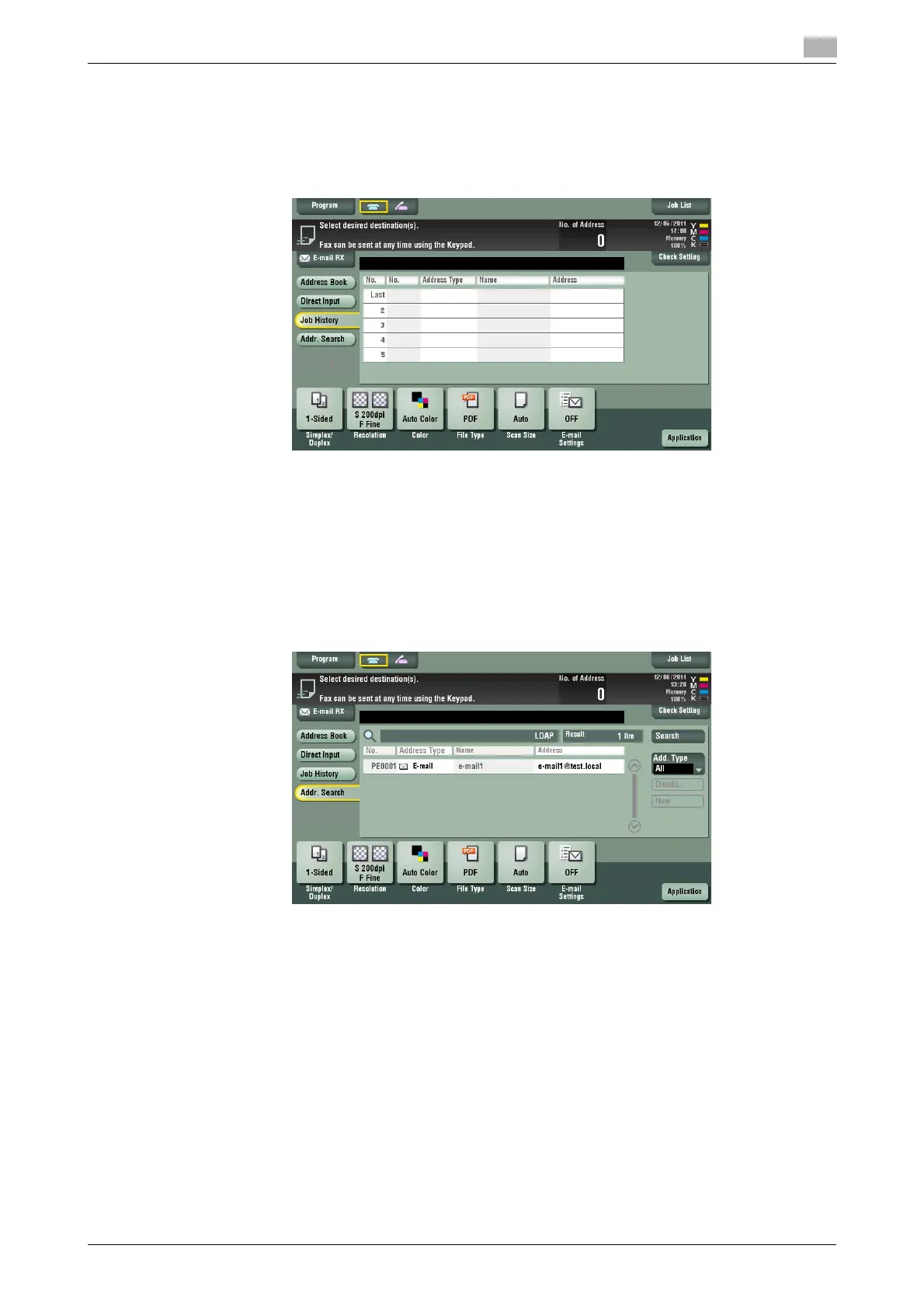
[Job History]
To display: [Scan/Fax] - [Job History]
In [Job History], select a destination from the fax, scan or saved job history. The history shows the latest five
fax destinations. When necessary, multiple destinations can be selected from the history.
Tips
- If a registered destination or a User Box is edited or if the Main Power Switch is turned off or on, infor-
mation of the history is deleted.
[Addr. Search]
To display: [Scan/Fax] - [Addr. Search]
Press [Search] to display the search results. Select a destination from the list.



 To Next Page