Option settings for fax transmission
1
1-26 ineo+ 224/284/364/454/554
1.4
1.4.4 Adding a stamp/page number (Application settings)
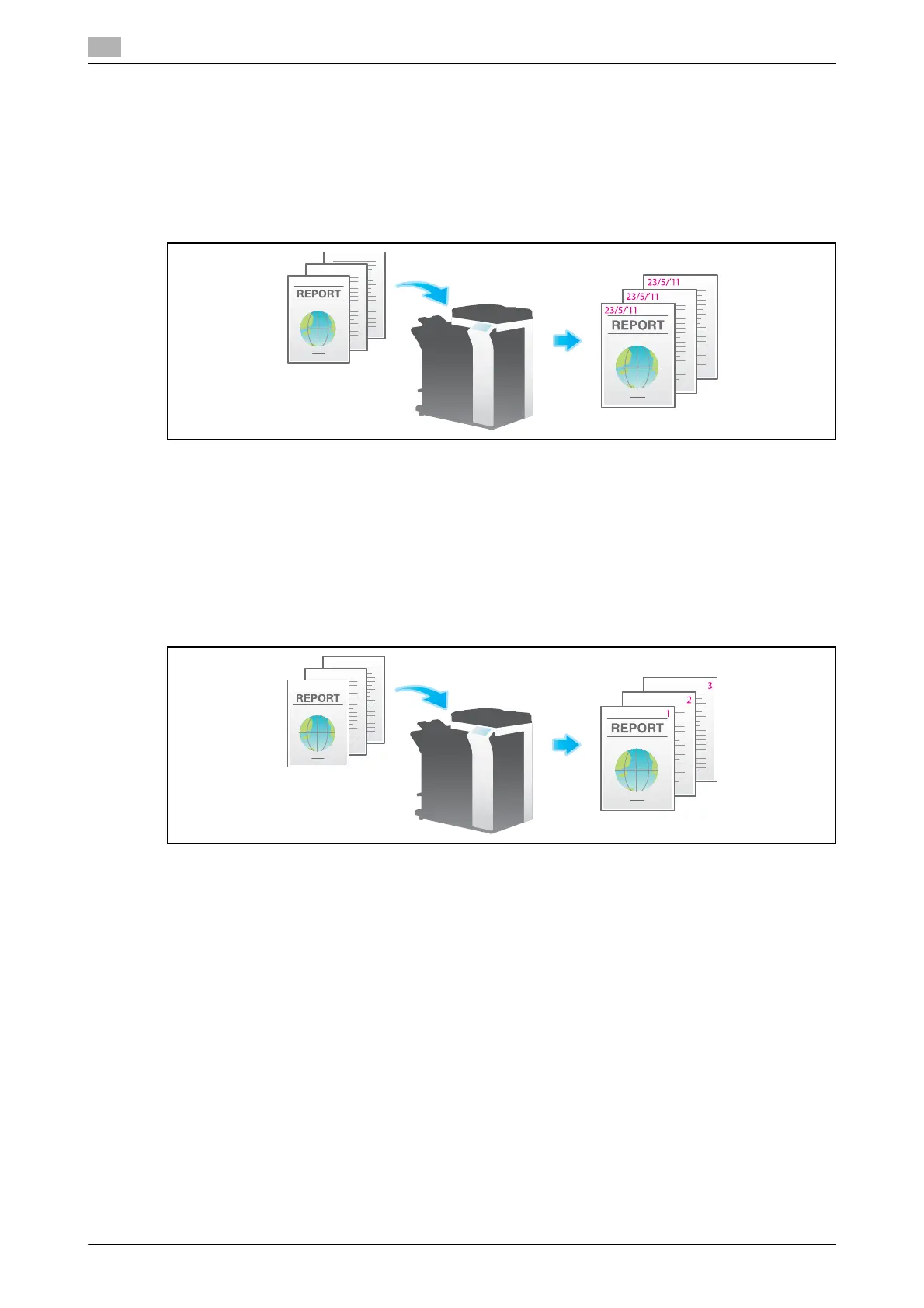
Adding a date and time ([Date/Time])
Select the stamping position and representation, and add the date and time the original is scanned.
The date and time can be printed either on all pages or only on the first page.
For details, refer to page 5-25.
Related setting (for the administrator)
- You can specify whether to cancel the settings of [Date/Time] when sending a fax (default: [Cancel]).
For details, refer to page 7-11.
Adding the page number ([Page Number])
Select the stamping position and format, and add page and chapter numbers.
Page and chapter numbers are printed on all pages.
For details, refer to page 5-26.
Related setting (for the administrator)
- You can specify whether to cancel the settings of [Page Number] when sending a fax (default: [Cancel]).
For details, refer to page 7-11.



 To Next Page