13
A-DV56
EN
ADVAnceD menu controls
SmartLink™ Therapy Management Module – these are noted in the ‘Mode’ column below. If
you do not see some of these options, your model or configuration does not support them.
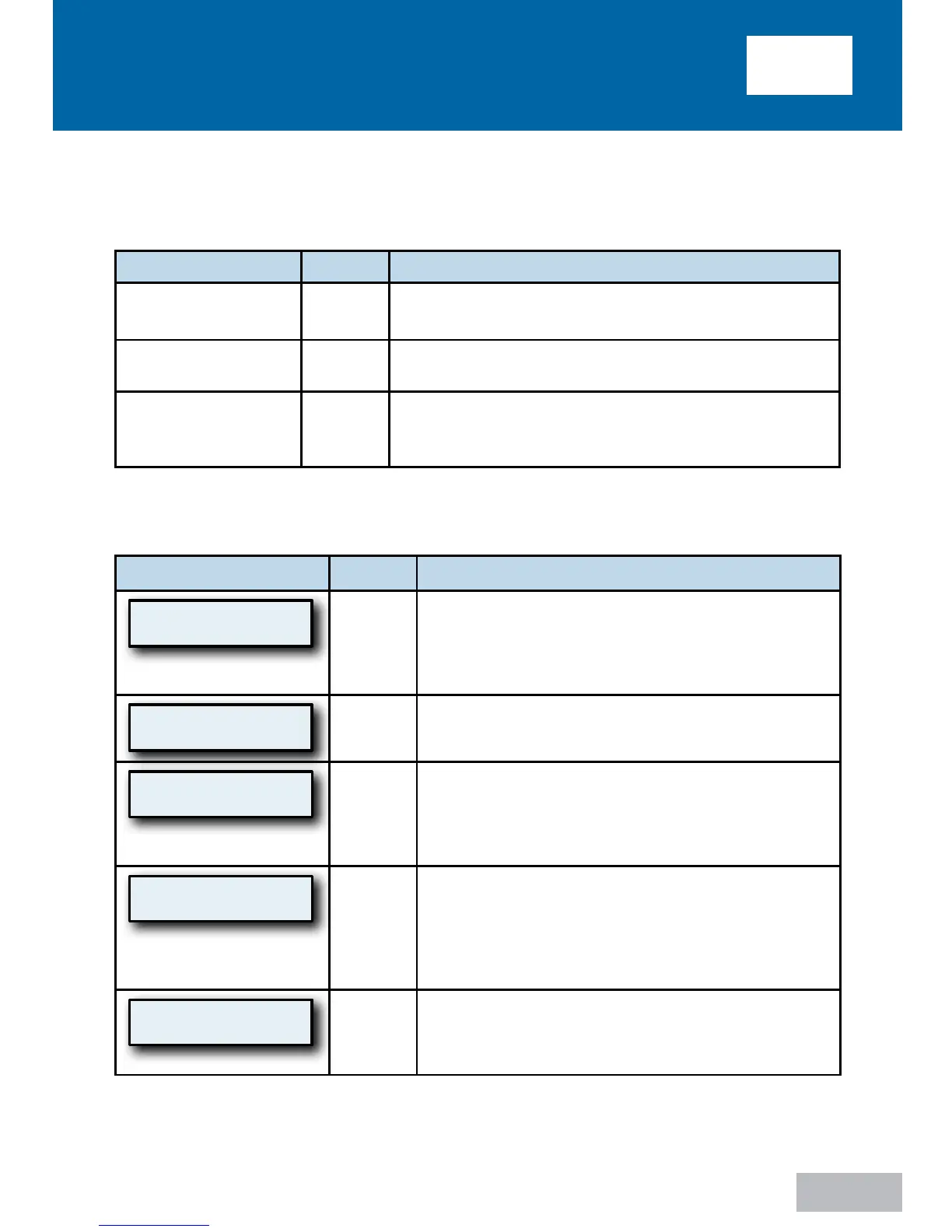
Name Symbol Function
PREVIOUS ITEM
Pressing this button displays the previous menu option.
NEXT ITEM
Pressing this button displays the next menu option.
SETTING CHANGE
These buttons allow you to adjust the setting that is
shown on the display.
Please note that the values displayed are examples only.
Advanced Menu List
Display Example
Mode
Description
P: 5.0 ST
Heat:Off
All
This is the default screen when the IntelliPAP is
turned on. The actual mask pressure and heater
setting are shown. The displayed pressure may vary
slightly while breathing. If the heater system is not
connected, the heat setting will be blank.
Set Pressure
10.0 cmH2O
CPAP
Mode
This is a prescription setting which controls the
operating pressure.
P:10.0 S
–
T RR:15
I/E: 1:1.0 (50%)
All
Bilevel
Modes
Real time info screen, top row shows measured
pressure (P), Trigger source (Spontaneous or
Timed), breath state (dash in center of top row
goes high during inhale and low during exhale).
Bottom row shows I:E ratio and % inhale.
LK:123 S
–
S EV:AS
MV:123.4 VT:1234
All
Bilevel
Modes
Real time info screen, top row shows Leak rate
(LK), Trigger source (Spontaneous or Timed),
breath state (dash in center of top row goes high
during inhale and low during exhale), Event
Markers (EV), Bottom row shows Minute Volume
(MV) and Tidal Volume (VT)
IPAP
10.0 cmH2O r 5.0
All
Bilevel
Modes
This is a prescription setting which controls the
pressure during inhale, this also shows the pressure
delta (5.0 in example) between inhale and exhale
pressure settings














 To Next Page