15
A-DV56
EN
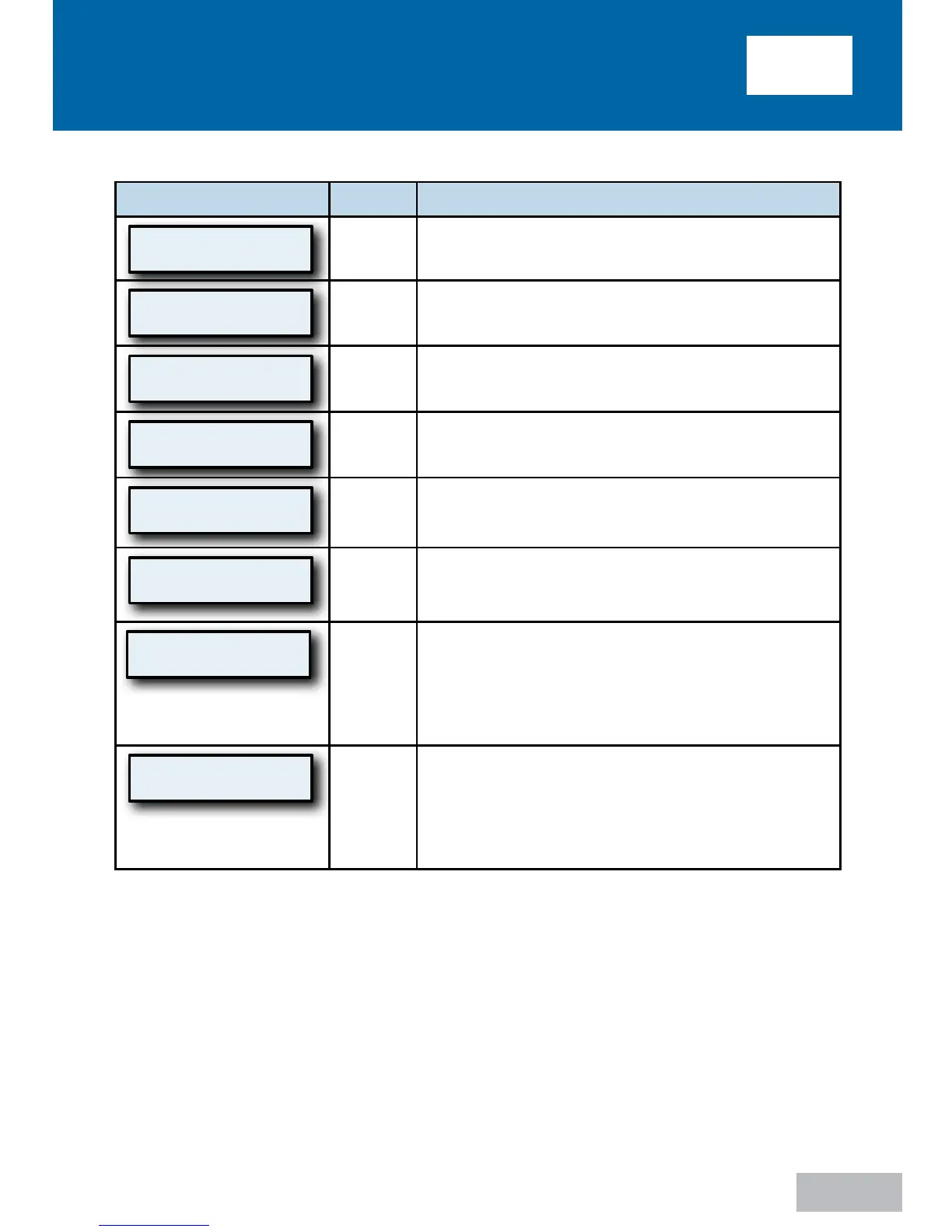
ADVAnceD menu controls
Display Example
Mode
Description
Enable Menu
Press
All
Pressing the down key enters the Enable menu.
Refer to next section for Enable Menu details.
LCD Contrast Adj
50 %
All
This setting changes the contrast for the LCD
display. This only needs to be adjusted if you find it
difficult to see the display from your viewing angle.
Compliance Meter
123456.7 hours
All
The total number of hours (in 1/10 hour
increments) that the IntelliPAP has been providing
therapy. (while breathing hours)
Hourmeter
123456.7 hours
All
The total number of hours (in 1/10 hour
increments) that the IntelliPAP has been in
operation.
Firmware Version
V0.11 21/08/2009
All
Shows version of installed firmware.
Serial Number
KD123456
All
Shows the serial number of the device.
Adherence Score
83% (25/30)
All
Shows the maximum adherence achieved for any
period of thirty consecutive days of use within a
ninety-day time frame. The score represents the
percentage of days, within thirty consecutive days,
where usage met or exceeded the ‘Usage
Threshold.’
SmartCode 1-Day
G201-0Y7-6GPH
All
SmartCode
TM
is used for therapy management
reporting; therapy information is encoded in a
series of letters and numbers, and includes a special
character for error checking to ensure accuracy.
Use the UP arrow or DOWN arrow keys to
change the SmartCode reporting period.














 To Next Page