Network configuration 45
devolo dLAN 1200+ WiFi ac
5.6.2 Device security
Here you can set a login password for access to the
configuration interface.
By default, the configuration interface of the
dLAN 1200+ WiFi ac is not protected by a password.
However, after installing the dLAN 1200+ WiFi ac, you
should create a custom password to protect the con-
figuration interface from being accessed by third par-
ties.
햲 To do so, first enter (if present) the current pass-
word and then enter the desired new password
twice. Now the configuration interface is pro-
tected against unauthorised access with your cus-
tom password!
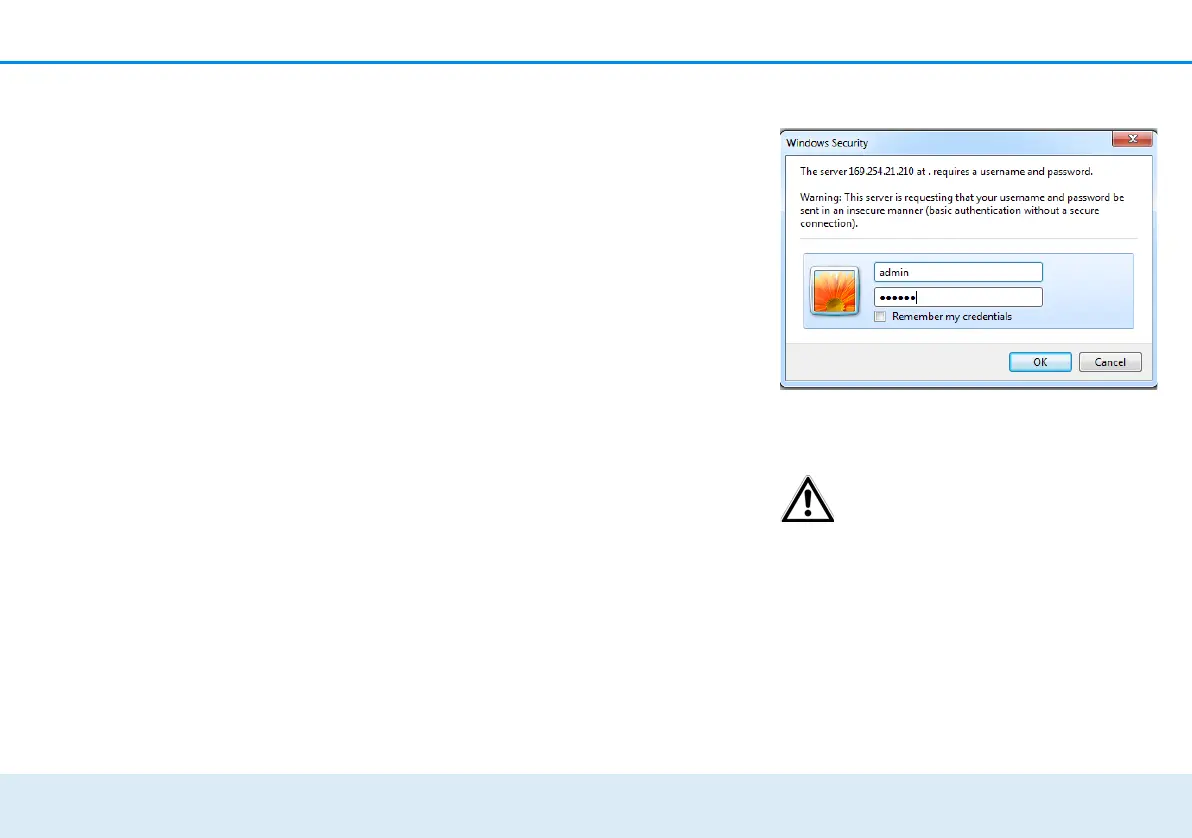
햳 Call up the configuration interface again later; the
following window appears first:
햴 Enter admin in the User name field and your
custom password in the Password field.
The admin user name cannot be
changed.
5.6.3 Network settings
As a component of your network, the
dLAN 1200+ WiFi ac also communicates via the TCP/
IP protocol. The IP address required for this can either
be entered manually or obtained automatically from
a DHCP server.
The option Network settings are automatically
retrieved from a DHCP server is enabled by default.













 To Next Page