Dexcom ONE User Guide
19
Display device screens
App only
• Hours shown: To show readings over the past
3, 6, 12, or 24 hours, tap a number at the top.
• Alert settings: Turn on alerts or adjust an alert
setting by tapping the More menu (3 dots).
Receiver only
• Hours shown: To show readings over the past
3, 6, 12, or 24 hours, use the up and down
navigation buttons.
• Menu: Access the Menu by pressing the round
Select button.
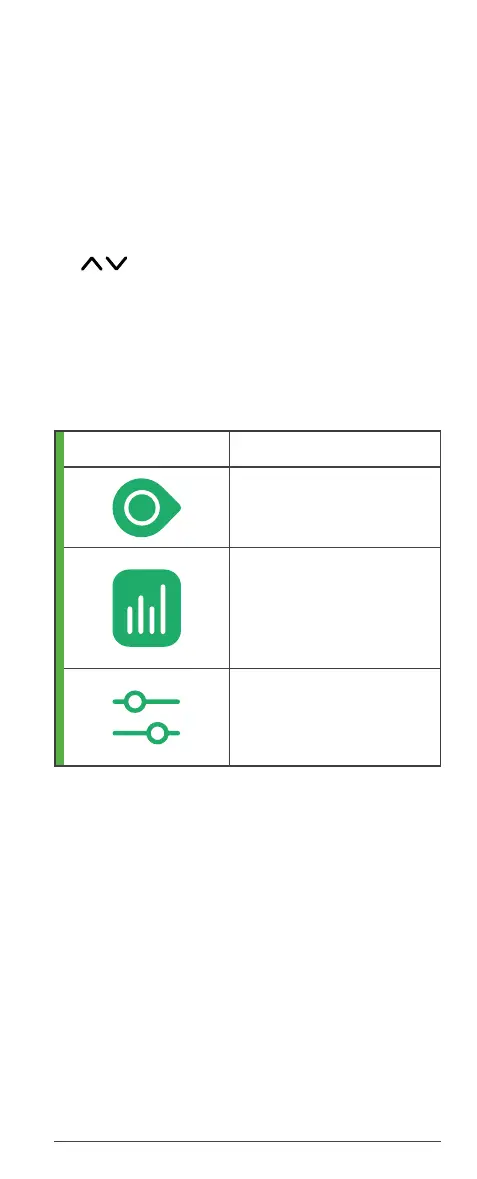
App navigation menu
You can access other features in the app using the
icons in the navigation menu.
Icon Description
Glucose: Your home
screen
Reports: Shows your
glucose information for a
specific period, including
average glucose and
average time in range.
Settings: Edit alerts,
change settings,
customize sounds, and
more.



 To Next Page