75
Chapter 6 RAID
Chapter 6
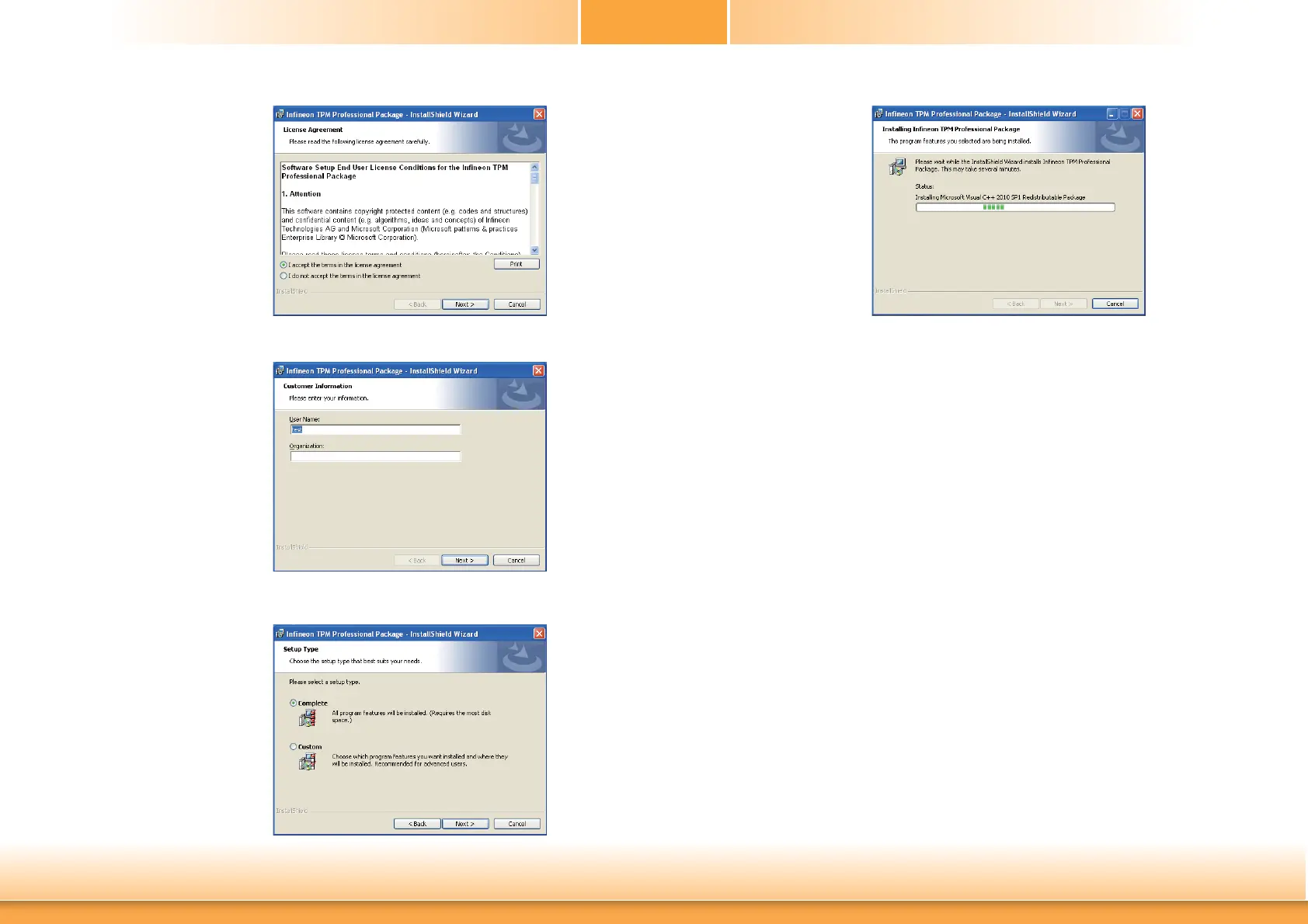
5. Go through the readme
document to view system
requirements and installa-
tion information then click
Next.
7. Confirm the installation and
click Next.
6. Click Next to install to
the default folder or click
change to choose another
destination folder.
8. Click “Yes, I want to restart
this computer now” to
complete the installation
and then click Finish.



 To Next Page