82
Chapter 7 Intel AMT Settings
Chapter 7
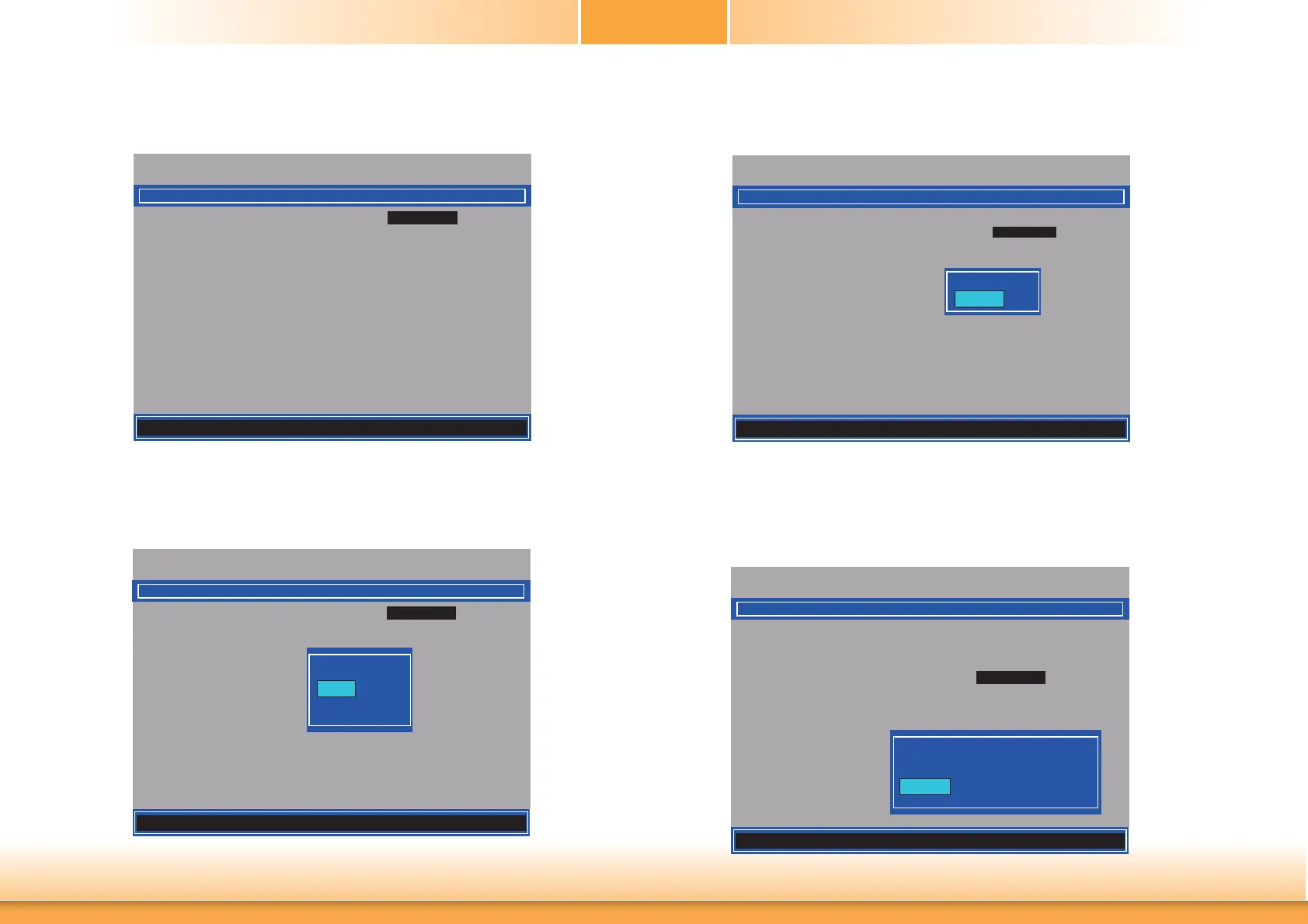
17. Select Previous Menu until you return to the Intel(R) AMT Configuration menu. Select
User Consent then press Enter.
Intel(R) Management Engine BIOS Extension v9.0.0.0029/Intel(R) ME v9.5.30.1808
Copyright(C) 2003-13 Intel Corporation. All Rights Reserved.
[] = Move Highlight [Enter] = Select Entry [Esc]= Exit
USER CONSENT
User Opt-in < KVM>
Opt-in Confi gurable from Remote IT
< Enabled>
Confi gure When User Consent Should be Required.
18. In the User Consent menu, select User Opt-in then press Enter. Select None then
press Enter.
Intel(R) Management Engine BIOS Extension v9.0.0.0029/Intel(R) ME v9.5.30.1808
Copyright(C) 2003-13 Intel Corporation. All Rights Reserved.
USER CONSENT
User Opt-in < KVM>
Opt-in Confi gurable from Remote IT
< Enabled>
NONE
KVM
ALL
19. In the User Consent menu, select Opt-in Configurable from Remote IT then press
Enter. Select Disable Remote Control of KVM Opt-in Policy then press Enter.
Intel(R) Management Engine BIOS Extension v9.0.0.0029/Intel(R) ME v9.5.30.1808
Copyright(C) 2003-13 Intel Corporation. All Rights Reserved.
USER CONSENT
User Opt-in < KVM>
Opt-in Confi gurable from Remote IT
< Enabled>
Disabled
Enabled
20. Select Previous Menu until you return to the Intel(R) AMT Configuration menu. Select
Password Policy then press Enter.
You may choose to use a password only during setup and configuration or to use a pass-
word anytime the system is being accessed.
Intel(R) Management Engine BIOS Extension v9.0.0.0029/Intel(R) ME v9.5.30.1808
Copyright(C) 2003-13 Intel Corporation. All Rights Reserved.
Manageability Feature Selection < Enabled>
> SOL/ IDER/ KVM
> User Consent
Password Policy
<Anytime>
> Network Setup
Unconfi gure Network Access <Full Unprovision>
> Remote Setup And Confi guration
> Power Control
INTEL (R) AMT CONFIGURATION
Default Password Only
During Step And Confi guration
Anytime
[] = Move Highlight [Enter] = Complete Entry [Esc]= Discard Changes
[] = Move Highlight [Enter] = Complete Entry [Esc]= Discard Changes
[] = Move Highlight [Enter] = Complete Entry [Esc]= Discard Changes



 To Next Page