86
Chapter 7 Intel AMT Settings
Chapter 7
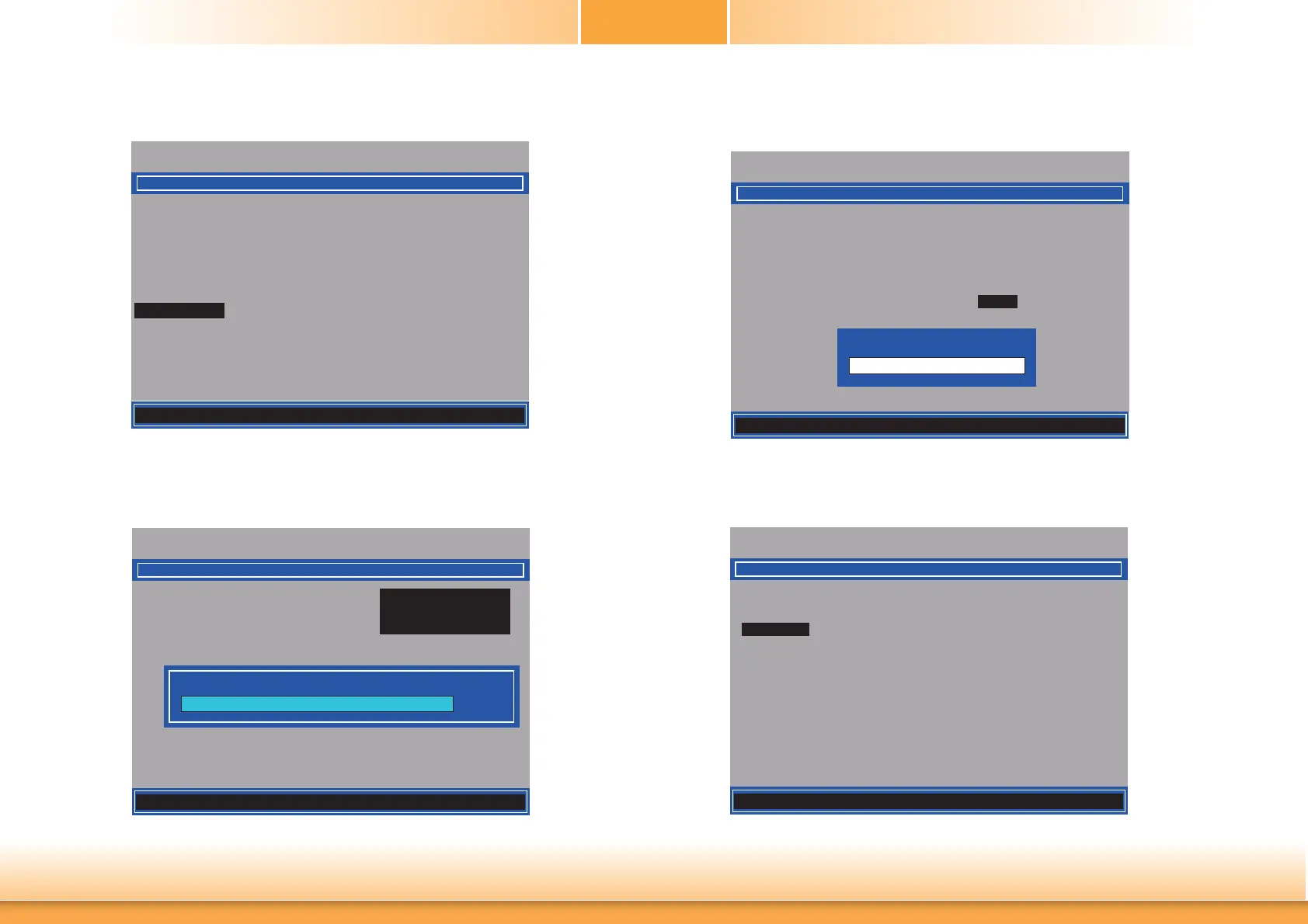
33. In the Intel(R) AMT Configuration menu, select Power Control then press Enter.
Intel(R) Management Engine BIOS Extension v9.0.0.0029/Intel(R) ME v9.5.30.1808
Copyright(C) 2003-13 Intel Corporation. All Rights Reserved.
[] = Move Highlight [Enter] = Select Entry [Esc]= Exit
Manageability Feature Selection < Enabled>
> SOL/ IDER/ KVM
> User Consent
Password Policy <Anytime>
> Network Setup
Unconfi gure Network Access <Full Unprovision>
> Remote Setup And Confi guration
> Power Control
INTEL (R) AMT CONFIGURATION
34. In the Intel(R) AMT Power Control menu, select Intel(R) AMT ON in Host Sleep
States then press Enter. Select an option then press Enter.
Intel(R) Management Engine BIOS Extension v9.0.0.0029/Intel(R) ME v9.5.30.1808
Copyright(C) 2003-13 Intel Corporation. All Rights Reserved.
INTEL (R) AMT POWER CONTROL
Mobile: ON in S0
Mobile: ON in S0, ME Wake in S3, S4-5 (AC only)
Intel (R) AMT ON in Host Sleep States
<Mobile: ON in S0,
ME Wake in S3, S4-5
(AC only)>
Idle Timeout
65535
[] = Move Highlight [Enter] = Complete Entry [Esc]= Discard Changes
35. In the Intel(R) AMT Power Control menu, select Idle Timeout then press Enter.
Enter the timeout value (1-65535).
Intel(R) Management Engine BIOS Extension v9.0.0.0029/Intel(R) ME v9.5.30.1808
Copyright(C) 2003-13 Intel Corporation. All Rights Reserved.
INTEL (R) AMT POWER CONTROL
This confi gurations are effective only after AMT provisioning has started
Intel (R) ME ON in Host Sleep States
<Mobile: ON in S0,
ME Wake in S3, S4-5
(AC only)>
Idle Timeout 65535
<ENTER> = Complete Entry [ESC]= Discard Changes
Timeout Value (1-65535)
36. Select Previous Menu until you return to the Main Menu. Select Exit then press Enter.
Type Y then press Enter.
Intel(R) Management Engine BIOS Extension v9.0.0.0029/Intel(R) ME v9.5.30.1808
Copyright(C) 2003-13 Intel Corporation. All Rights Reserved.
MAIN MENU
> Intel (R) ME General Settings
> Intel (R) AMT Confi guration
MEBx Exit
Exit
[] = Move Highlight [Enter] = Select Entry [Esc]= Exit



 To Next Page