88
Appendix A NLITE and AHCI Installation Guide
Appendix A
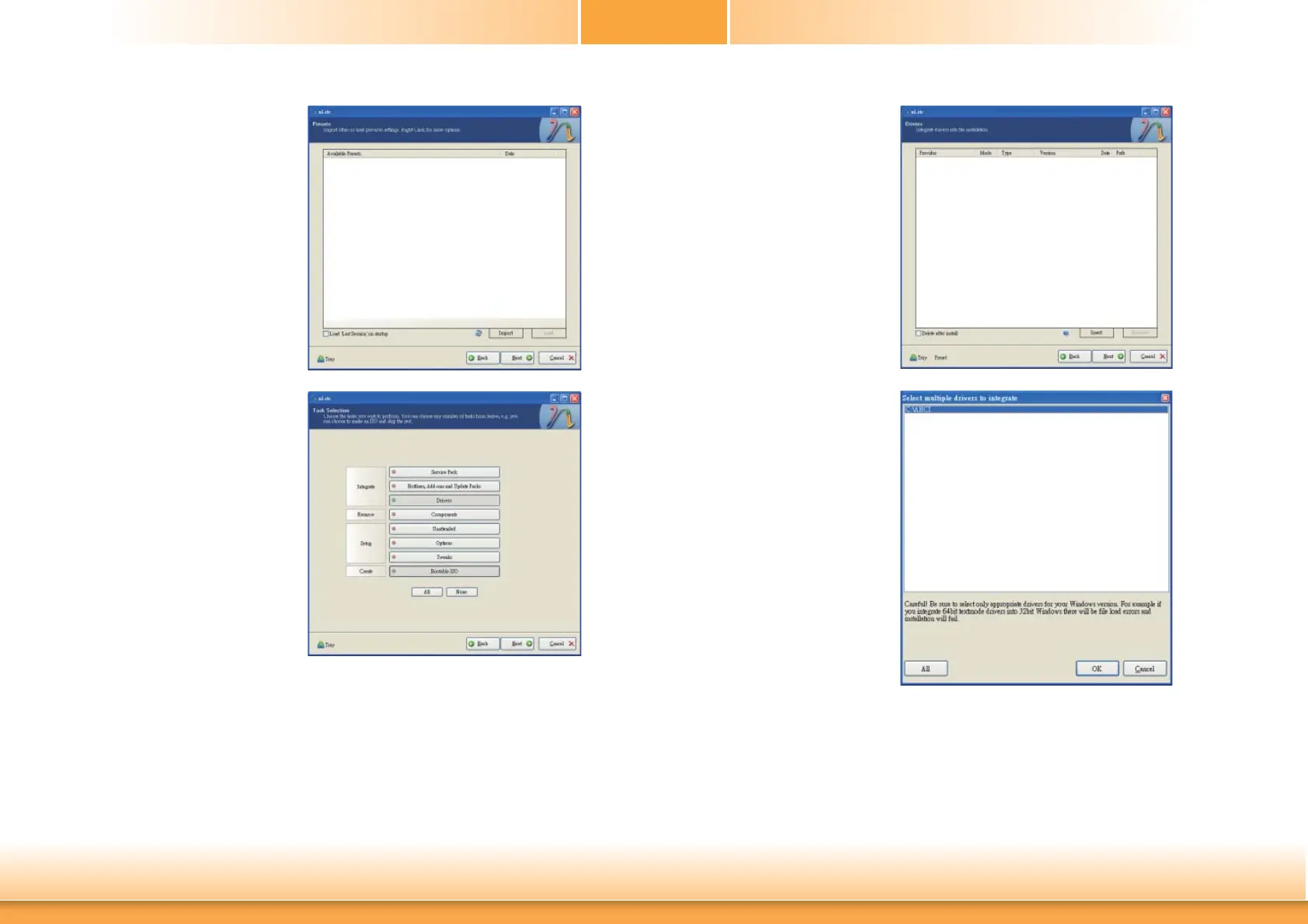
7. Click Next.
8. In the Task Selection dialog
box, click Drivers and
Bootable ISO. Click Next.
9. Click Insert and then
select Multiple driver
folder to select the drivers
you will integrate. Click
Next.
10. Select only the drivers ap-
propriate for the Windows
version that you are using
and then click OK.
Integrating 64-bit drivers
into 32-bit Windows or
vice versa will cause file
load errors and failed
installation.



 To Next Page