112
4
Supported Software
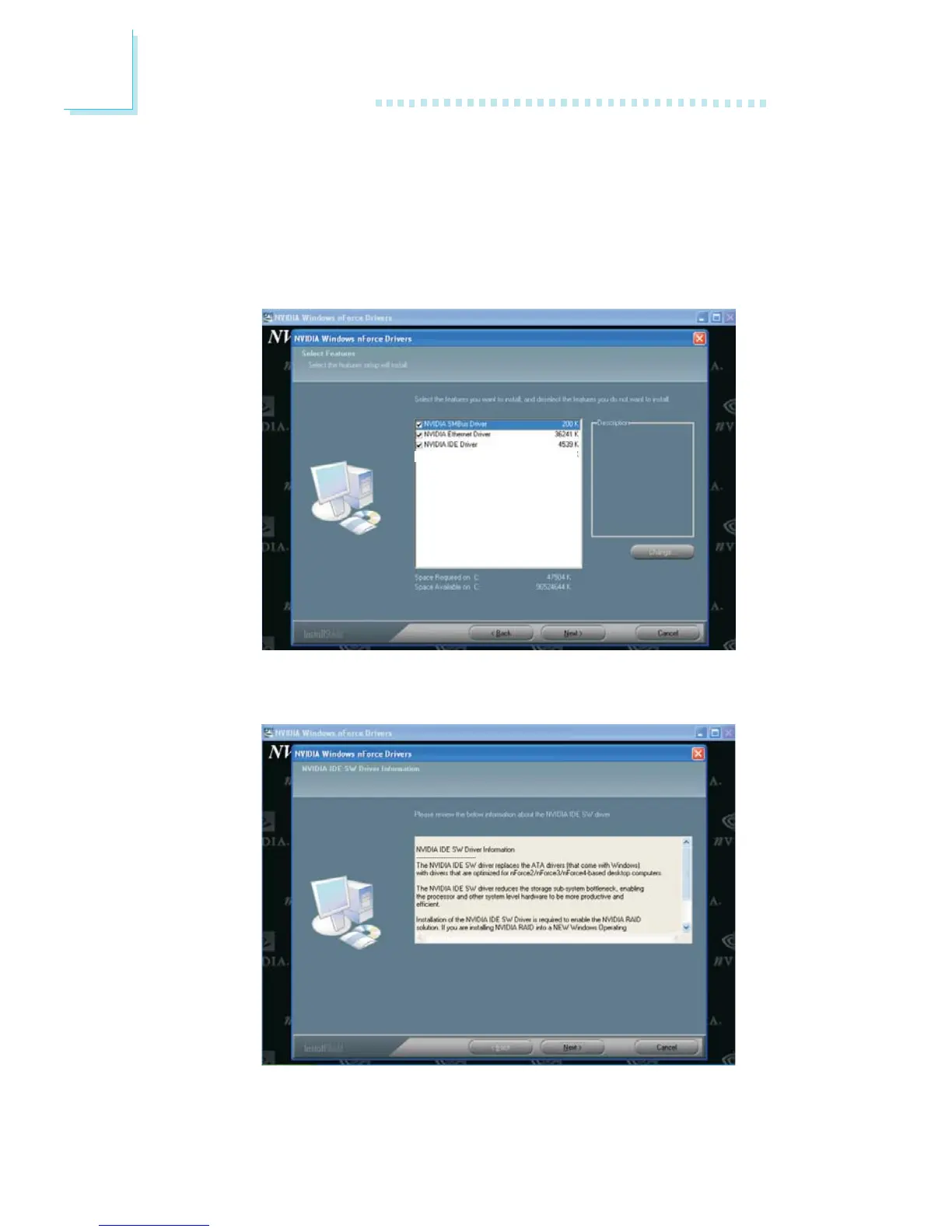
3. The following screen will appear. Select the drivers you want to
install. The drivers will be installed automatically. Make sure you
have selected “NVIDIA IDE Driver” because this driver will
replace Windows ATA drivers enabling the processor and other
system level hardware to be more productive and efficient. Click
“Next” to continue.
4. The following screen will appear. Click “Next”.



 To Next Page