113
4
Supported Software
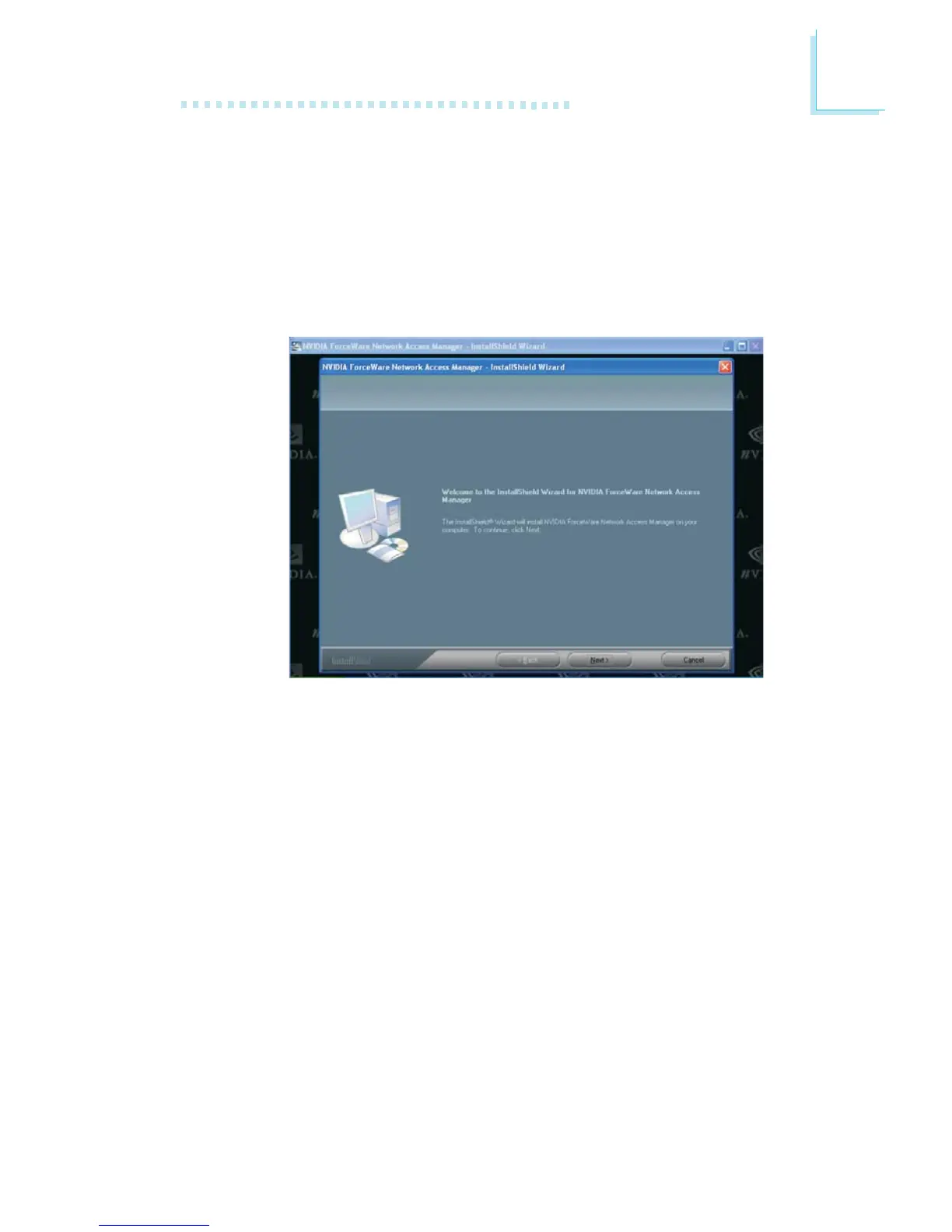
NVIDIA Firewall and ForceWare Network Access Manager
To install, please follow the steps below.
1. On the left side of the autorun screen, click the “TOOLS” icon.
2. Click “NVIDIA Firewall and ForceWare Network Access
Manager” on the main menu. The following screen will appear.



 To Next Page