104
4
Supported Software
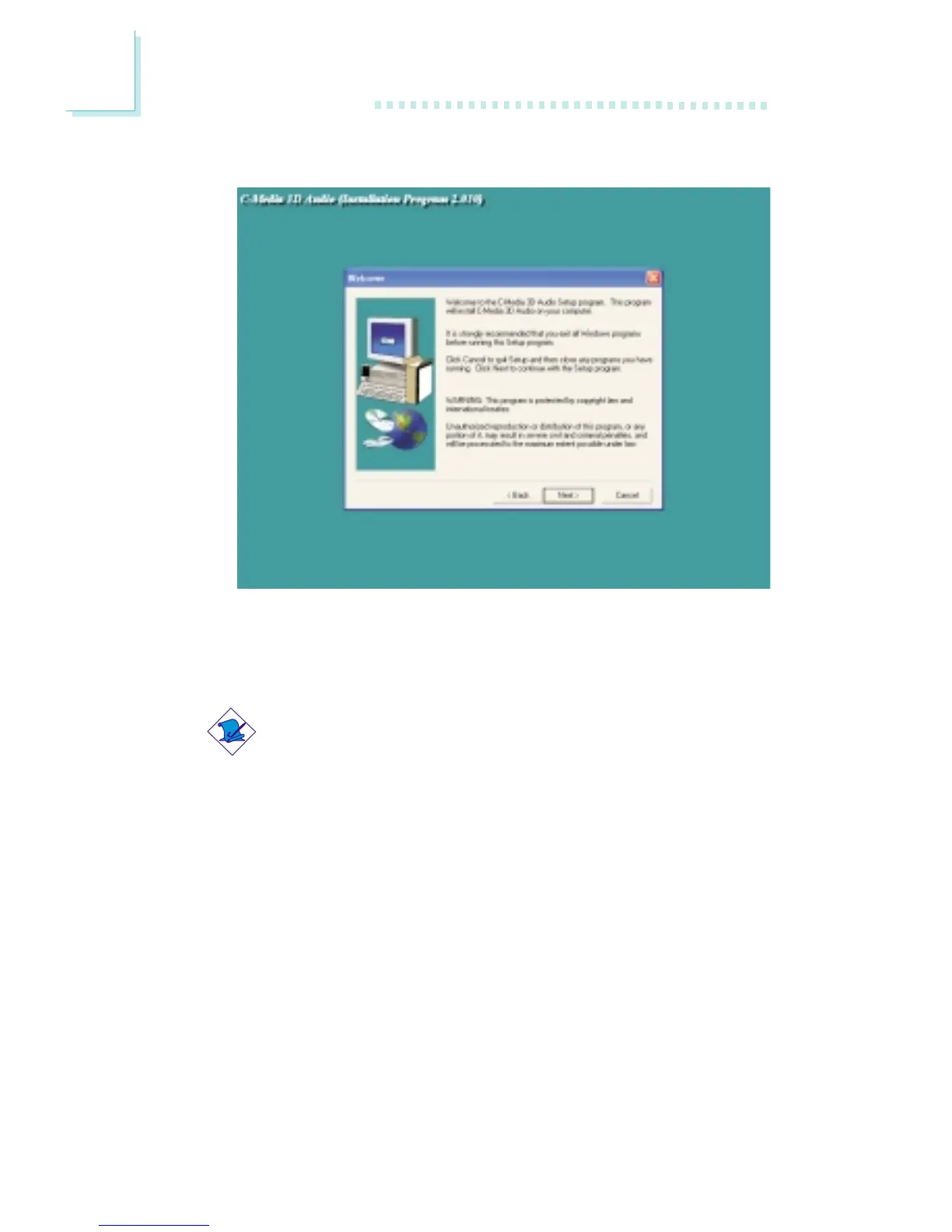
3. The following screen will appear.
4. Follow the prompts on the screen to complete installation.
5. Reboot the system for the driver to take effect.
Note:
The 3D Audio Configuration software, which is an audio panel
for setting basic audio configurations, will at the same time be
installed into your system. Refer to the “3D Audio Configuration”
section in this chapter for more information.



 To Next Page