44
2
Hardware Installation
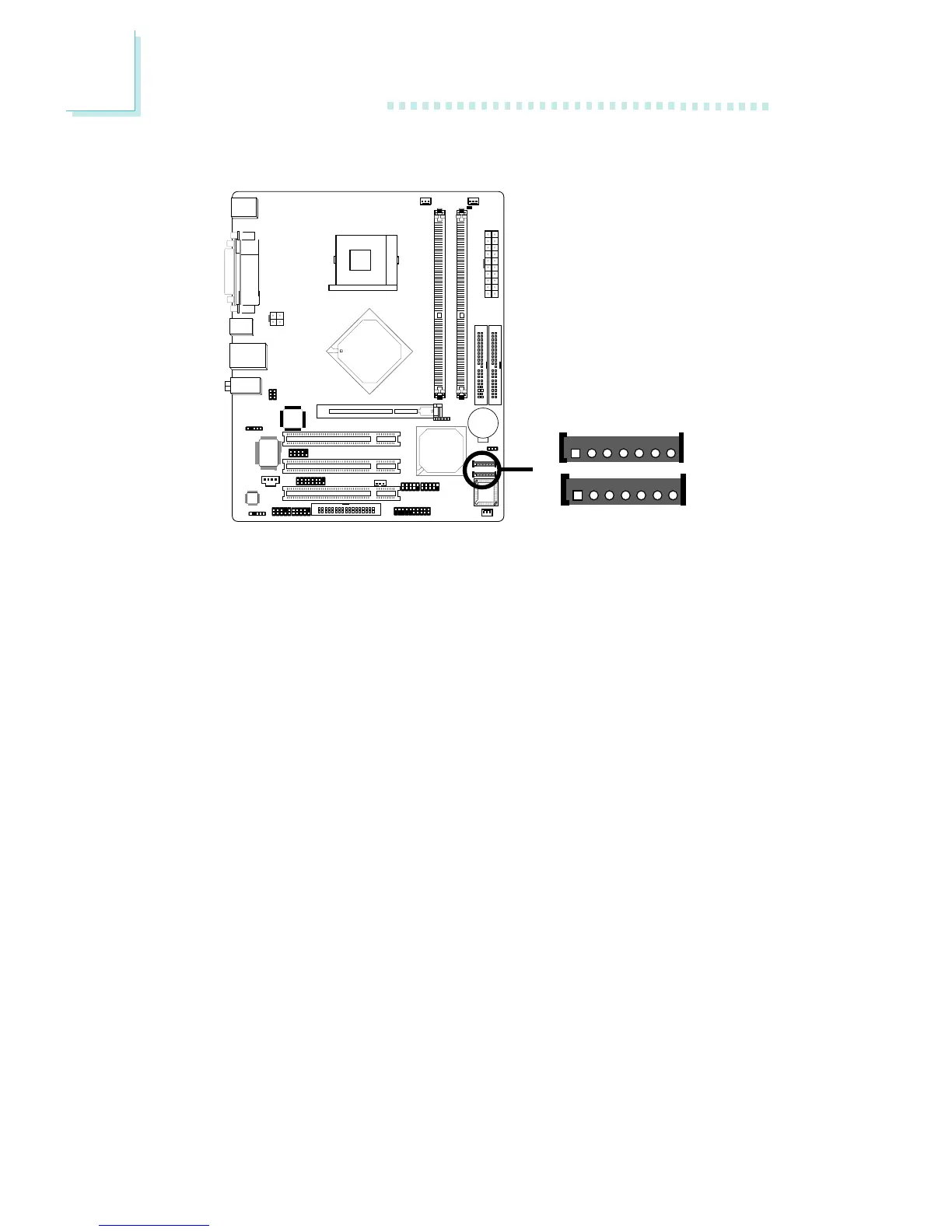
2.6.5 Serial ATA Connectors
One Serial ATA cable is provided with the system board. Connect
one end of the cable to J16 (SATA 2) or J17 (SATA 1) and the
other end to your serial ATA device.
BIOS Setting
Configure the onboard Serial ATA in the Integrated Peripherals
submenu (“OnChip IDE Device” field) of the BIOS. Refer to chapter
3 for more information.
SATA 2
SATA 1
!
GND
TXP
TXN
GND
RXN
RXP
GND
17
17



 To Next Page