56
3
Award BIOS Setup Utility
The settings on the screen are for reference only. Your version may not be identical
to this one.
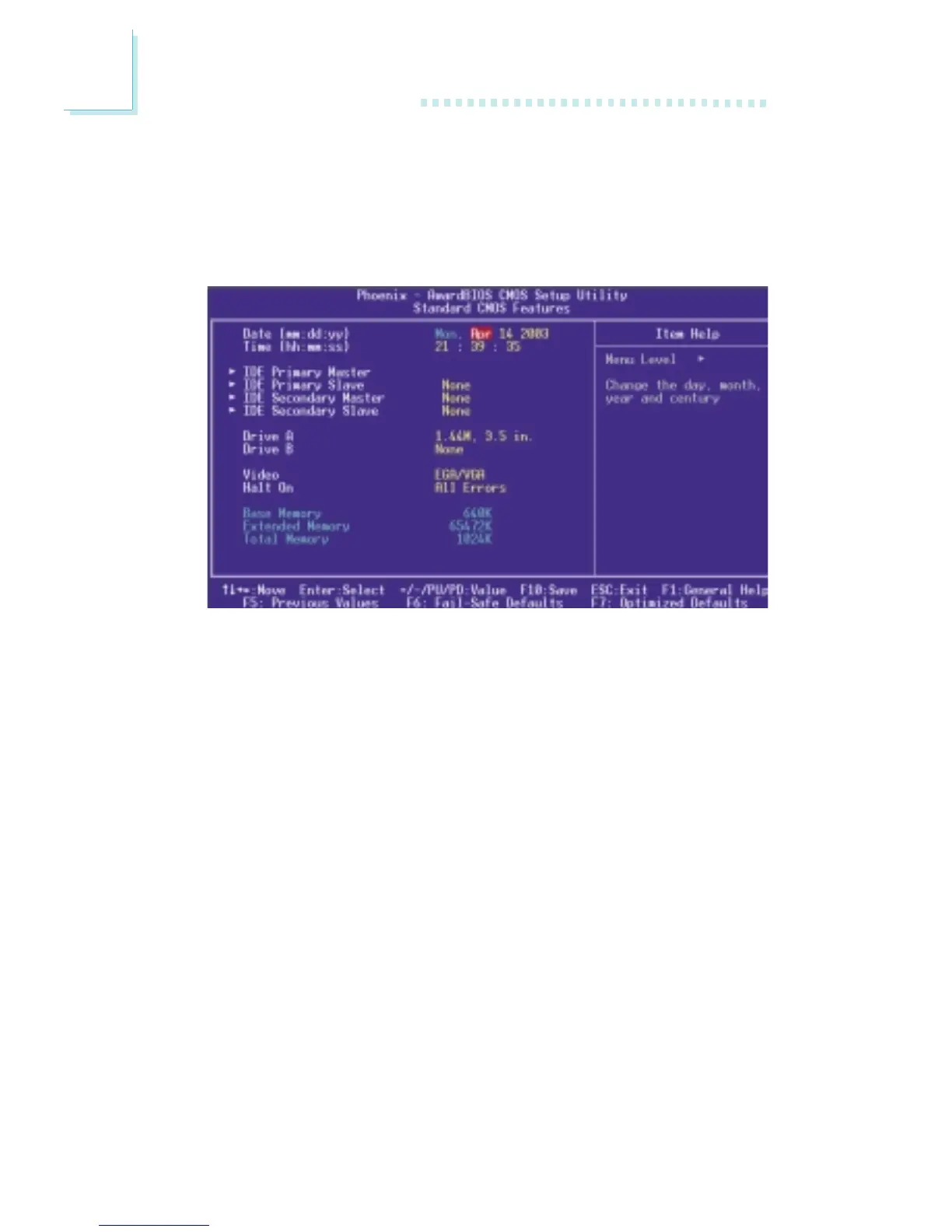
3.1.1.1 Date
The date format is <day>, <month>, <date>, <year>. Day displays
a day, from Sunday to Saturday. Month displays the month, from
January to December. Date displays the date, from 1 to 31. Year
displays the year, from 1994 to 2079.
3.1.1.2 Time
The time format is <hour>, <minute>, <second>. The time is based
on the 24-hour military-time clock. For example, 1 p.m. is 13:00:00.
Hour displays hours from 00 to 23. Minute displays minutes from
00 to 59. Second displays seconds from 00 to 59.
3.1.1 Standard CMOS Features
Use the arrow keys to highlight “Standard CMOS Features” and
press <Enter>. A screen similar to the one on the next page will
appear.



 To Next Page