93
3
Award BIOS Setup Utility
3.1.12 Save & Exit Setup
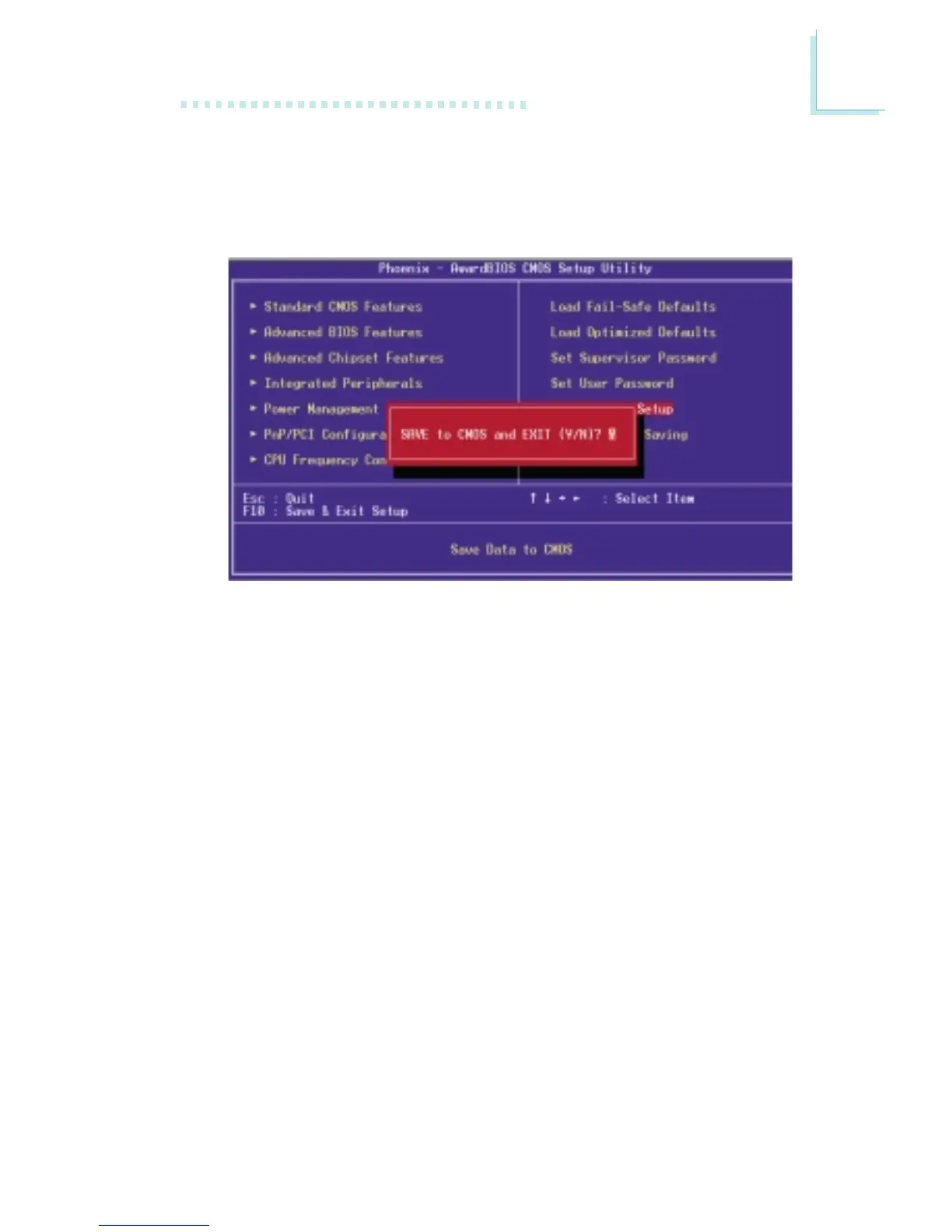
When all the changes have been made, highlight “Save & Exit Setup”
and press <Enter>.
Type “Y” and press <Enter>. The modifications you have made will
be written into the CMOS memory, and the system will reboot. You
will once again see the initial diagnostics on the screen. If you wish to
make additional changes to the setup, press <Ctrl> <Alt> <Esc>
simultaneously or <Del> after memory testing is done.



 To Next Page