78
3
Award BIOS Setup Utility
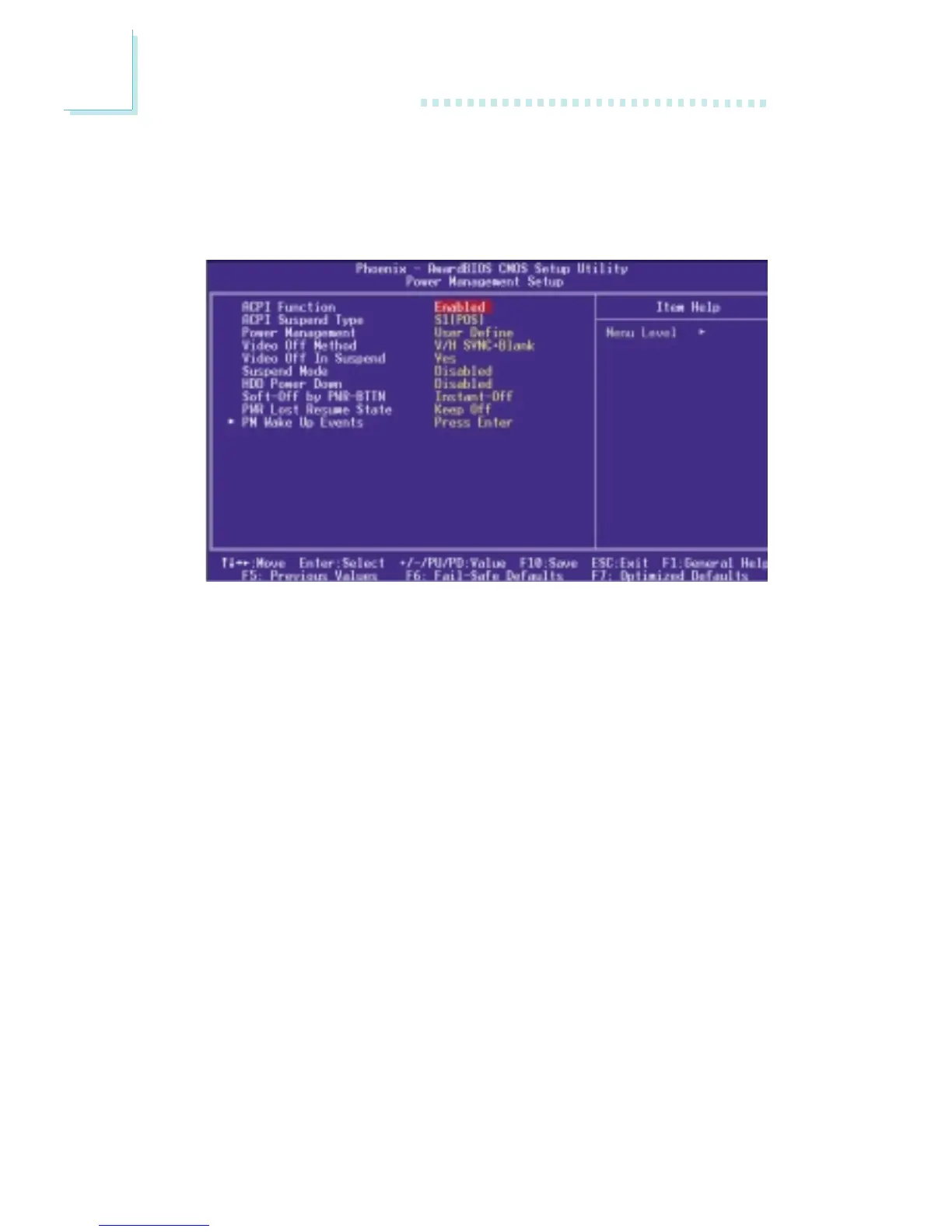
3.1.5 Power Management Setup
The Power Management Setup allows you to configure your system
to most effectively save energy.
The settings on the screen are for reference only. Your version may not be identical
to this one.
3.1.5.1 ACPI Function
This function should be enabled only in operating systems that
support ACPI. Currently, only Windows
®®
®®
®
98SE/2000/ME/XP
supports this function. When this field is enabled, the system will
ignore the settings in the “Suspend Mode” and “HDD Power Down”
fields. If you want to use the Suspend to RAM function, make sure
this field is enabled then select “S3(STR)” in the field below.
3.1.5.2 ACPI Suspend Type
This field is used to select the type of Suspend mode.
S1(POS) Enables the Power On Suspend function.
S3(STR) Enables the Suspend to RAM function.



 To Next Page