21
2
Hardware Installation
2.3 CPU
2.3.1 Overview
The system board is equipped with a surface mount 478-pin CPU
socket. This socket is exclusively designed for installing an Intel
processor.
2.3.2 Installing the CPU
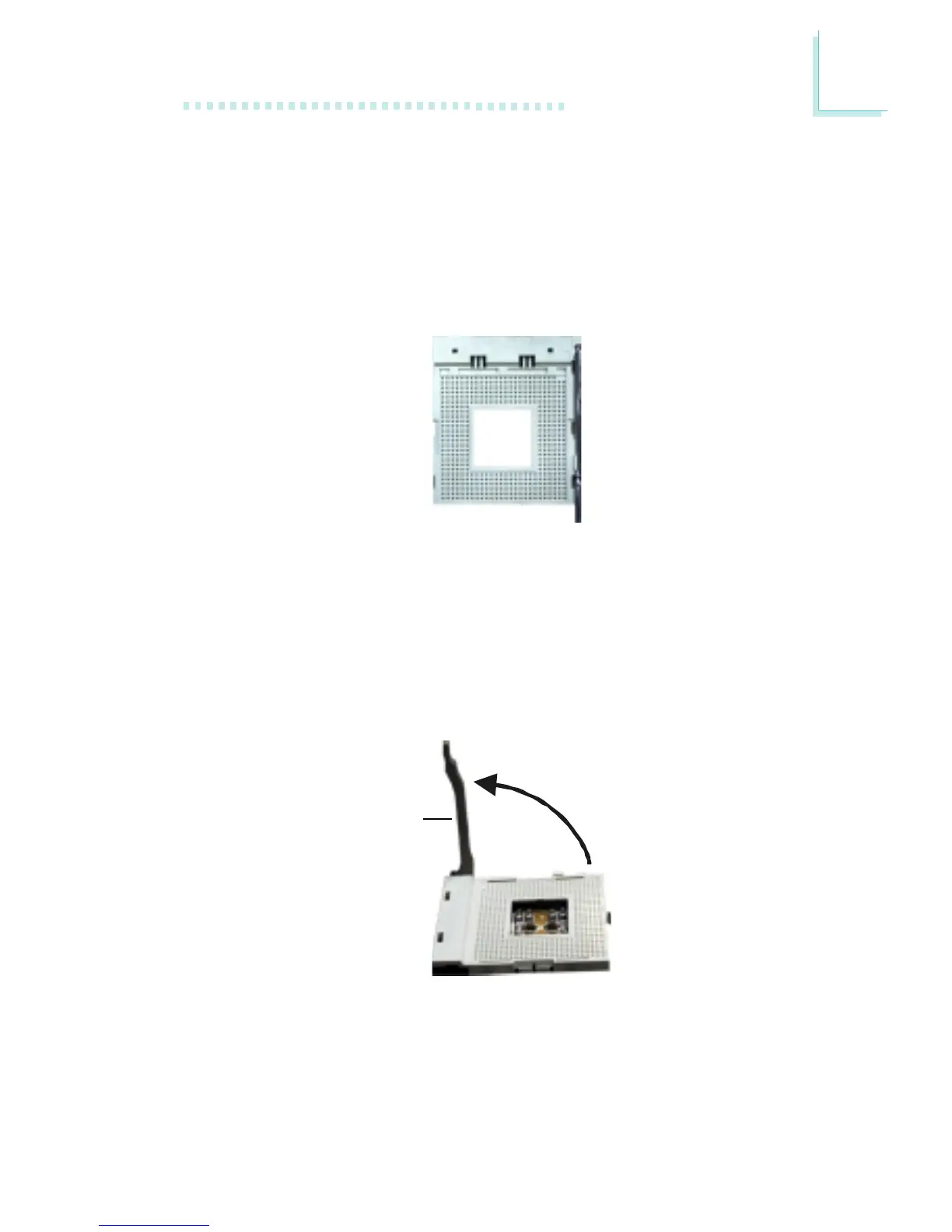
1. Locate Socket 478 on the system board.
2. Unlock the socket by pushing the lever sideways, away from the
socket, then lifting it up to a 90
o
angle. Make sure the socket is
lifted to at least this angle otherwise the CPU will not fit in properly.
Lever



 To Next Page