103
4
Supported Software
4.2.3 Audio Drivers
The audio drivers are supported in the following operating systems:
Windows
98, Windows
98 SE, Windows
ME, Windows NT
4.0,
Windows
2000 and Windows
XP.
To install the driver, please follow the steps below.
1. On the left side of the autorun screen, click the “AUDIO” icon.
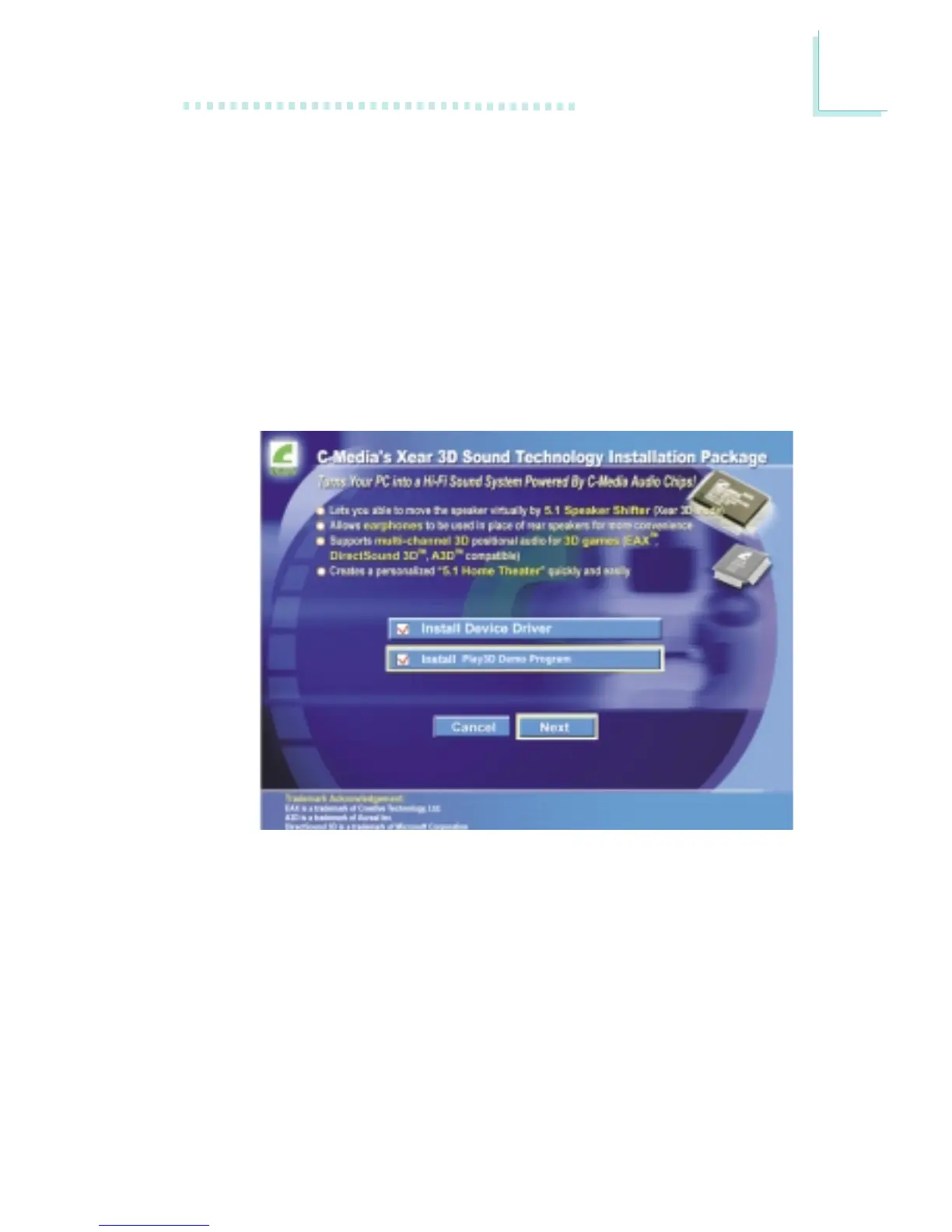
2. Click “Audio Drivers” on the main menu. The following screen will
appear. Click “Install Device Driver”.



 To Next Page