32
2
Hardware Installation
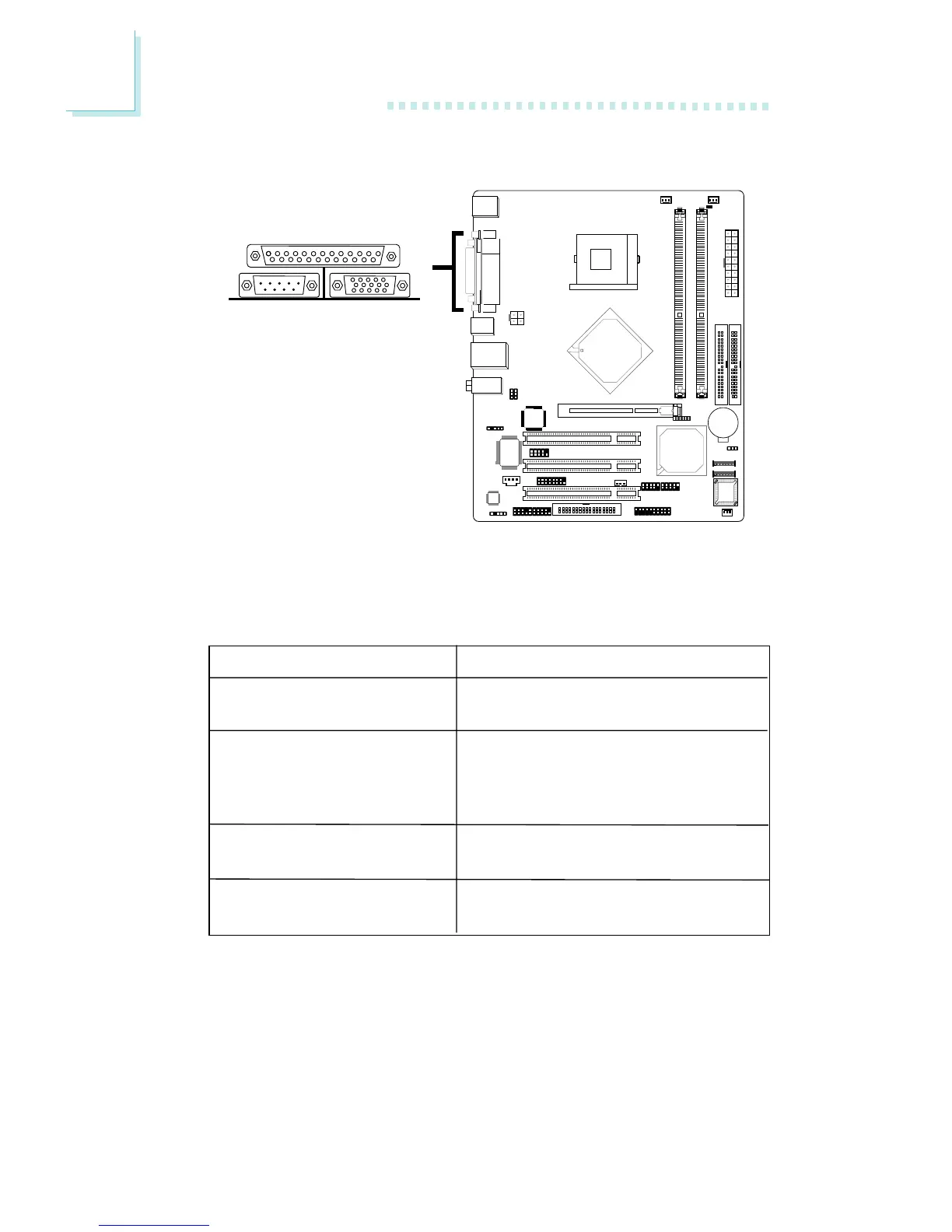
2.5.3 Parallel Port
The system board has a standard parallel port (Burgundy) at
location CN7 for interfacing your PC to a parallel printer. It supports
SPP, ECP, EPP and PntMode.
BIOS Setting
Select the parallel port’s mode in the Integrated Peripherals submenu
(“Super IO Device” field) of the BIOS. Refer to chapter 3 for more
information.
Parallel
Setting
SPP
(Standard Parallel Port)
ECP
(Extended Capabilities Port)
EPP
(Enhanced Parallel Port)
PntMode
Function
Allows normal speed operation but
in one direction only.
Allows parallel port to operate in
bidirectional mode and at a speed
faster than the SPP’s data transfer
rate.
Allows bidirectional parallel port op-
eration at maximum speed.
Allows parallel port to operate in
bipolar mode.
"



 To Next Page