106
4
Supported Software
Important:
If you are using Windows
®®
®®
®
XP, you must install the Windows
Service Pack 1 USB 2.0 driver which comes available after you
have installed the operating system.
3. Follow the installation instructions shown on the screen.
4. Reboot the system for the driver to take effect.
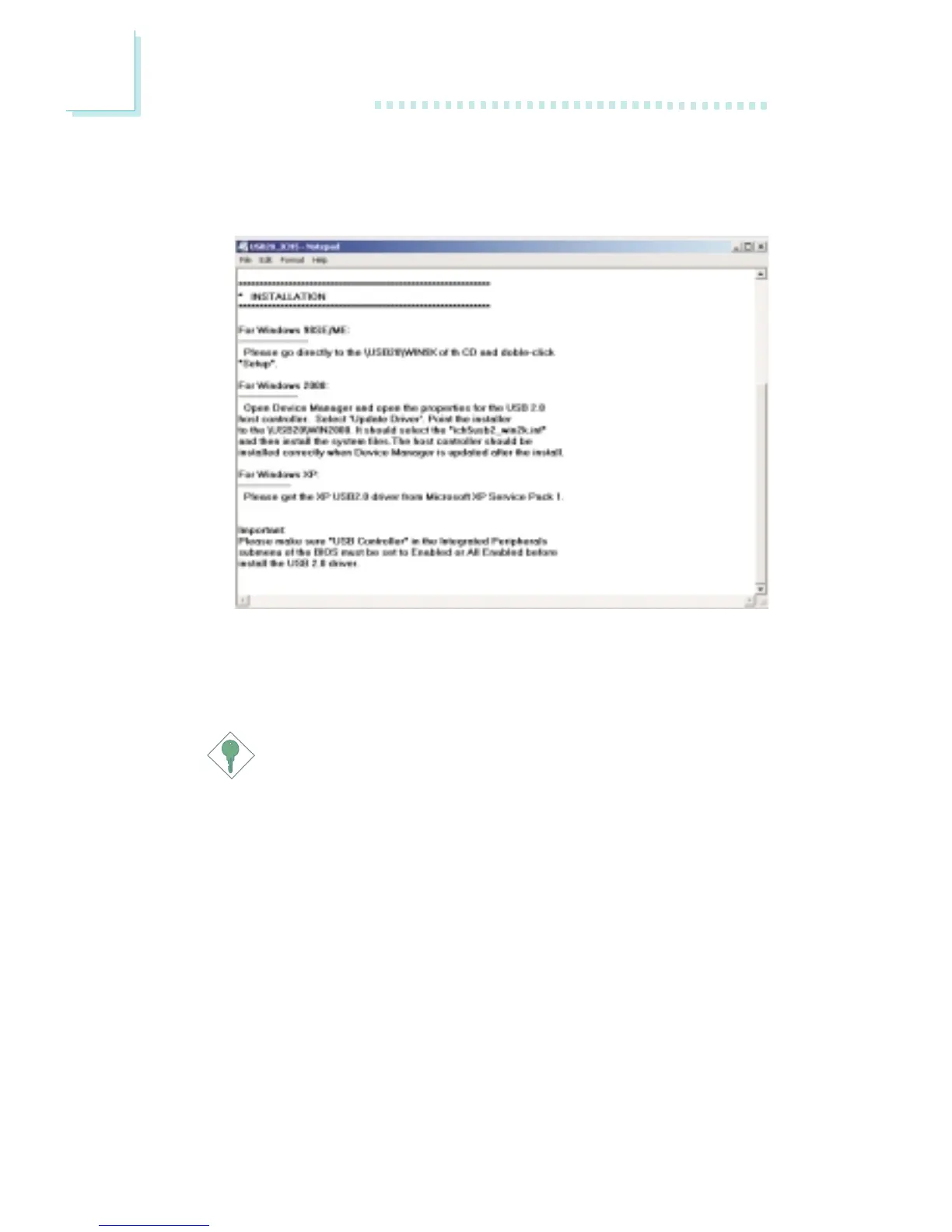
Windows
2000 does not support auto-installation of the USB
2.0 driver. When you click “Intel USB 2.0 Drivers”, the “readme”
screen will appear.



 To Next Page